Creating Animated SVG Effects on Your GitHub Profile
As we all know, if you create a repository on GitHub with the same name as your username, the README.md file in that repository will be displayed on your GitHub profile page.
For details, please click here.
However, I happened to notice a cool animated greeting effect on the GitHub profile of a user named MayanDev.
See the following animated GIF below.
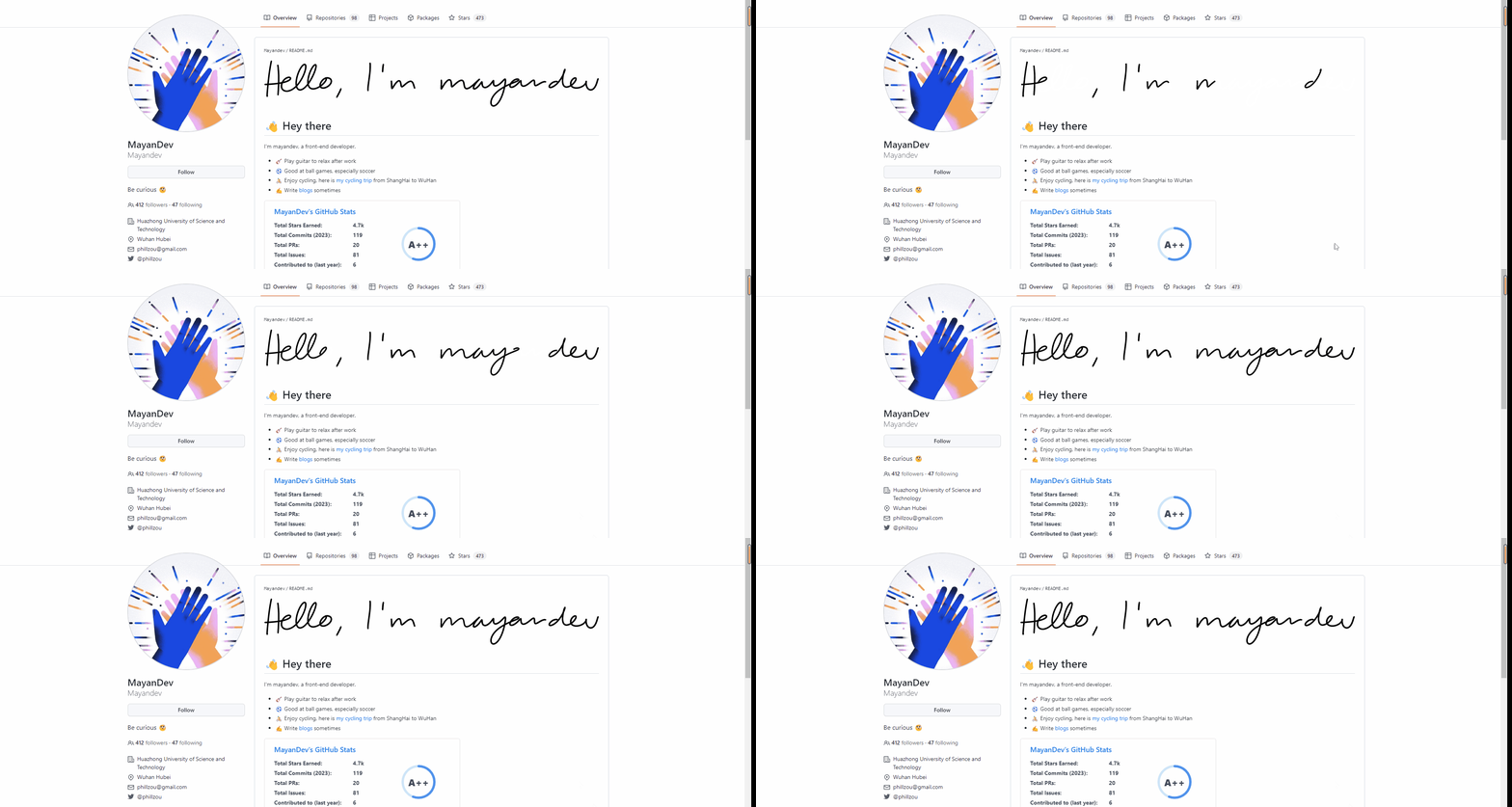
Very cool! Clicking on the animated greeting effect takes you to a website specifically designed to generate handwritten text.
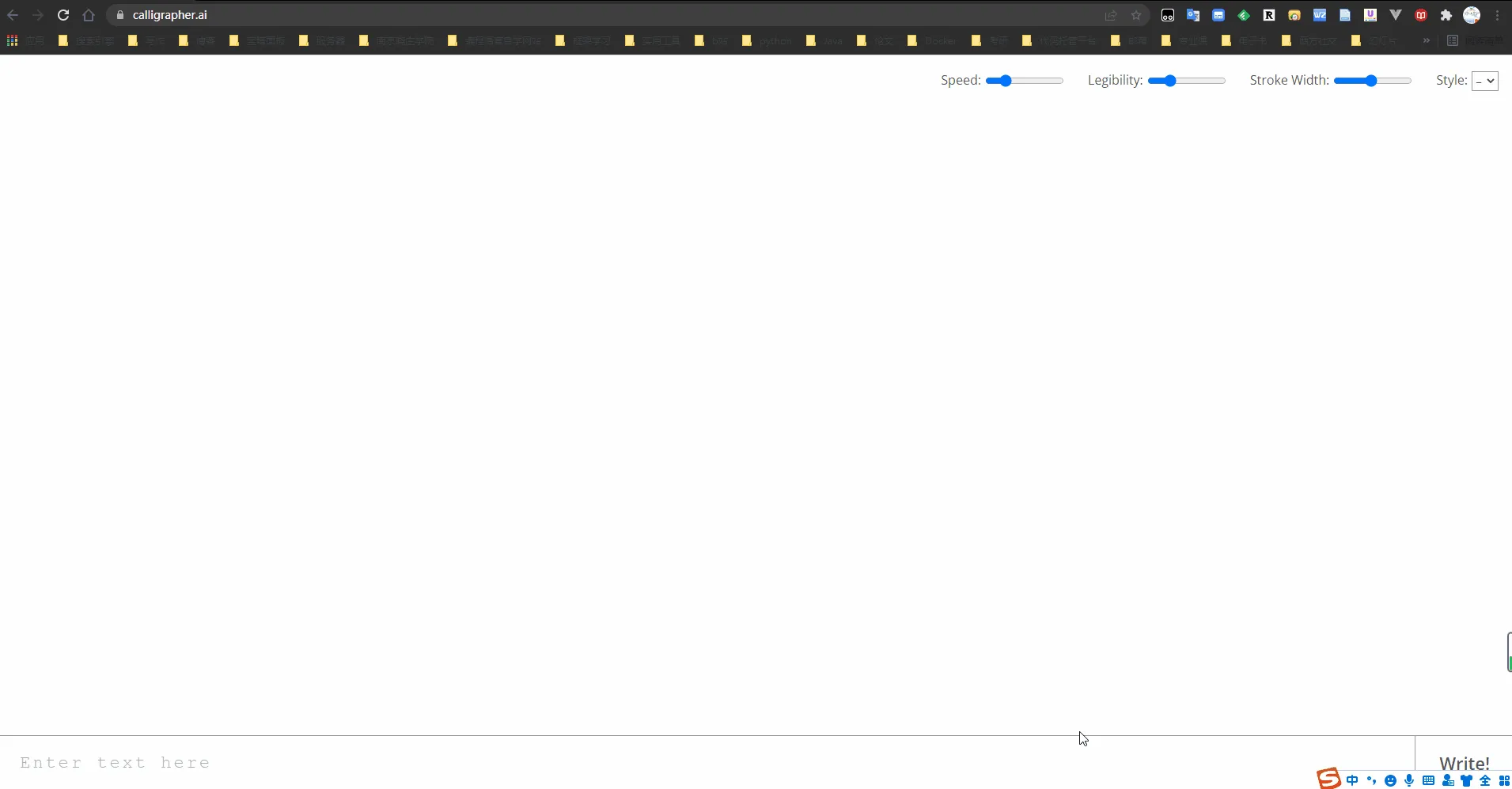
You can click the download icon in the top left corner to download the handwritten text you just created.
The downloaded file has an svg extension.
What is an SVG file?
Scalable Vector Graphics (SVG) is an XML-based vector image format for describing two-dimensional graphics. SVG is developed by W3C and is an open standard.
When you double-click the downloaded SVG file and open it in a browser, you’ll find it doesn’t have the dynamic effect seen on the original website.
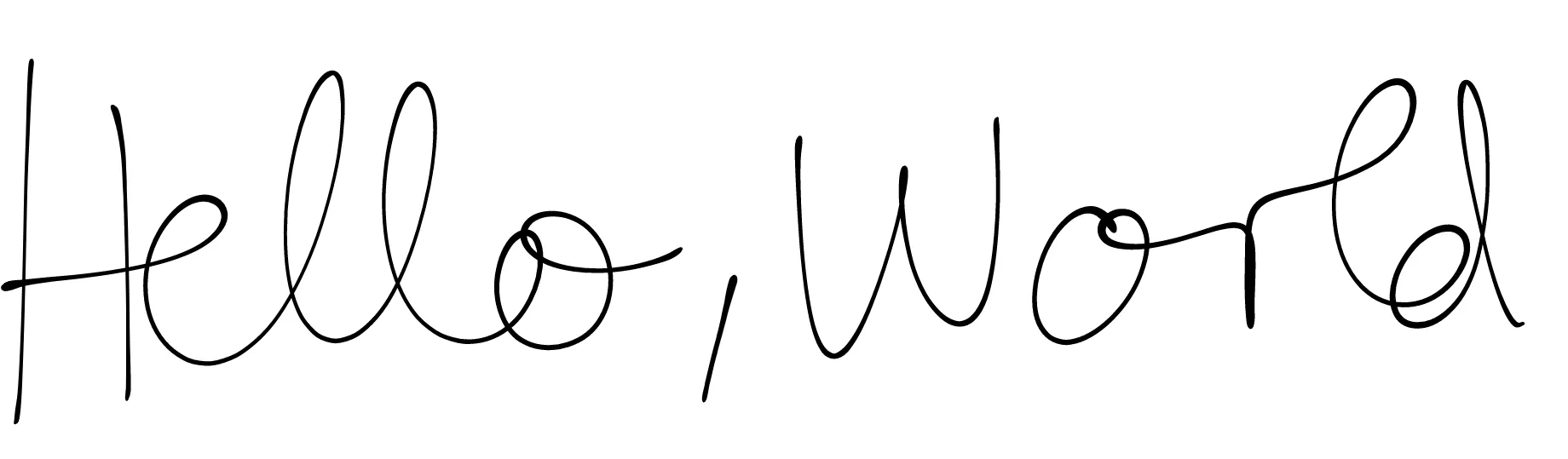
How to make an SVG file animated?
Regarding this question, I specifically reached out to MayanDev.
Here’s my email exchange with him. click here
Summary:
- Open the downloaded SVG file with a code editor.
- Clean up the format (remove unnecessary content).
- Add a CSS code snippet at the beginning.
- Display the SVG file using Markdown hyperlink syntax.
See the difference between the SVG file before and after editing with a code editor via the following link.
Document Info
License: Free to share - Non-commercial - No derivatives - Attribution required (CC BY-NC-ND 4.0)