My GitHub Student Developer Pack Application Journey
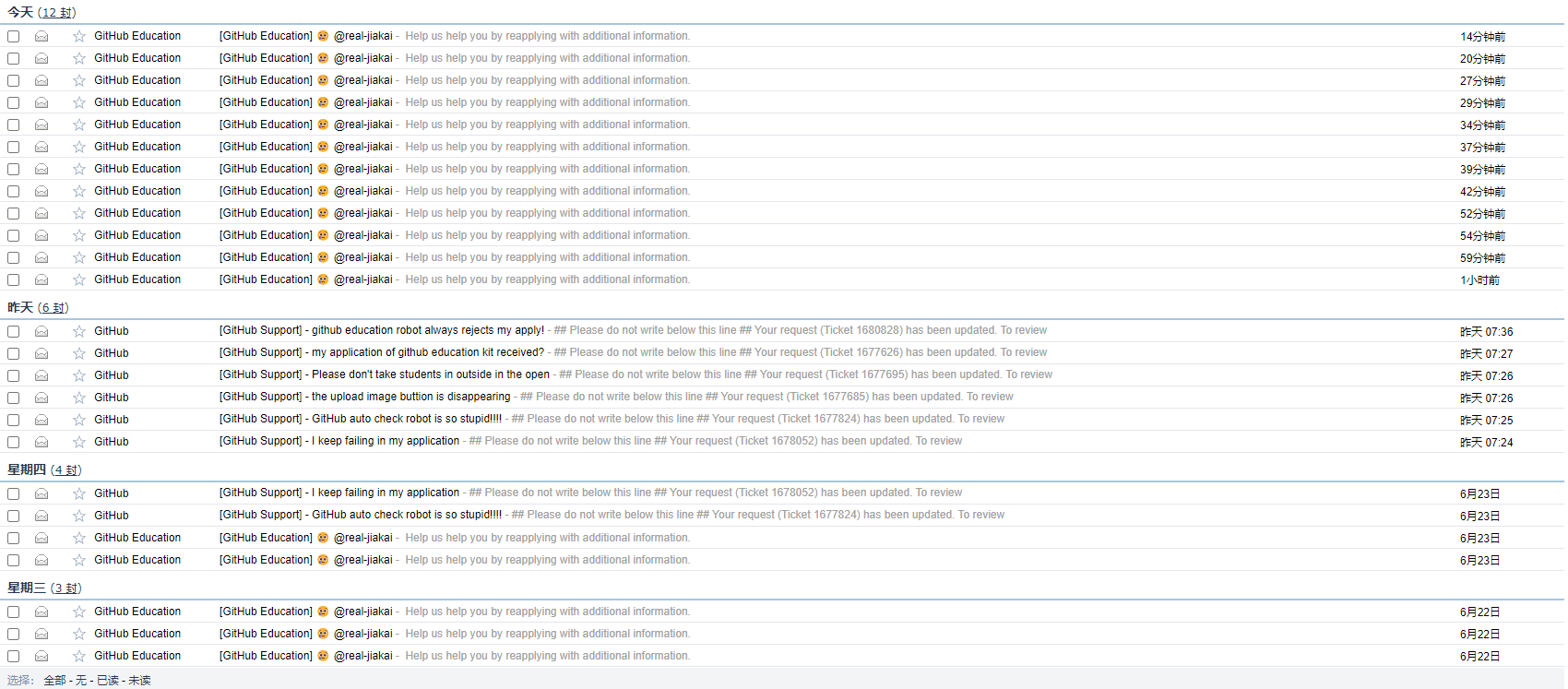
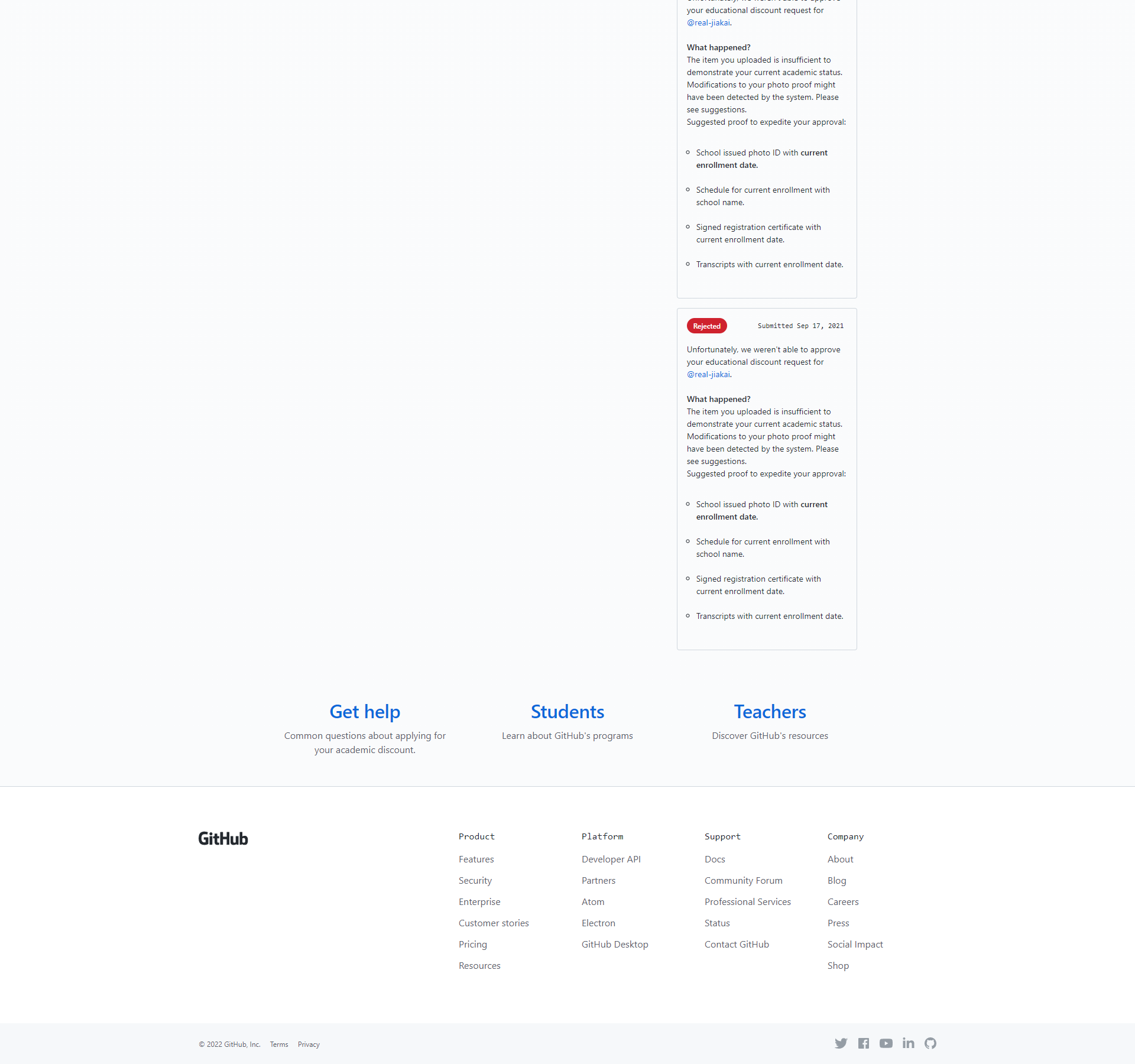
The first time I heard about the GitHub Student Developer Pack was in my junior year (September 2021). I enthusiastically went to apply for it. But rejection after rejection left me disheartened, and eventually I gave up on the application.
| Period | Failed Attempts |
|---|---|
| 2022.06 | 40 |
| 2021.10 | 7 |
| 2021.09 | 2 |
A few days ago, GitHub officially announced the launch of GitHub Copilot, an AI programming tool, priced at $100/year. For students, this is an unaffordable expense.
The official team considered this and announced that GitHub Copilot would be free for students and maintainers of popular open-source projects on GitHub. So I embarked on my GitHub Student Developer Pack application journey once again.
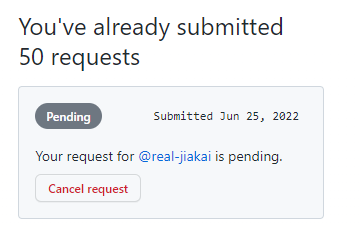
My 50th Successful Application Approach
- Educational email
- How do you plan to use GitHub?
I am a junior student from China, and I used Github to share my code with my classmates and friends since I entered university.
- CHSI (China Higher Education Student Information) - Online Verification Report - Higher Education Student Status - Apply - Use Chrome browser’s translation feature to translate the page to English
- Use Safari browser on a tablet (like iPad) to log into the GitHub Education page. In the final step, take a photo and upload the English-translated “Ministry of Education Student Status Online Verification Report” displayed on Chrome browser on your computer
- Select the first option for type: Dated School ID
Pitfalls
Many students have encountered this situation where there’s no “upload images” button next to the photo capture step.
This is a GitHub bug. For those who want to upload an image instead of taking a photo and encounter this issue, you can click cancel, go back to the previous step, then click to fill in the information again and proceed to the next step. Repeat this process until the “upload images” button appears.
Suggestions
- Search “GitHub Student Pack” on Bilibili and watch videos to prepare
- Search for articles about GitHub Student Pack applications on Zhihu
- Use search engines to find personal blogs and learn from others’ successful experiences
- If nothing works, you can submit a GitHub Education ticket and wait patiently for a reply (after submitting, GitHub’s automated system might close the ticket automatically - you’ll need to reopen it); or go directly to GitHub Community to start a Discussion. I recommend starting a Discussion with the GitHub Education category for the fastest response. Submitting a ticket can take a long time.
Epilogue
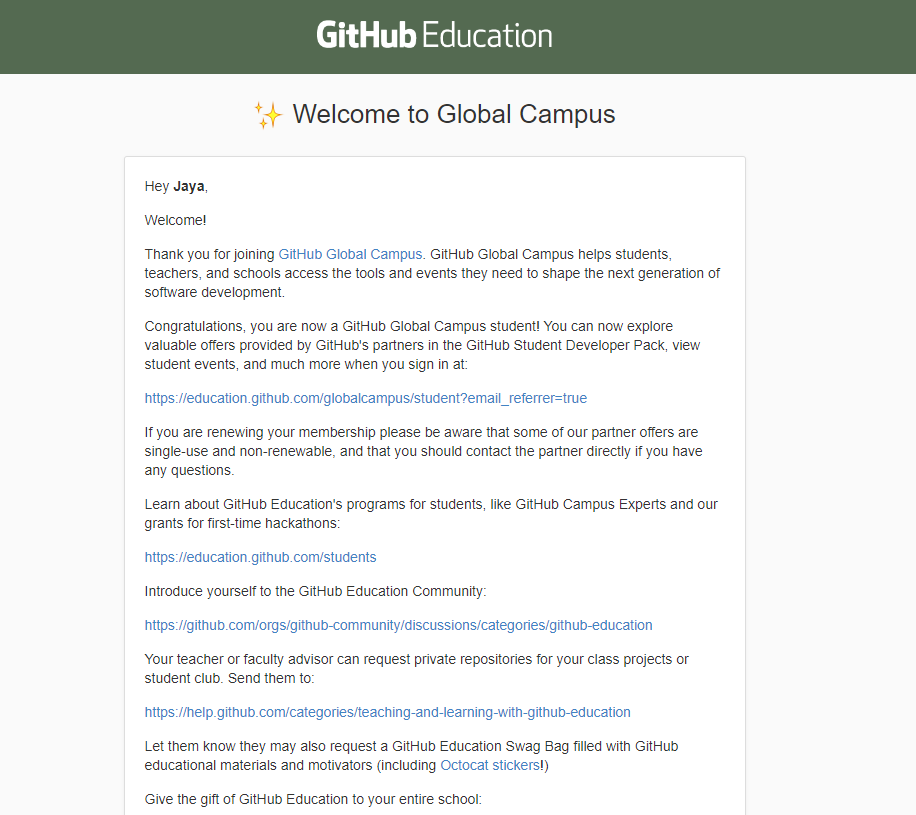
The repeated tearful rejections had my heart on the edge of despair and breakdown. But hard work pays off - on the 50th attempt, there was no instant rejection. I believed I would receive the good news of successful verification within 7 days!
Microsoft Azure, Terminus, JetBrains, domains… The discounts these well-known companies offer to students are truly amazing!!!!!

References
What to do if GitHub student verification keeps getting rejected?
Document Info
- License: Free to share - Non-commercial - No derivatives - Attribution required (CC BY-NC-ND 4.0)