Ways to Subscribe to Instagram via RSS
Update (2024.10)
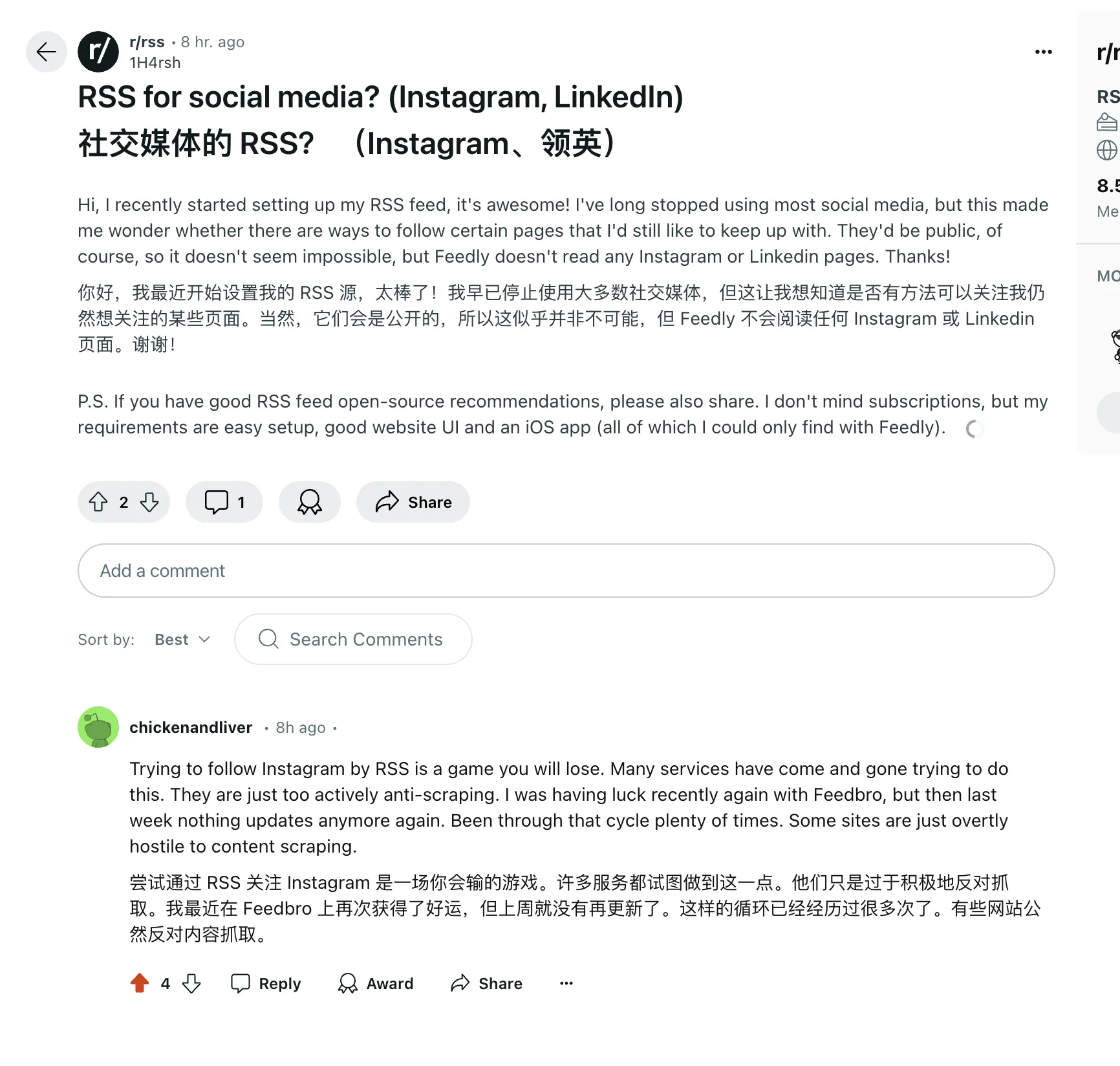
Tonight I saw this post in the Reddit RSS subreddit, and the comments from overseas users make a lot of sense. Trying to follow Instagram via RSS is a game you’ll lose. Currently I basically don’t use RSS to follow Instagram anymore, and some Instagram posts require residential IPs to unlock background music.
Update (2024.02)
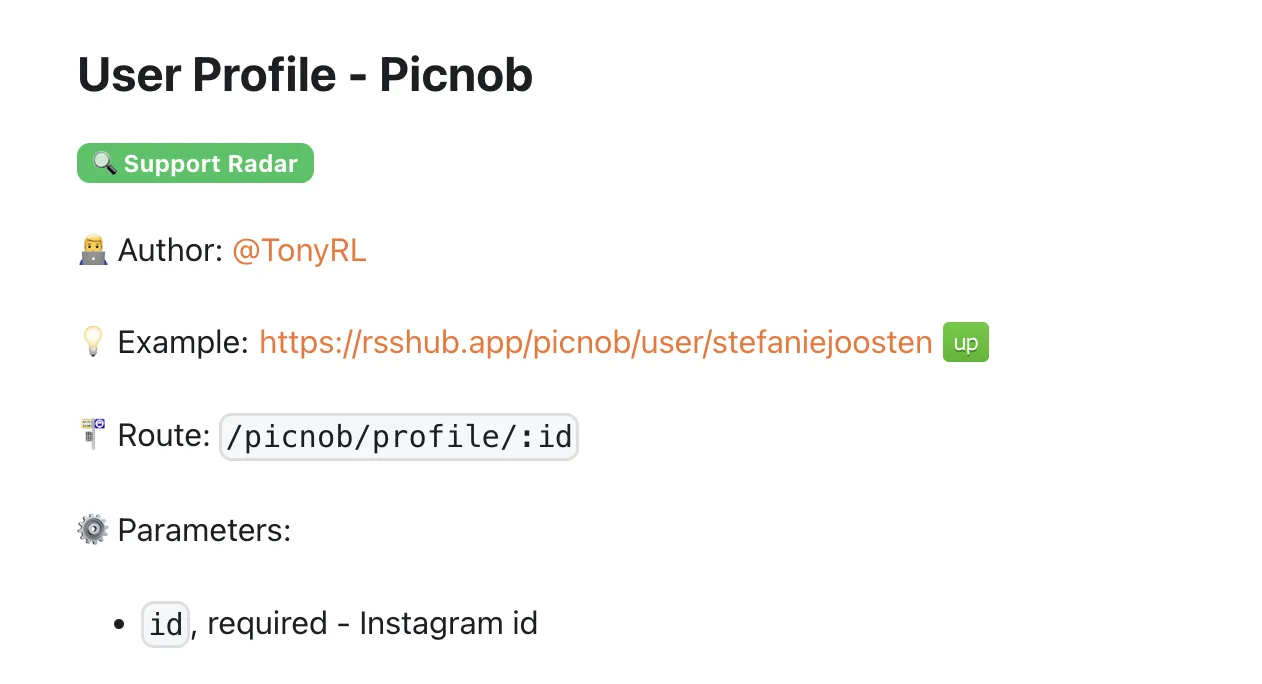
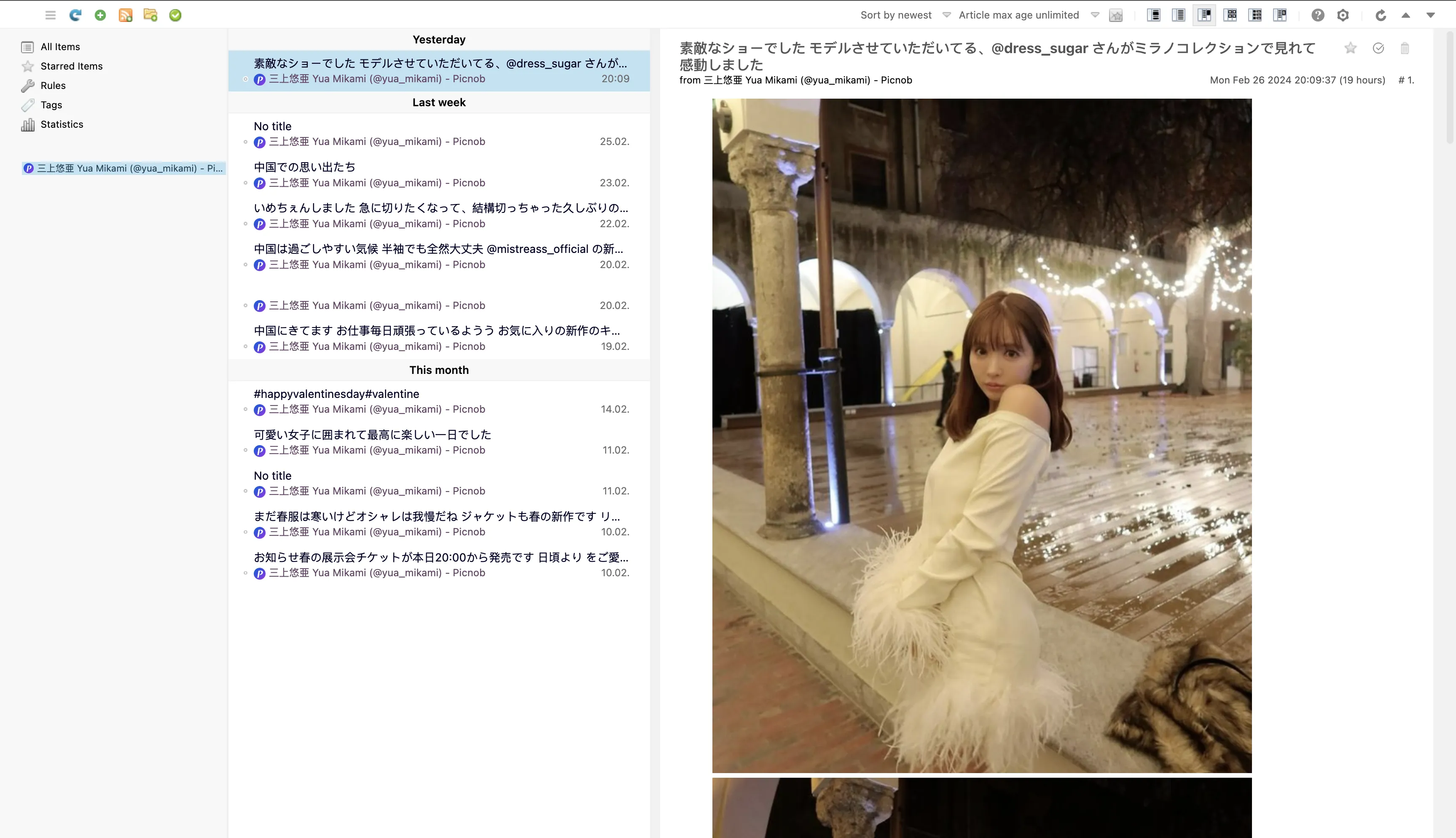
RSSHub provides Picnob route that also supports Instagram. via
Update (2023.12)
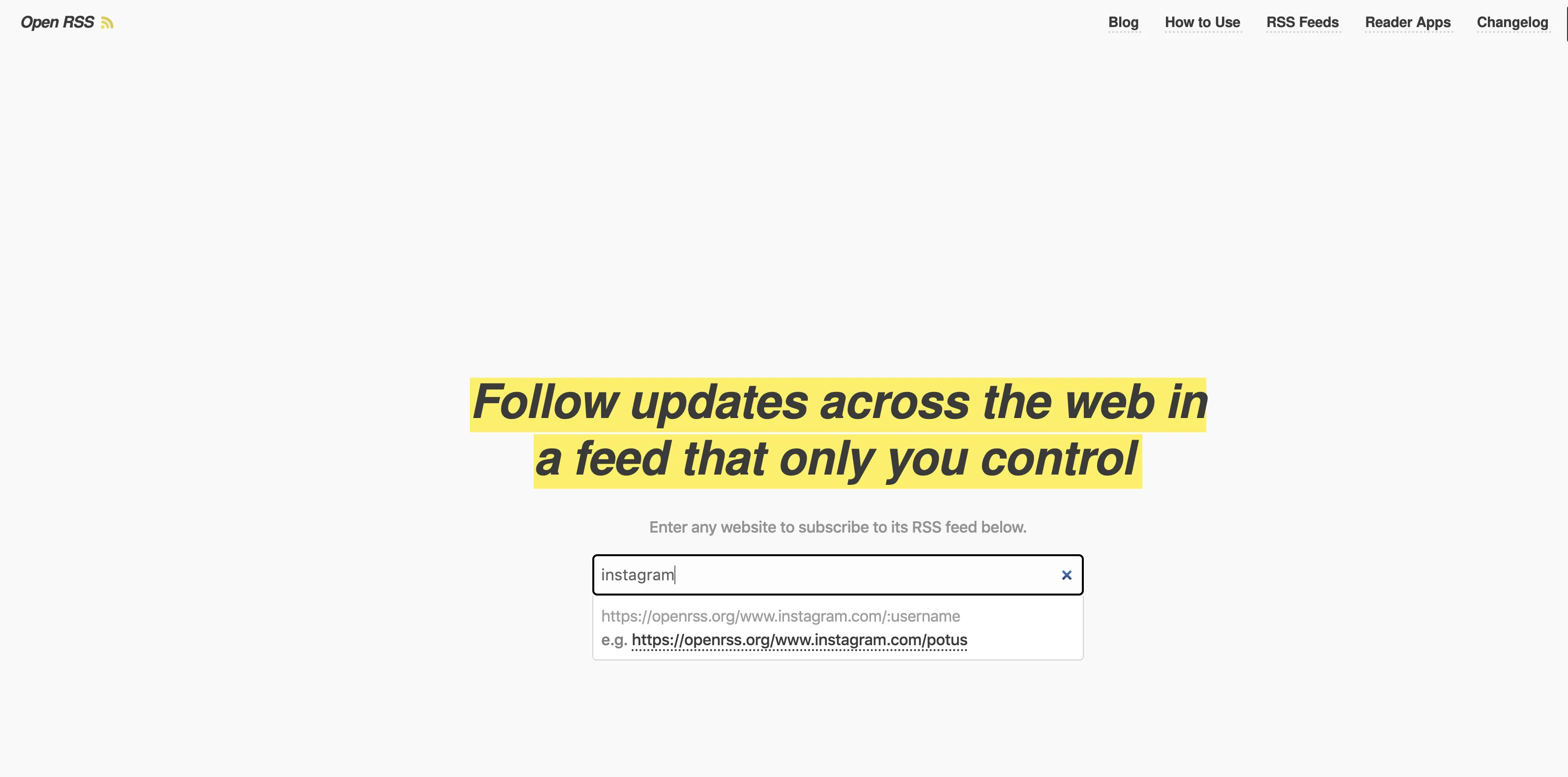
On December 7, 2023, I found openrss.org also provides Instagram RSS subscription.
Update (2023.10)
On October 13, 2023, I discovered the Proxigram project, which can achieve Instagram to RSS. See my blog post—Self-hosting Proxigram with Docker
On October 22, 2023, I found that besides Picuki bridge in RSS-Bridge for Instagram RSS, there’s also an Imgsed bridge that can provide Instagram RSS subscription.
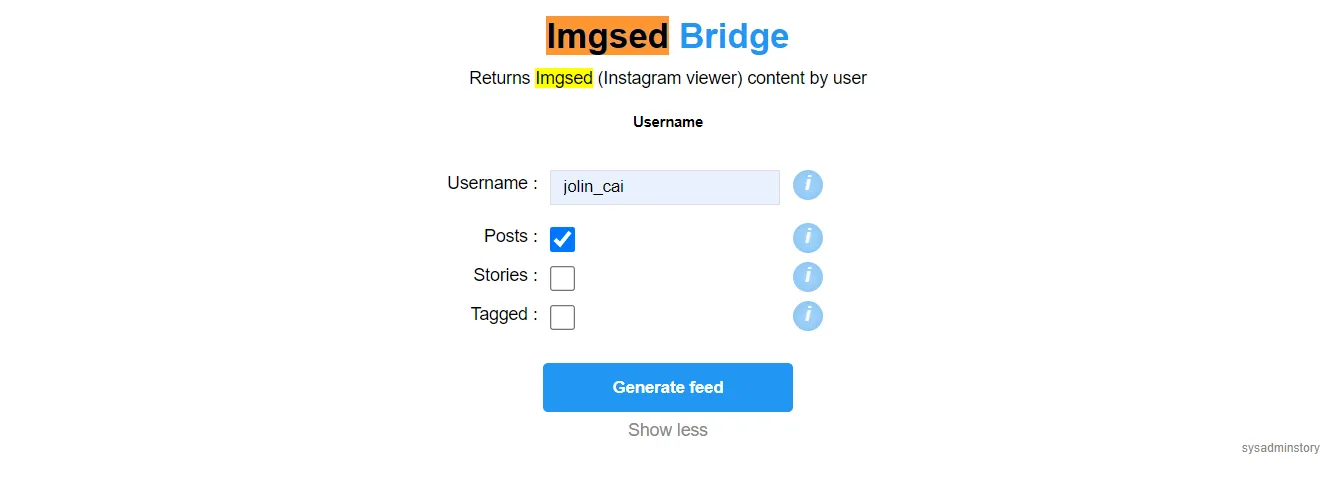
In RSS TG groups, you can often see users asking how to subscribe to Instagram, so today I’m writing an article introducing the Instagram subscription methods I know of.
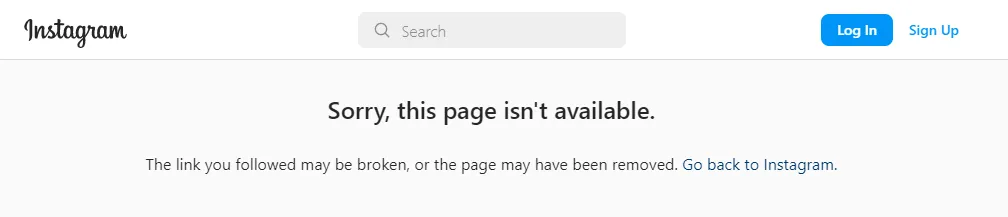
Instagram homepages aren’t public. If using RSSHub + configuring your account password to let RSSHub get celebrity Instagram updates, after a while, Instagram will verify your identity due to RSSHub’s frequent crawling and force you to change your password. This is very inconvenient.
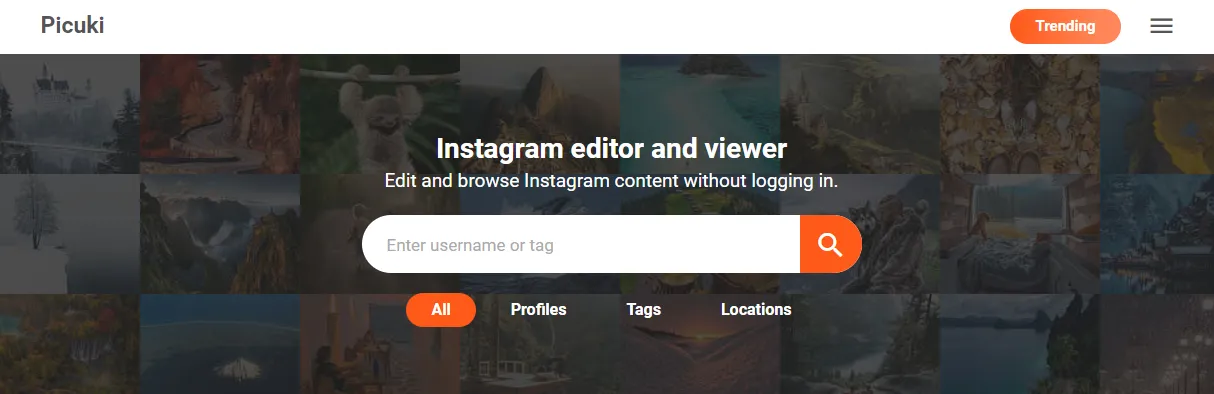
Additionally, RSSHub provides another method: RSSHub + Picuki. You can think of Picuki as a program for anonymously viewing celebrity Instagram updates.
After entering a celebrity’s username in the input box, you can view their Instagram posts.
This method (RSSHub + Picuki) I used for a while after my Instagram account became abnormal and was required to verify identity and forced to change password.
But it didn’t last long before it errored.
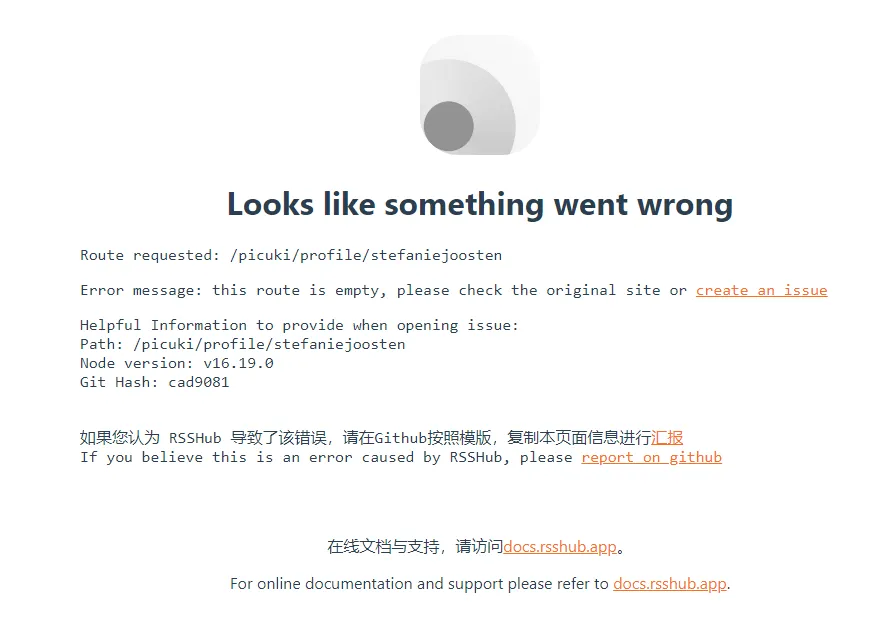
Therefore, using RSSHub to subscribe to Instagram is currently (as of 2023.01.18) not feasible.
Below I share currently known working Instagram subscription methods.
1. RSS Bridge Picuki Subscription (Recommendation: ☆☆☆☆☆)
Glancing at the RSS Bridge GitHub repository README, you won’t see Instagram mentioned, but the Bridges include Picuki, so you can use it to subscribe to Instagram. Note that using Picuki on official public instances will return 403 errors—easy to deduce that due to too many users, the instance has been blocked by Picuki.
So you must self-host RSS Bridge. After self-hosting, using Picuki Bridge successfully subscribes to Instagram.
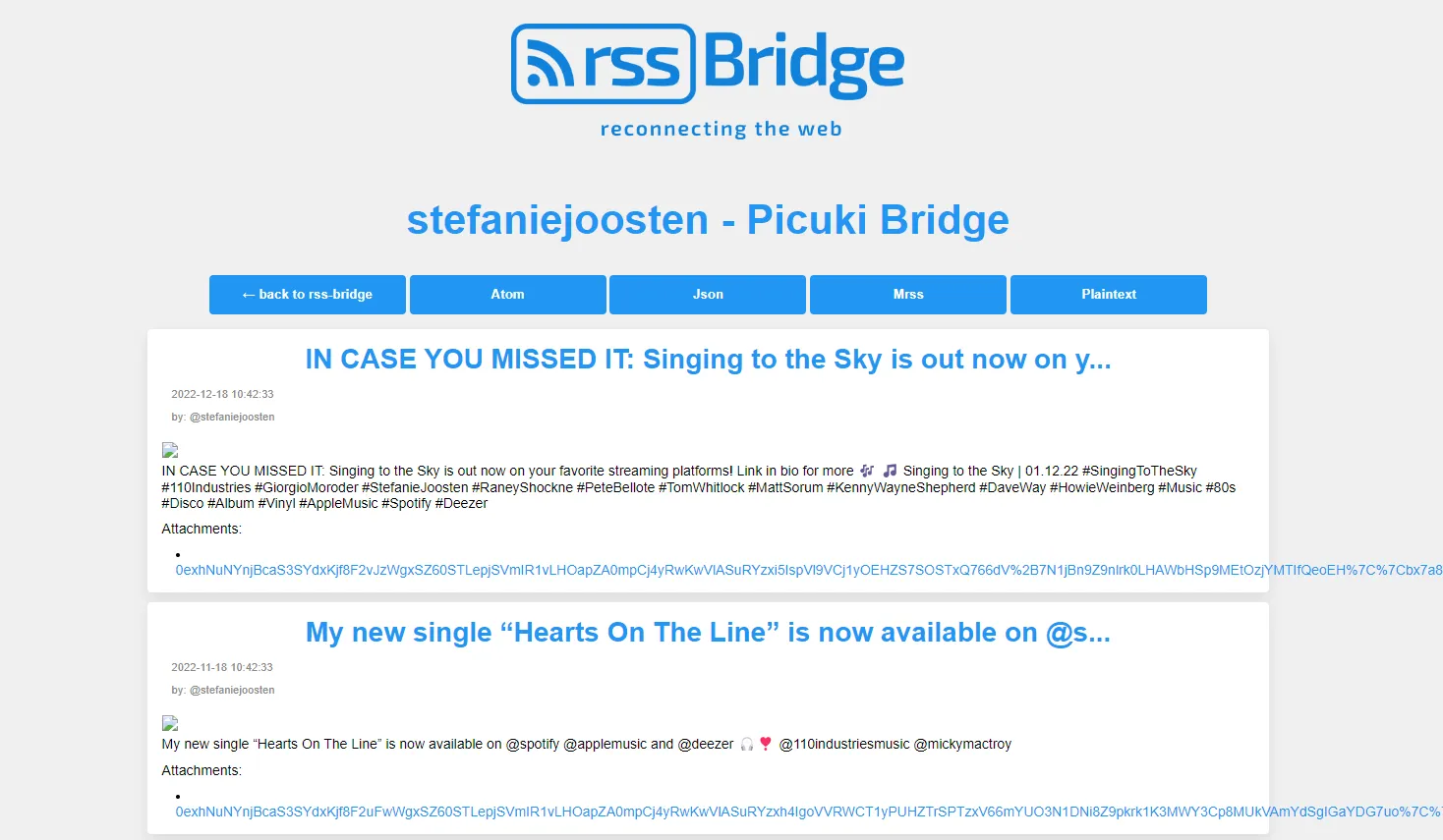
2. Feedbro Extension (Recommendation: ☆☆☆)
In Feedbro, enter a celebrity’s Instagram URL, click load, and Feedbro will automatically recognize the Instagram account.
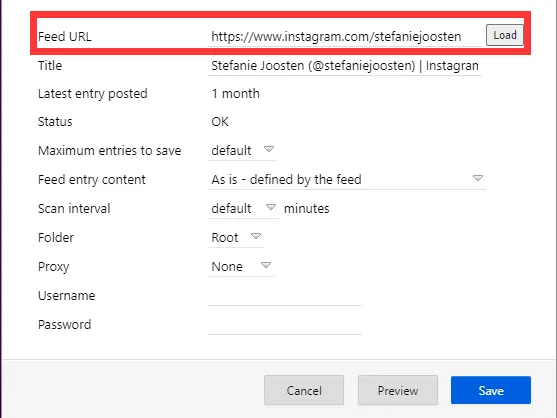
Then you can enjoy celebrity Instagram updates.
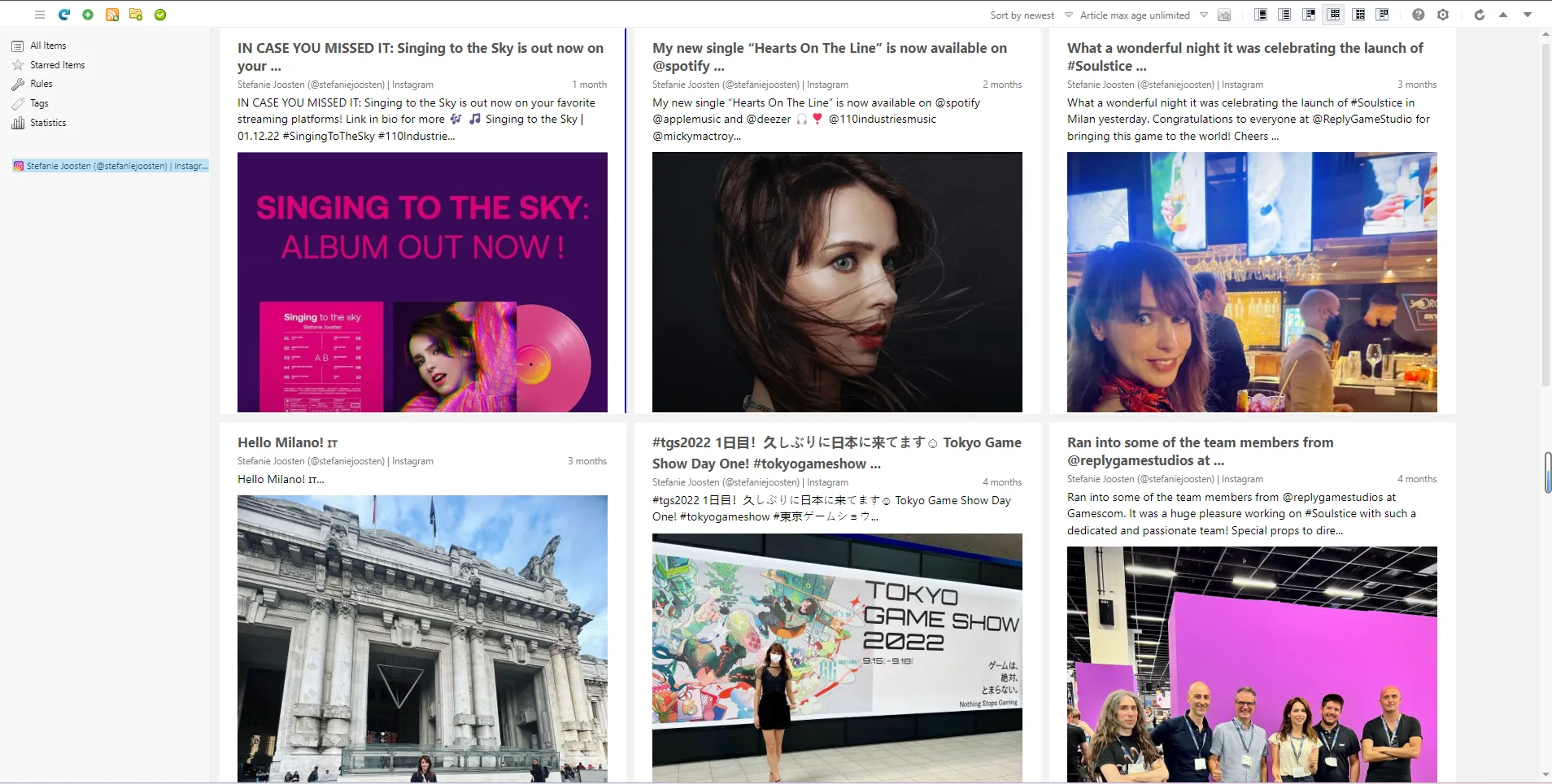
Why is Feedbro’s recommendation two stars less?
First, I won’t use Feedbro as my RSS reader because Feedbro has no mobile app. I prefer viewing celebrity updates on mobile; desktop is suited for reading long articles.
Second, while using Feedbro to subscribe to celebrity updates, my personal Instagram also experienced identity verification and forced password change. I don’t know why my Instagram had this phenomenon again. But I saw this description in Feedbro’s help page.

Q: Why does Instagram integration no longer work?
A: If you regularly browse multiple Instagram accounts without logging in, Instagram can temporarily ban your IP. In most cases, logging into Instagram should prevent blocking.
My guess is Feedbro’s Instagram integration is based on you already being logged into your Instagram account. On this basis, the program periodically visits the celebrity Instagram pages you subscribed to (using your account).
To verify my guess, I logged out of my personal Instagram account, then tried using Feedbro to subscribe to celebrity Instagram—it errored.
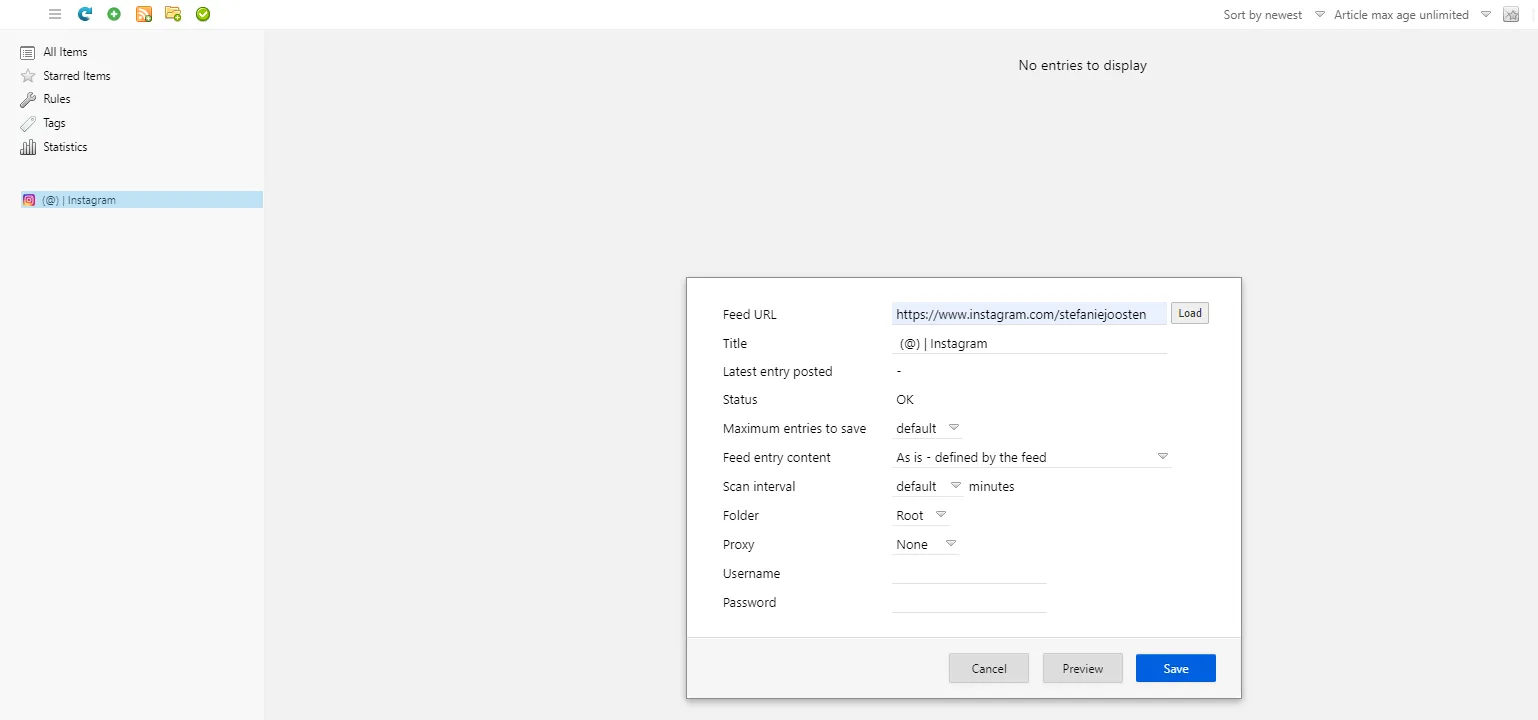
If you don’t mind Instagram’s forced identity verification and password changes, you can choose this method.
RSSHub + Instagram and Feedbro + Instagram work on the same principle—using your Instagram account to periodically visit celebrity Instagram and present results to you.
3. Telegram Aximobot (Recommendation: ☆☆)
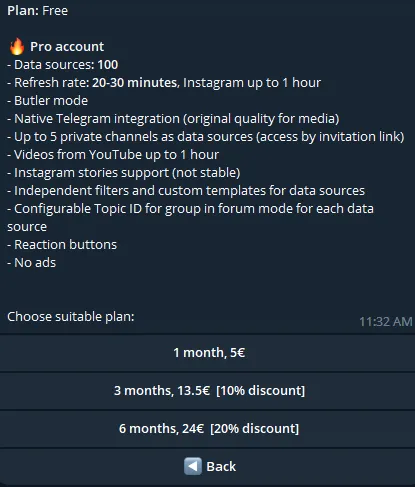
This bot can subscribe to celebrity Instagram updates, but the pro pricing directly scared me off (€24 for half a year, €48 for a full year, nearly ¥350 RMB—digital minimalists pursue not spending money if possible). Also, the bot description says Instagram functionality is unstable.
All the above prompted me to give 2 stars.
If you don’t have high requirements for Instagram updates and follow few celebrities, you can try the free version. Free supports 10 sources, with Instagram source refresh rate of 4~6 hours.
4. Telegram The Feed Reader Bot (Recommendation: ☆☆)
Similar to the previous Telegram bot, but this bot provides Instagram subscription through the RSS Bridge instance self-hosted by the bot developer using Picuki.
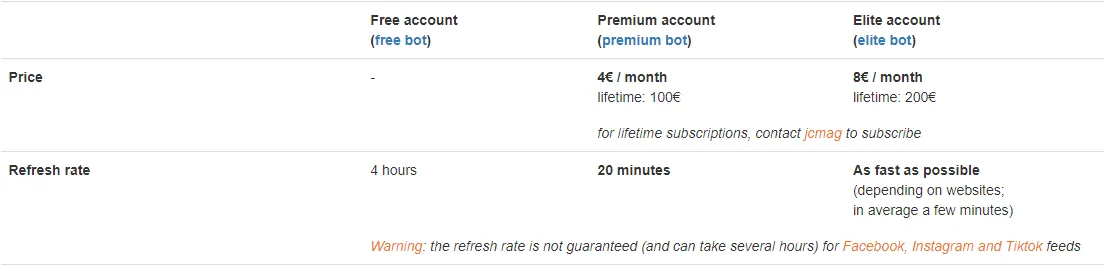
Note: If you plan to use Telegram as your reader, both bots above are worth trying. Paid plans can create RSS for websites that don’t support RSS. Taking The Feed Reader Bot as example, you can use xpath or screenshot to track updates from websites without RSS support.
After trying many RSS Bots in Telegram, the above two bots feel like the most feature-rich. The richness mentioned here includes paid plans—the free versions of both bots don’t support generating RSS for websites without RSS.
5. Others
Of course, there are some other similar products like rssbox, but none are as good as self-hosted RSSBridge + Picuki. So if you want to use RSS to track celebrity Instagram updates, I personally recommend self-hosting RSSBridge. Other methods are not recommended.
Actually, there was previously a service with similar effects to RSSBridge + Picuki for subscribing to celebrity Instagram updates. Though I never experienced it, this service was called Bibliogram, which is no longer maintained or supported.
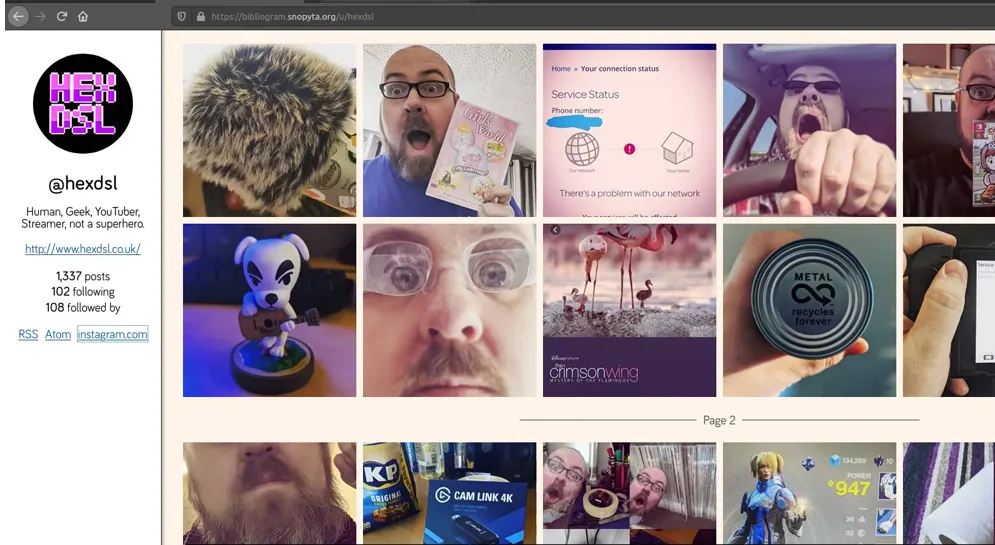
Image source: Open source front-ends for YouTube, Instagram and Twitter
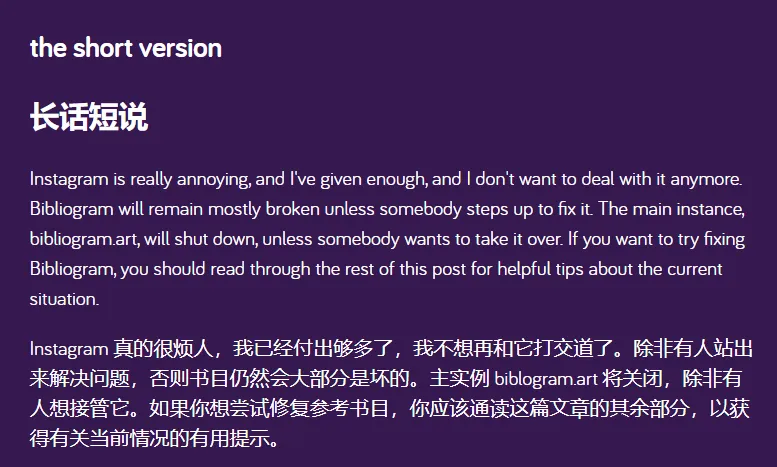
Bibliogram’s author published Discontinuing Bibliogram announcement in September last year. From the announcement, you can see the author’s exhaustion maintaining Bibliogram.
Instagram’s closed nature does provide some protection for celebrities. RSS’s hiddenness is hard to describe. If just following updates, no worries; but imagine a voyeur in the dark, looking at your photos, then possibly using your photos for unknown purposes—that’s a bit unethical.
Instagram’s closed nature makes RSS crawling difficult, but fortunately not completely killed off. I don’t know if my sharing is wrong. If officials saw my sharing and killed all channels, would I become RSS’s sinner? These questions have been echoing in my mind, prompting me to think. But since you can see this article, I still chose to share.
I believe since celebrities are willing to share their updates or photos, they hope their fans can watch and gain more attention. So no need to overthink—just focus on sharing what you find valuable.
Afterword
In summary, using RSSBridge + Picuki to follow celebrities on Instagram is what I most recommend.
If someday this method also fails, then abandon this entertainment-oriented information and stay away from Instagram’s closed ecosystem.
Document Info
- License: Free to share - Non-commercial - No derivatives - Attribution required (CC BY-NC-ND 4.0)