Feed43's Successor—RSSEverything RSS Feed Creation Tutorial
Background
I hadn’t opened Inoreader for several days. Taking advantage of it being Friday, I browsed through my feeds and discovered this post in the RSS subreddit on Reddit. Feed43’s website went down.
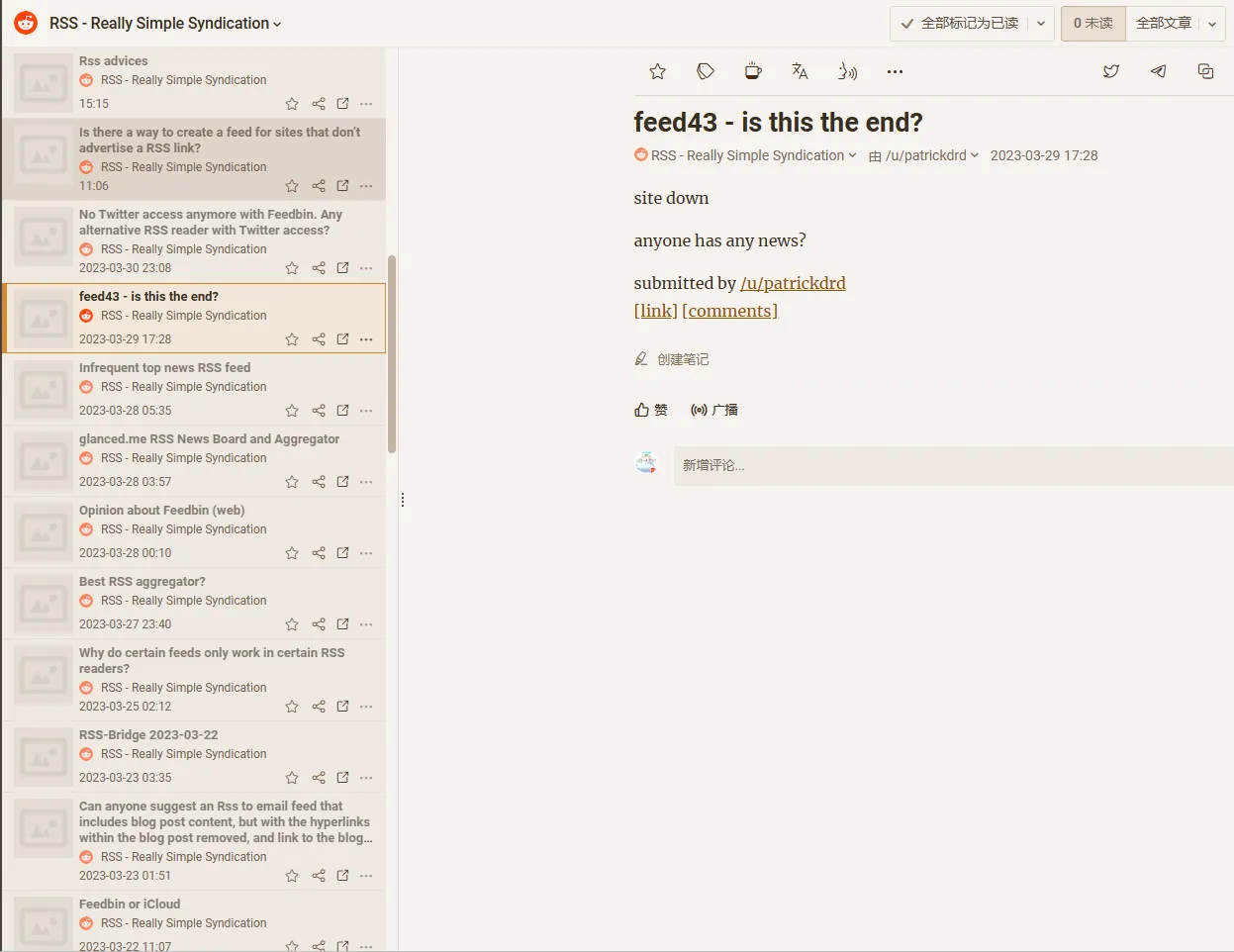
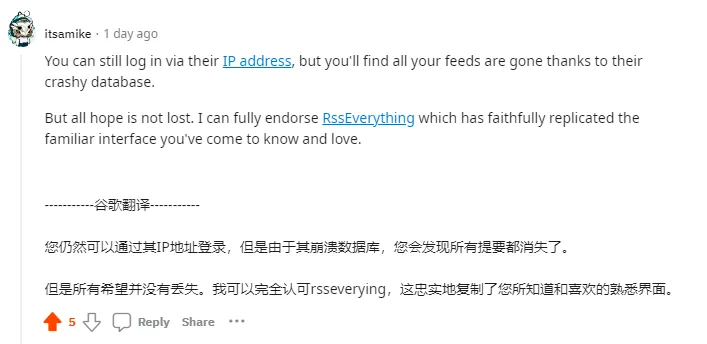
A highly upvoted comment pointed out that Feed43 was still accessible via IP address, and also provided an alternative service to Feed43—RSSEverything.
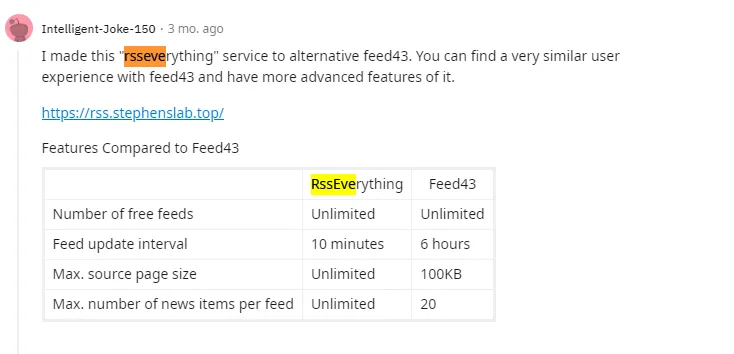
RSSEverything was released by its author on Reddit in 2022. Thanks to this author for creating a product people wanted.
After Feed43’s HTTPS SSL certificate expired last year, I never used it again. I knew this service was in jeopardy. No one knows what happened to Feed43’s author. Here are two Reddit posts from last year discussing Feed43:
Before writing this article, I used RSSEverything to create an RSS feed for my personal website. The creation process is exactly the same as Feed43. The syntax uses {%} and {*}.
For detailed explanation, see ChatGPT-4’s explanation:
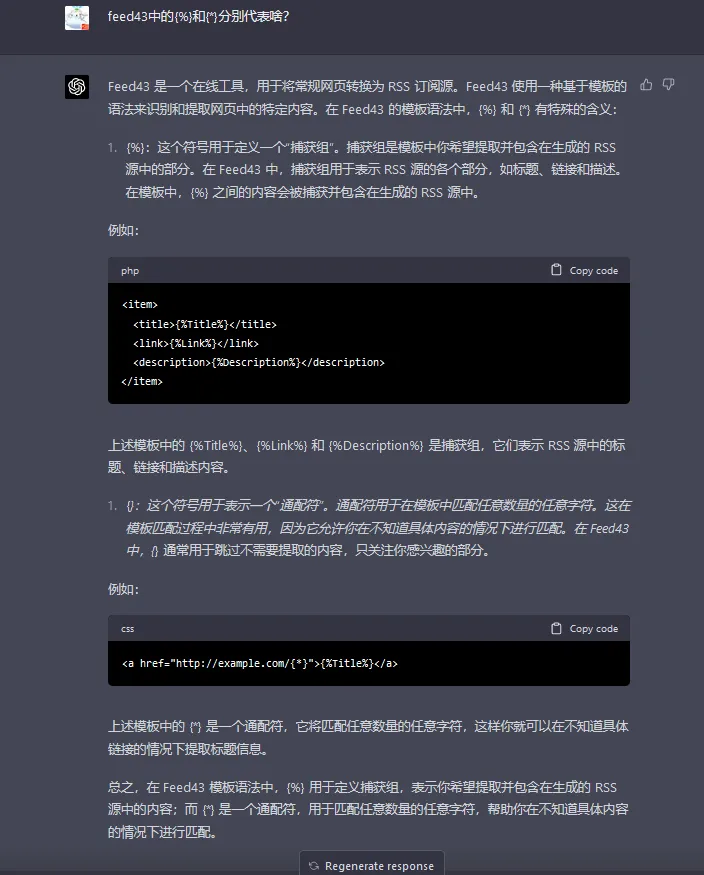
TL;DR: {%} defines capture groups, used to extract content you want to include in the generated RSS feed; {*} is a wildcard that matches any number of any characters, used to skip content you don’t need to extract.
Demonstration
- Step 1: Enter the URL of the website you want to extract, click Load.
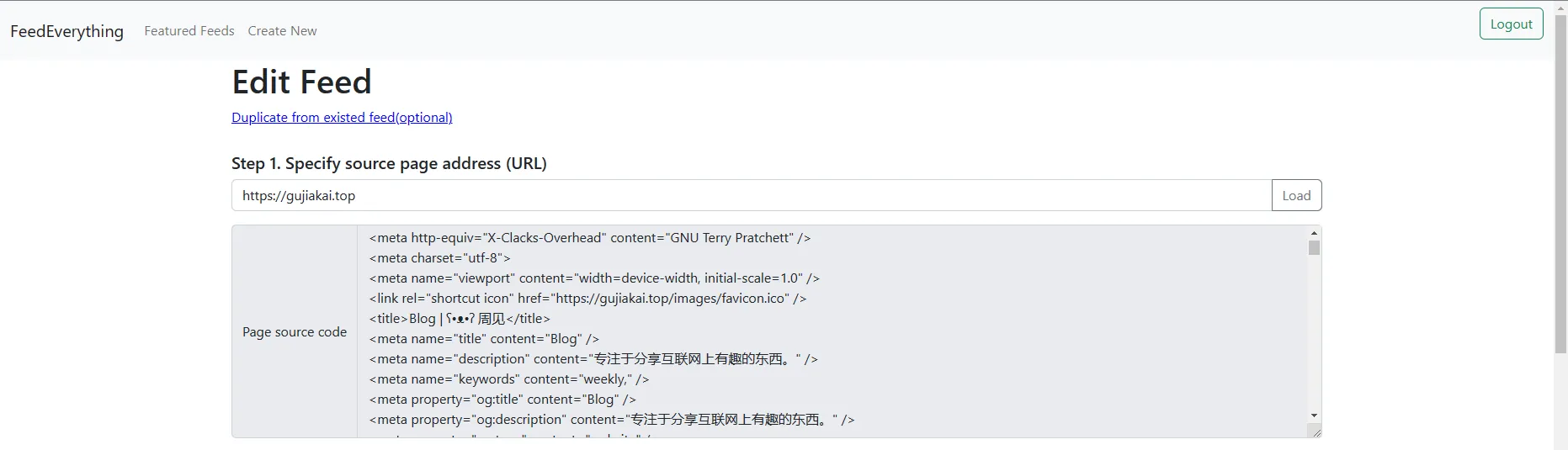
Using my personal website as an example (viewing source code using the Chrome extension Quick Source Viewer):
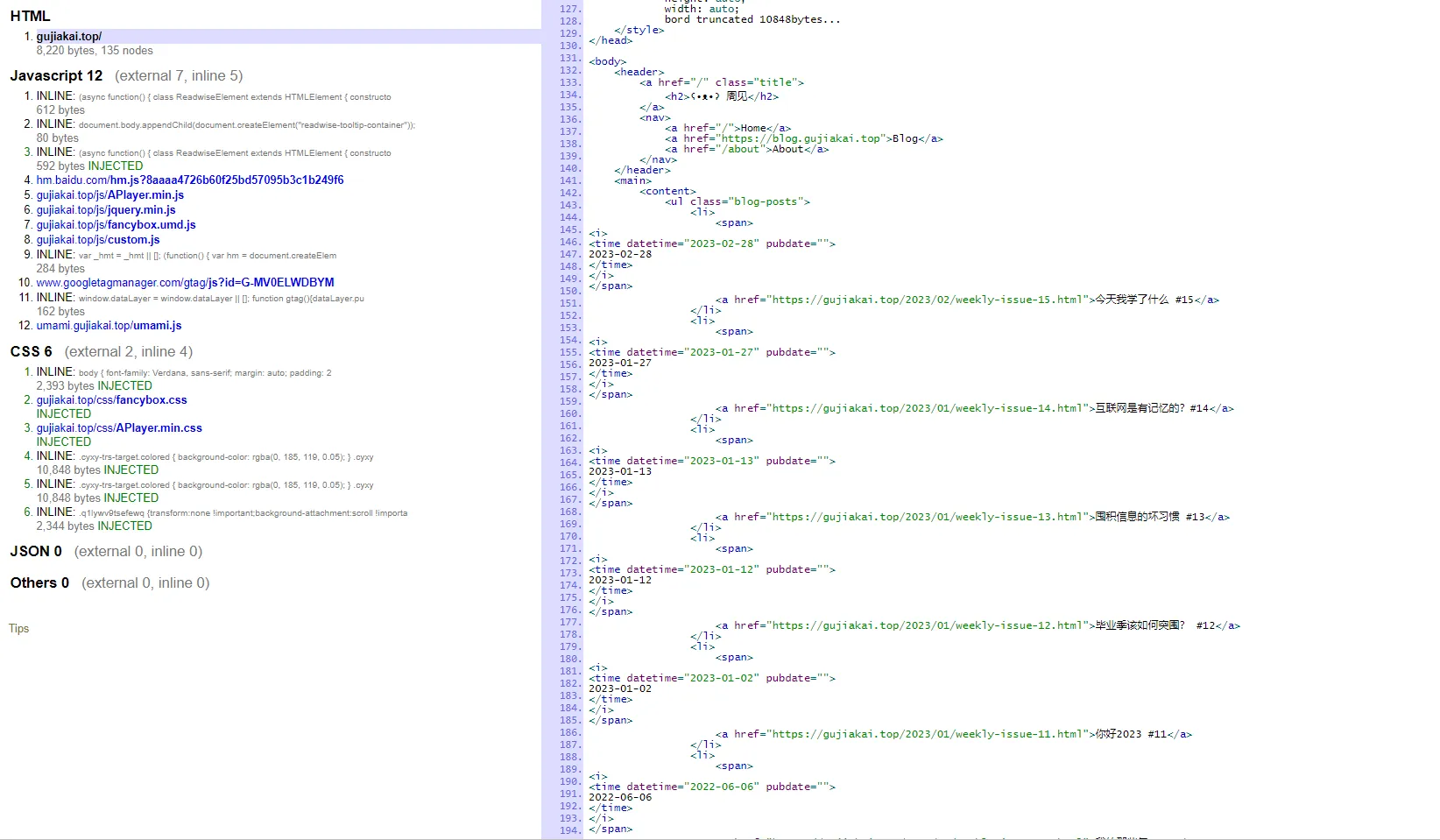
You can see that each item in the article list is wrapped in an HTML li tag.
|
|
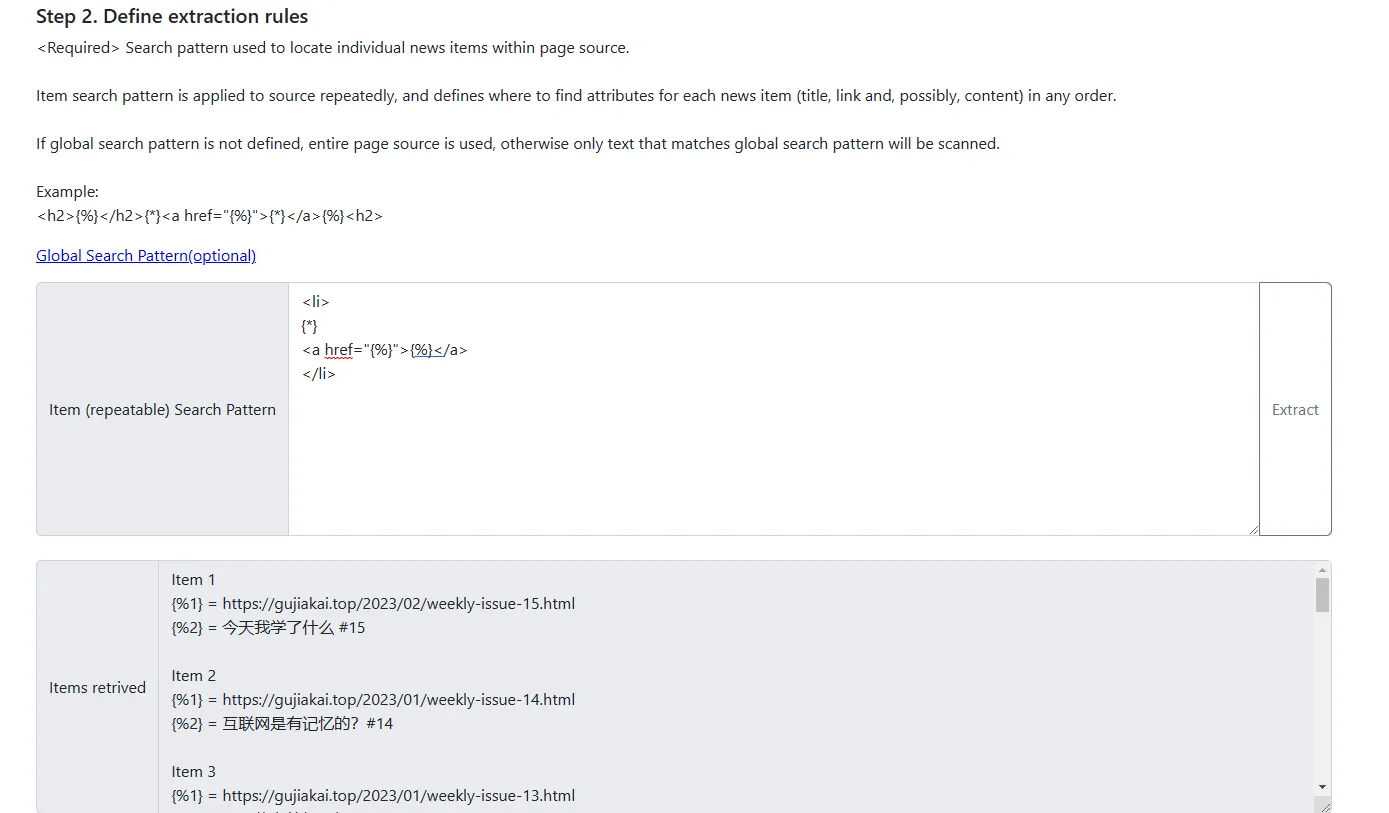
- Step 2: Define extraction rules
So my matching pattern can be written like this:
|
|
After clicking extract, you get the URL and article title for each item in the article list.
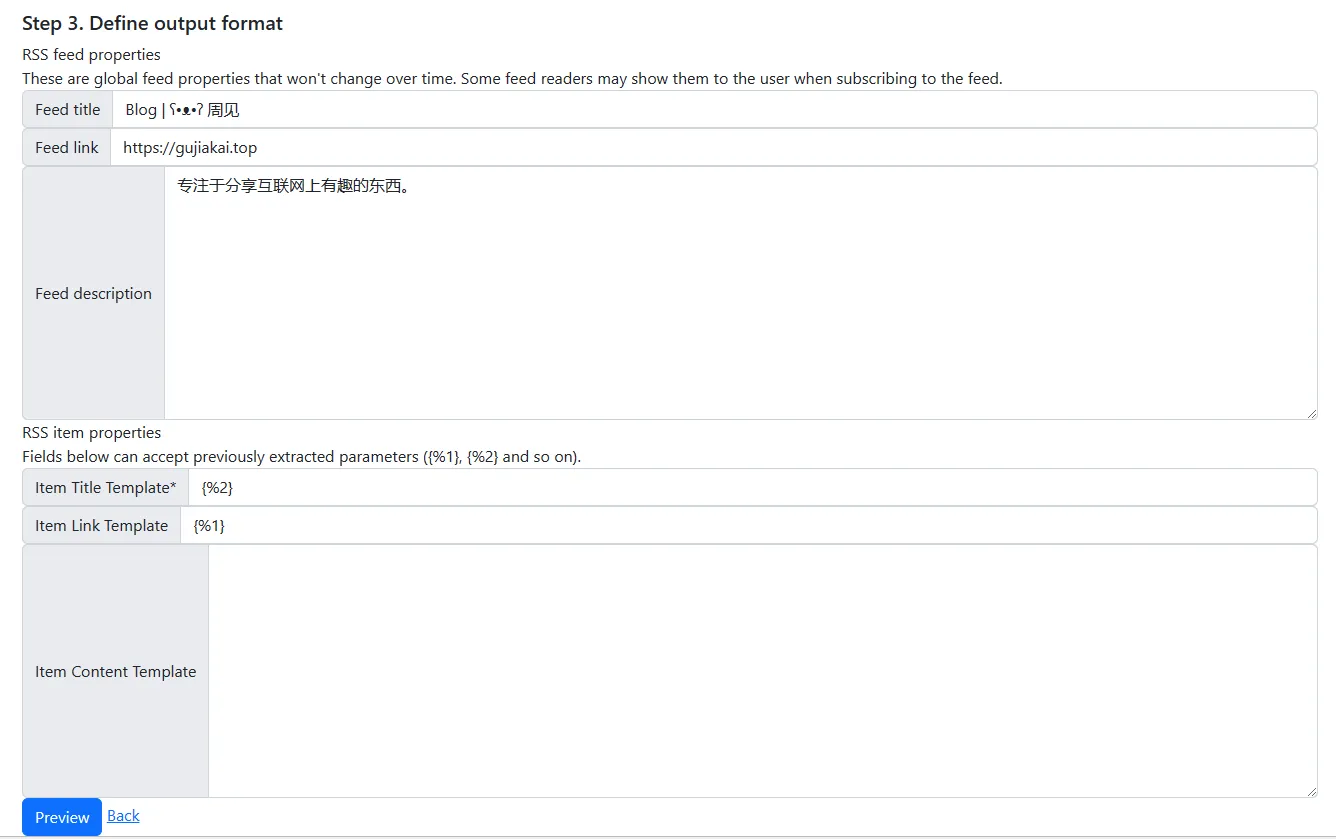
- Step 3: Define output format
Finally, fill in the corresponding parameters for generating the RSS template. Item Title uses {%2}, Item Link uses {%1}, corresponding to the two options extracted in step 2, then click Preview.
The final result looks like this:
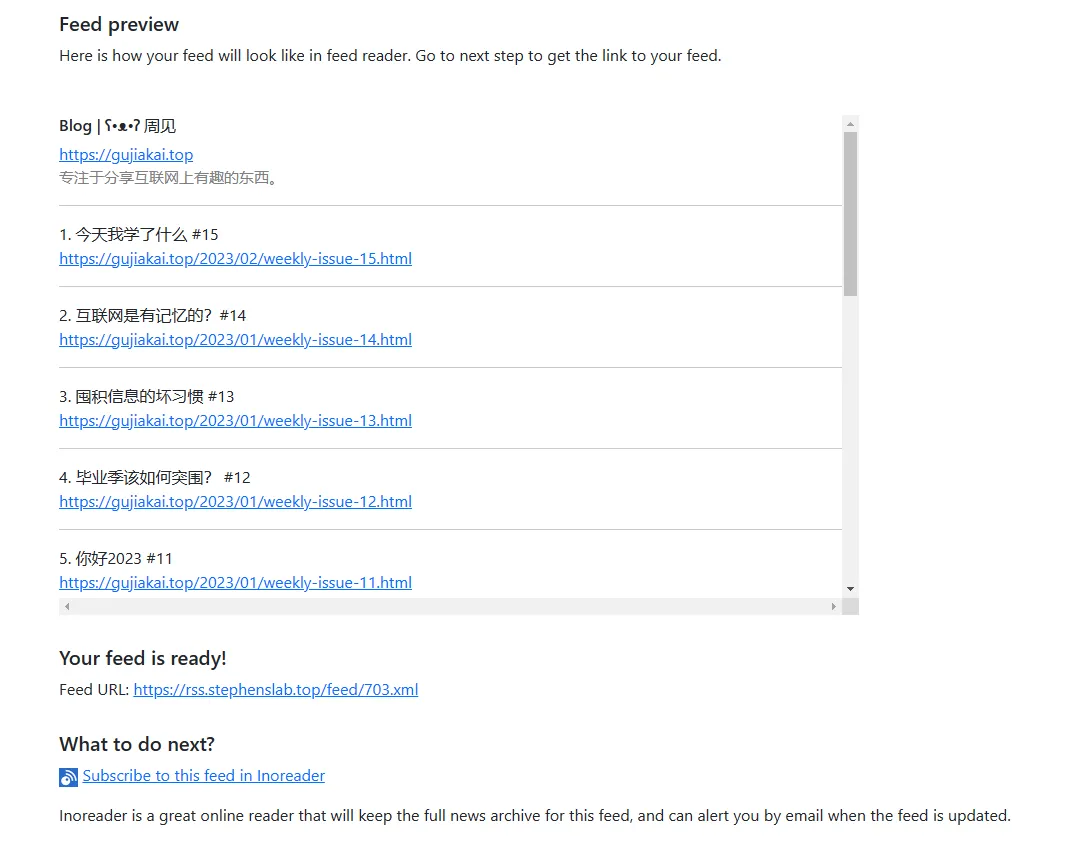
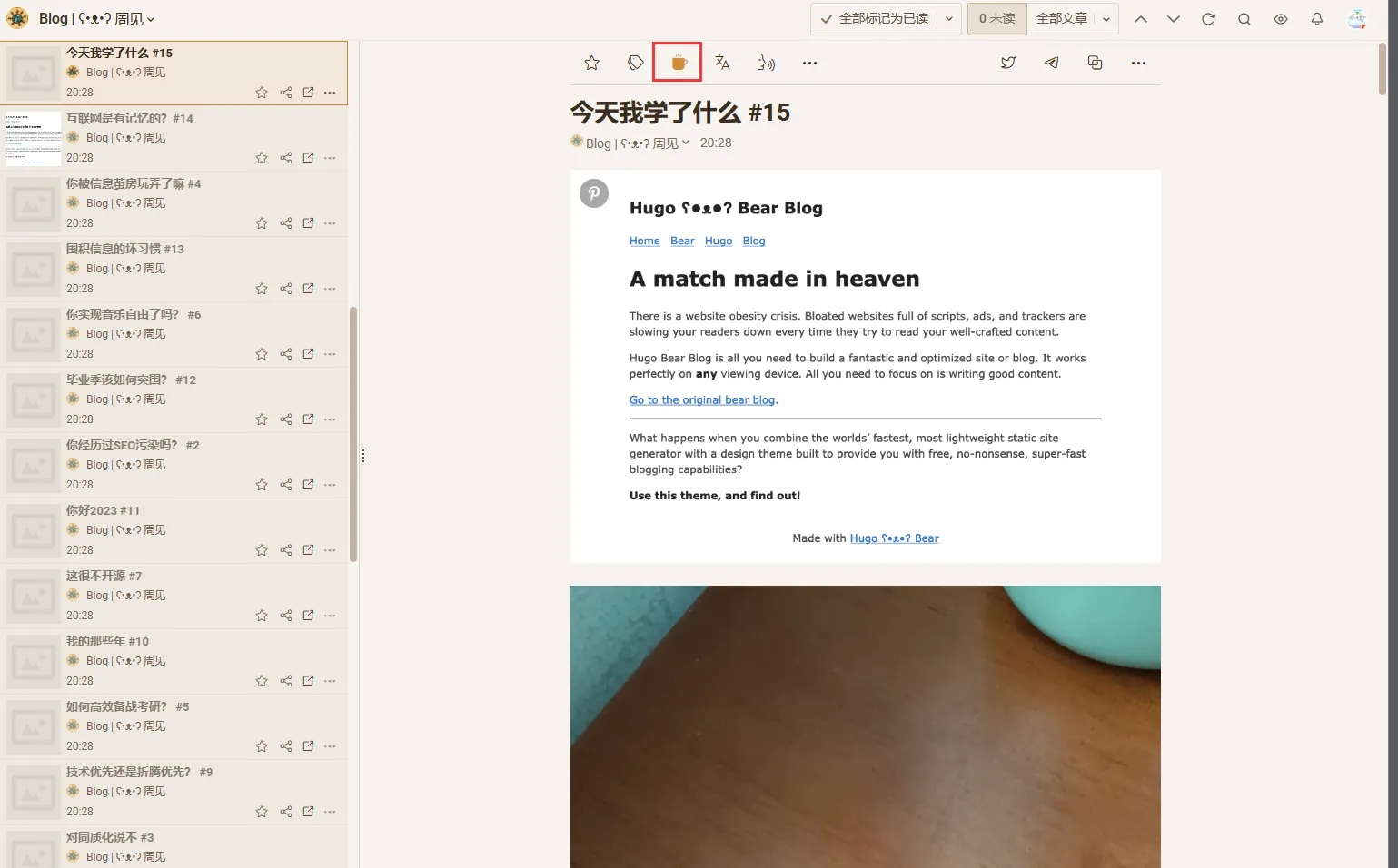
Combined with a full-text RSS reader like Inoreader, you can read the complete article without needing to jump to the website.
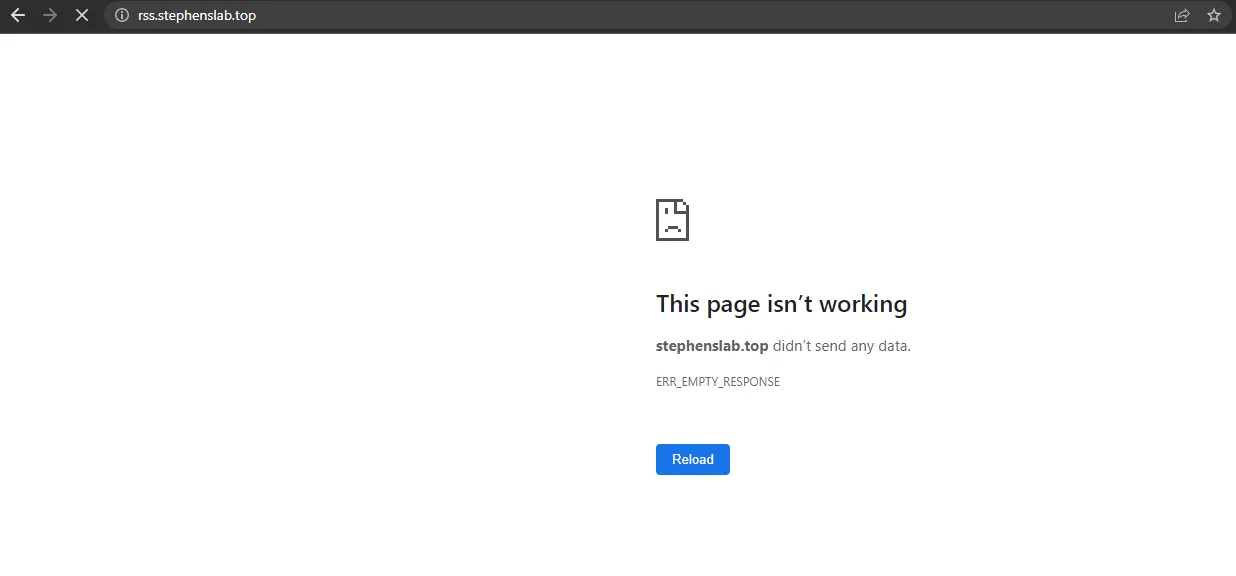
While writing this article, I encountered a period where the website was inaccessible. After a while, I tried again and access was restored - it was probably just my network issues.
Conclusion
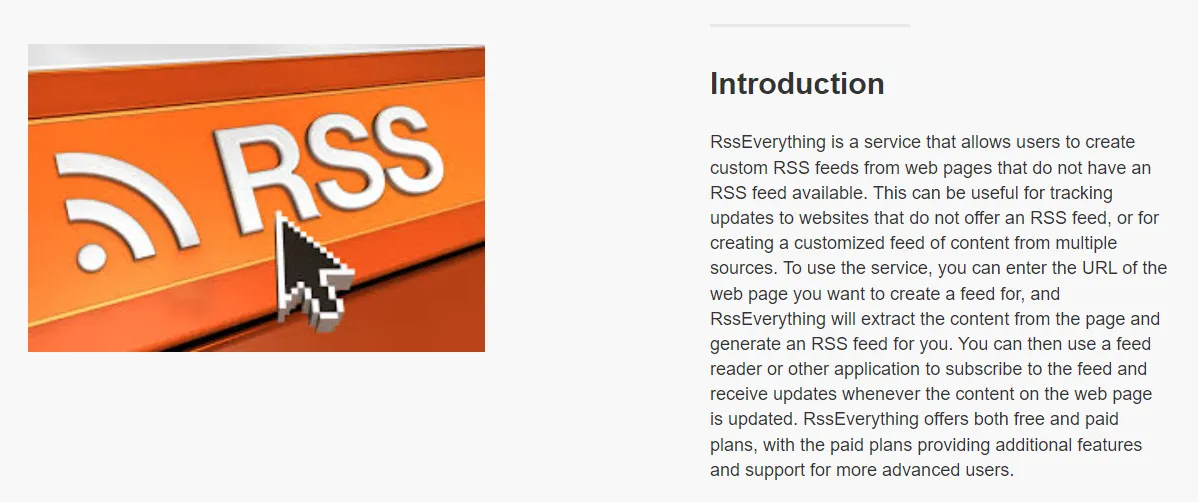
RSSEverything currently (as of March 30, 2023) doesn’t have a paid plan, but the website’s Introduction mentions there will be paid plans. I estimate they’ll consider launching a paid plan after the website gains traction.
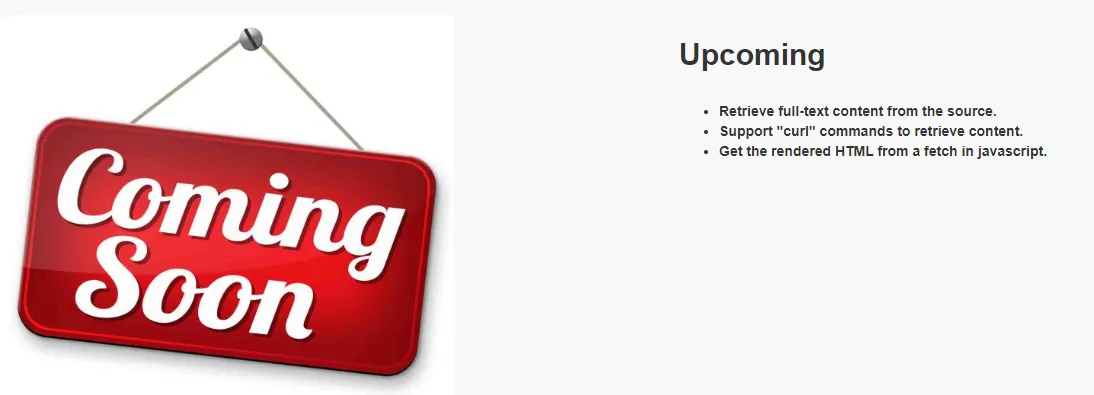
Additionally, the author’s Roadmap includes features like full-text extraction, which is worth looking forward to.
RSS is an old technology that still has its value in 2023. It helps people track website updates and saves the process of visiting websites to check for updates. I hope this service can be maintained for a long time.
Document Info
- License: Free to share - Non-commercial - No derivatives - Attribution required (CC BY-NC-ND 4.0)