Solution for Google Voice Stuck on 'Connecting'
Recently, the Google Voice IFTTT number retention method started charging. via
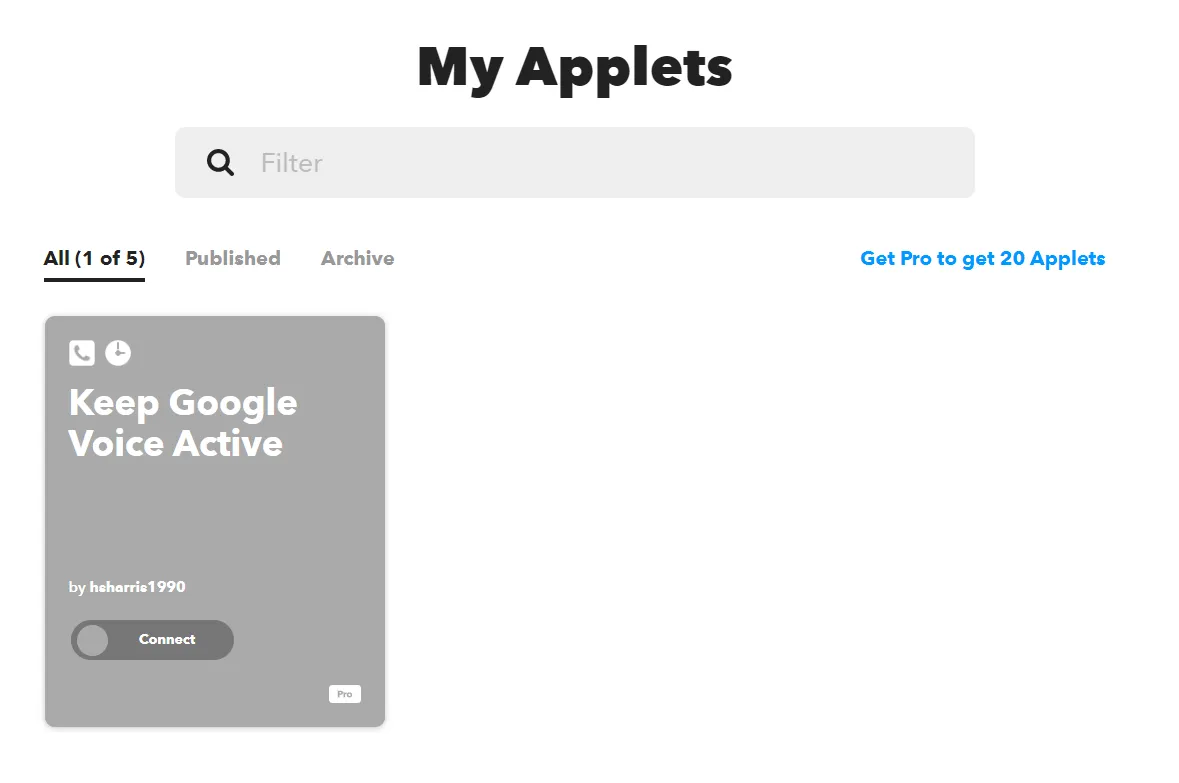
This morning I saw a V2EX post about Google Voice mutual keep-alive.
One user’s comment caught my attention:

So I started the number retention process. For making calls, you can refer to this V2EX post: Some US numbers for GV number retention.
I chose to call Microsoft customer service for number retention, but found it kept showing “Connecting” status in Chrome browser. I searched online but found no solution.
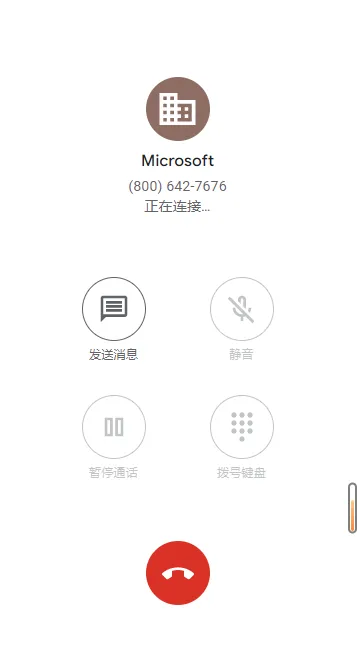
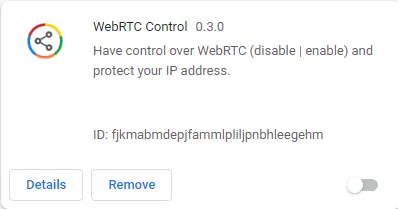
So I tried calling Microsoft customer service’s GV number on my Android phone, and it connected. I went back to PC and tried Edge browser this time - after logging into my Google Voice account and calling Microsoft customer service, it also connected. That’s when I realized some Chrome extension must be causing the GV dialing failure. I remembered recently watching Buliang Lin’s DNS leak video and installing a Chrome extension called WebRTC Control.
On a hunch, I disabled it and tried calling Microsoft customer service again in Chrome’s GV interface - successfully connected.
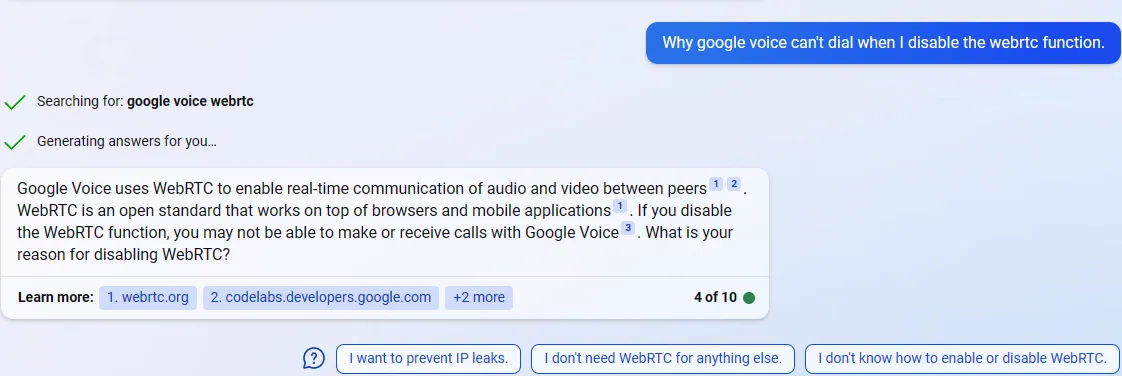
As for why disabling WebRTC causes Google Voice calls to fail, see New Bing’s response:
TL;DR
Google Voice uses WebRTC to achieve real-time audio and video communication between endpoints.
Afterward, searching online, I found others had encountered this problem:
Document Info
- License: Free to share - Non-commercial - No derivatives - Attribution required (CC BY-NC-ND 4.0)