Are Docker Container Services Not Limited by Firewall?
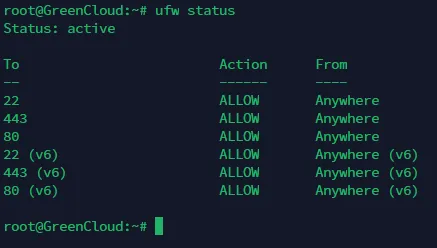
Recently when running Docker services on a GreenCloud VPS, I noticed a strange phenomenon. When running a Memos container, UFW didn’t allow the corresponding port, but I could still access the Memos container service via IP address:5230.
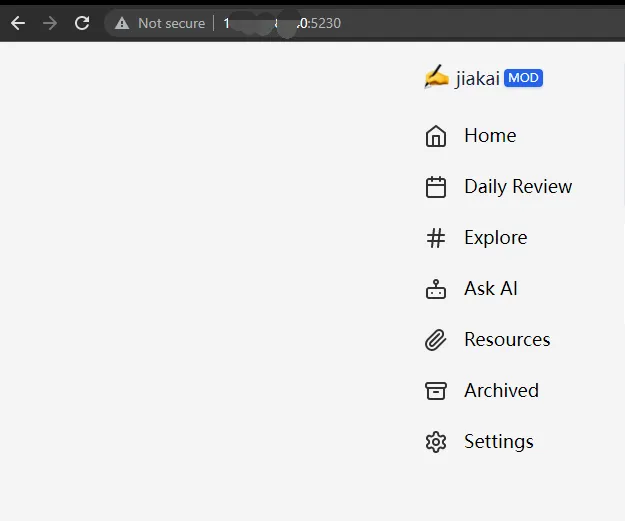
The Memos docker-compose.yml file is shown below:
|
|
Let’s focus on the ports field:
|
|
This code means mapping container port 5230 to host port 5230. This allows the host and other devices to access applications in the container through port 5230.
Being able to access the Memos application via IP address:5230 means the host’s port 5230 is open.
Using nmap tool to probe the target host’s port status:
|
|
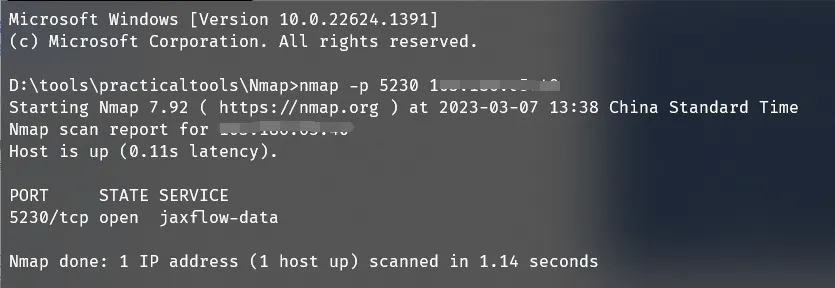
GreenCloud VPS’s port 5230 is open.
|
|
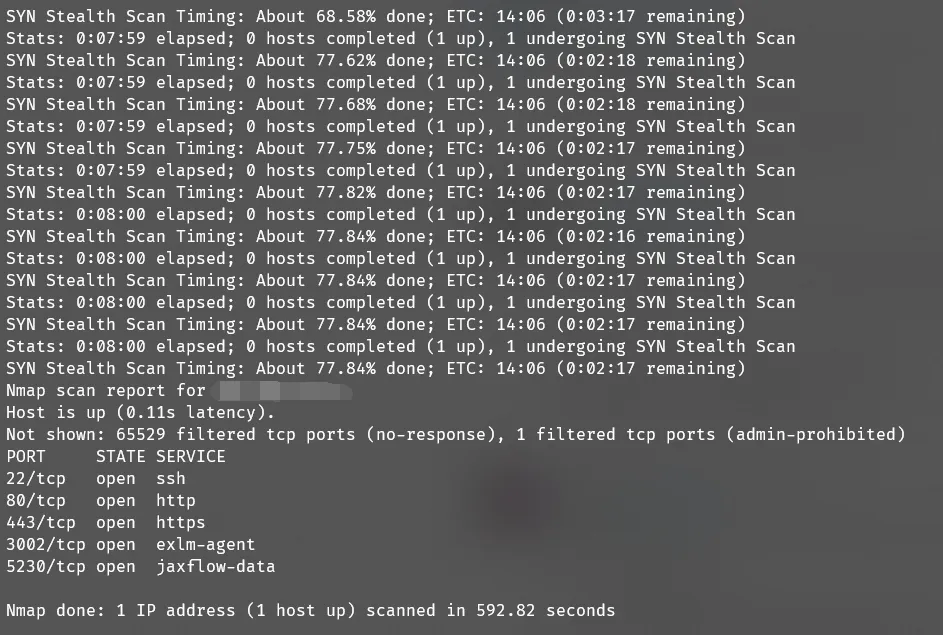
Full port scan reveals that besides UFW’s listed ports 22, 80, 443, ports 3002 and 5230 are also open. Port 3002 is the mapped port between the chatgpt-web project Docker container and host.
|
|
Checking the chatgpt-web docker-compose.yml file shows the same ports field:
|
|
Stack Overflow users have discussed this issue: Uncomplicated Firewall (UFW) is not blocking anything when using Docker
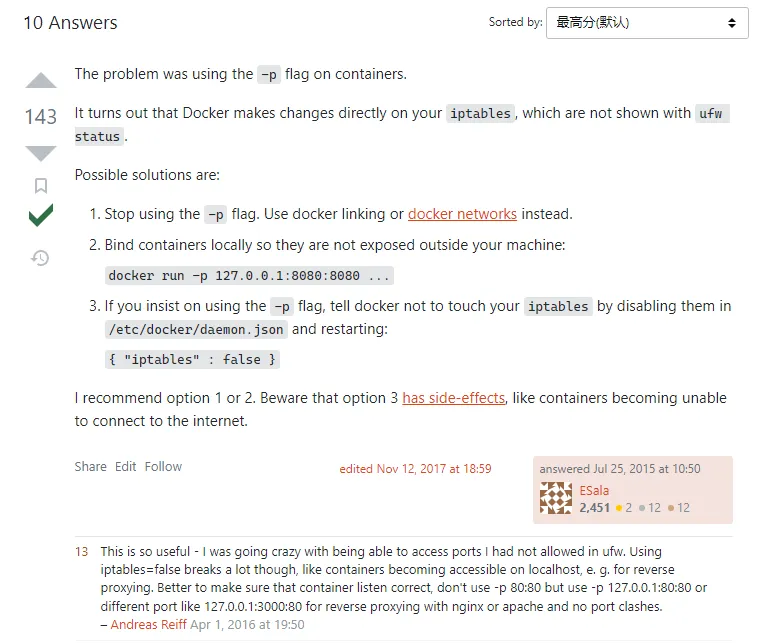
The top answer explains: Docker makes changes directly to iptables, and these changes don’t show in UFW status. For those using reverse proxy servers to proxy corresponding ports, the best solution is to modify the ports field in docker-compose.yml to:
|
|
This ensures only processes on this host can access port 3002; external parties cannot access services on port 3002.
Using a reverse proxy server like Caddy, listening on ports 80, 443, when new HTTP(S) requests come in, Caddy receives them and forwards them to the corresponding port on this host. The port returns a response, and Caddy forwards the proxy target’s response to the user.
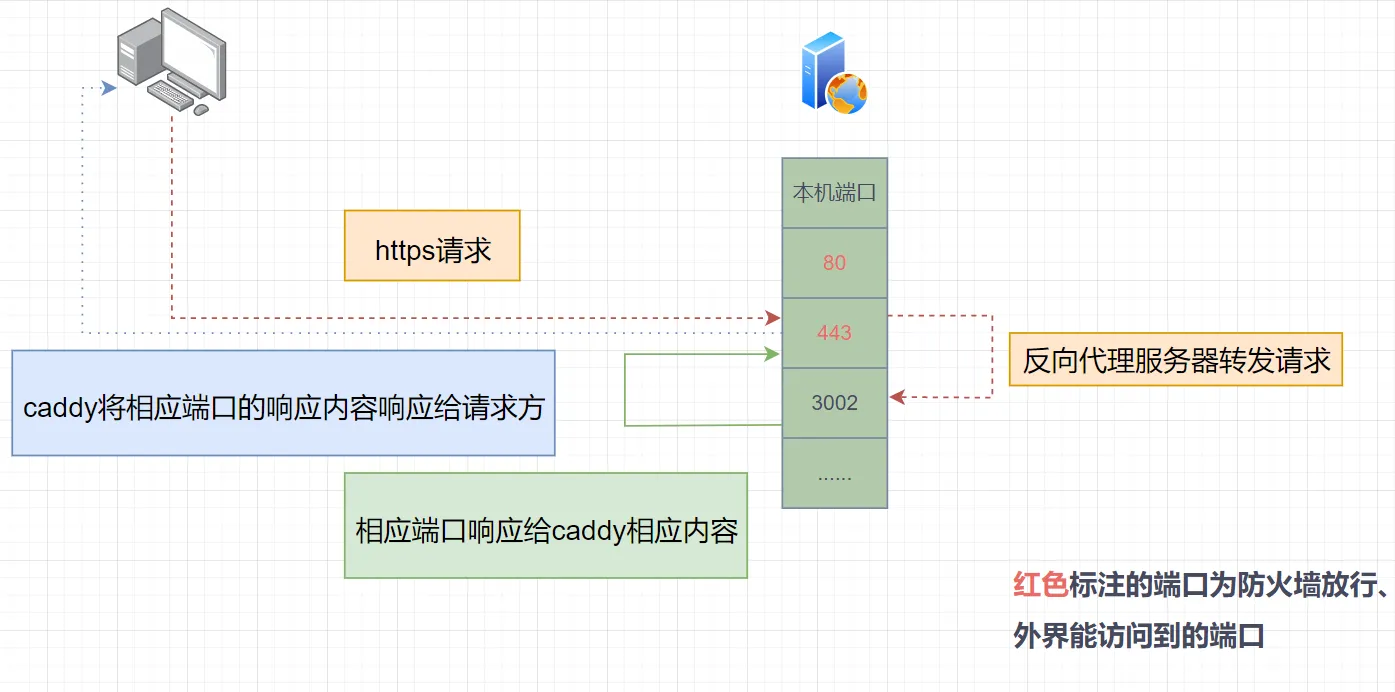
The reason UFW can’t control Docker-host mapped ports is that Docker directly operates iptables to allow corresponding ports. Here’s New Bing’s tree diagram:
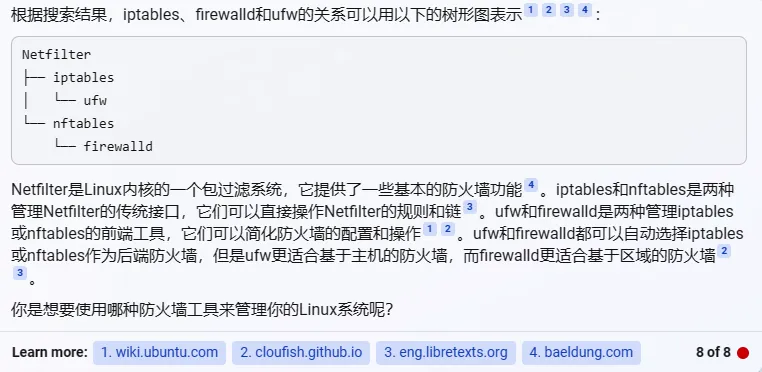
To better control Docker-host mapped ports, add 127.0.0.1 before the ports field, allowing only this host to access mapped ports - let the reverse proxy server access the corresponding ports, retrieve content, and return it to the requester.
Modify the ports field in docker-compose.yml:
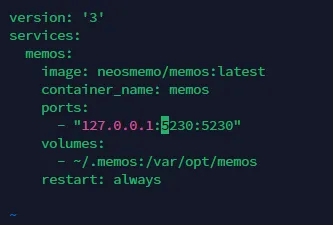
Then restart services defined by docker-compose.yml:

Now using IP address:5230 or nmap to probe port 5230 shows it’s no longer accessible, as this port only allows internal host access (127.0.0.1 loopback address at work).
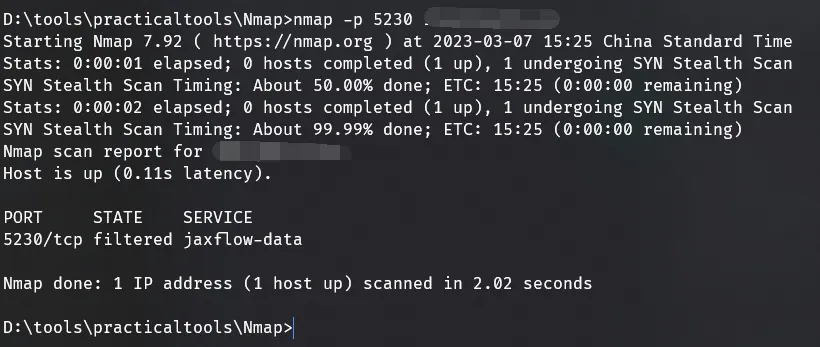
Then configure with a reverse proxy server, using Caddy as an example:
|
|
After this, you can access the Memos service via domain name.
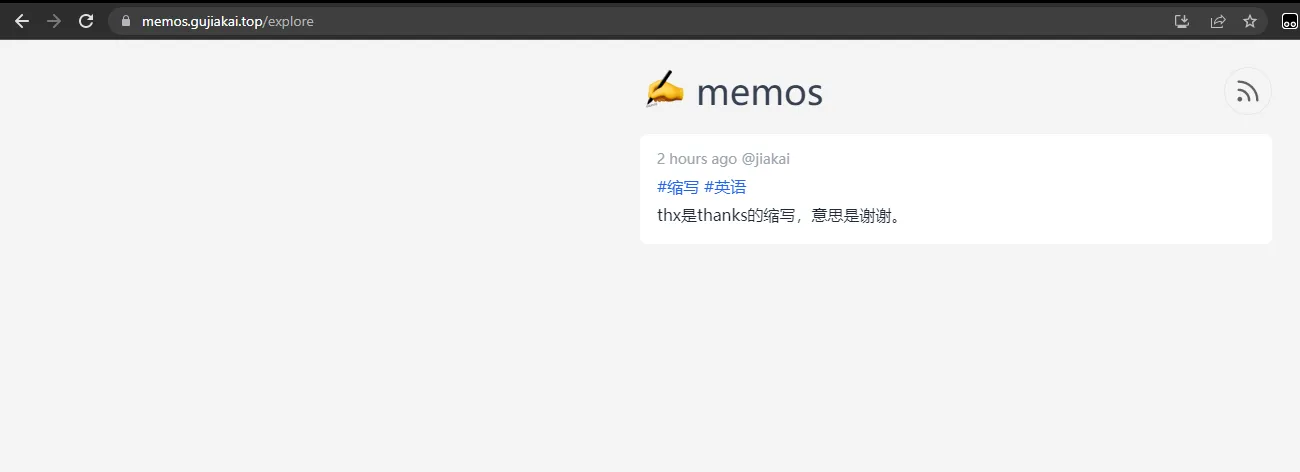
This approach provides port security control and reduces unnecessary port exposure on the internet.
Although some major cloud providers like Alibaba Cloud and AWS wrap an additional firewall layer around servers, requiring port allowance in the firewall control panel, I recommend developing good habits. This way, whether using VPS from major providers or smaller vendors, there’s a standard to follow.
Document Info
- License: Free to share - Non-commercial - No derivatives - Attribution required (CC BY-NC-ND 4.0)