Solution for Chika Launcher Crashing on Windows Server
Since the beginning of this year, I’ve moved some tedious daily tasks for Seer (a Chinese game) like AFK grinding and peak battle coin farming to the cloud. My local computer only handles weekly update tasks and storylines, or occasionally plays a few peak battles when I have time.
Over the past few months, I initially ran these tasks on domestic Qingyun AFK hosting (2-core CPU, 1GB RAM, 50GB disk, unlimited traffic), but since their Windows machines run Win7, the Chika launcher couldn’t open at all - only the Ruby launcher for daily tasks worked. So during that time, peak battle coin farming still had to be done locally.
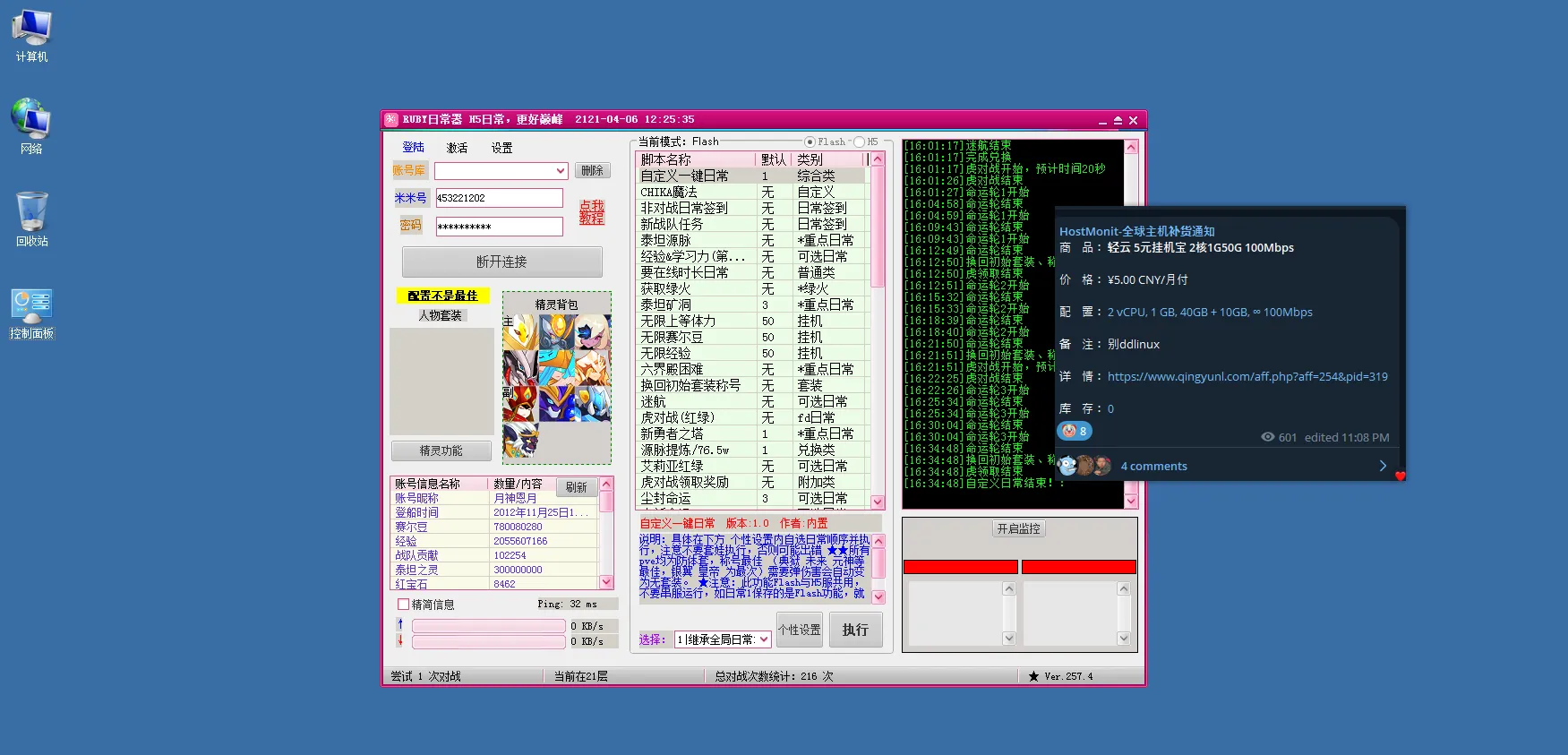
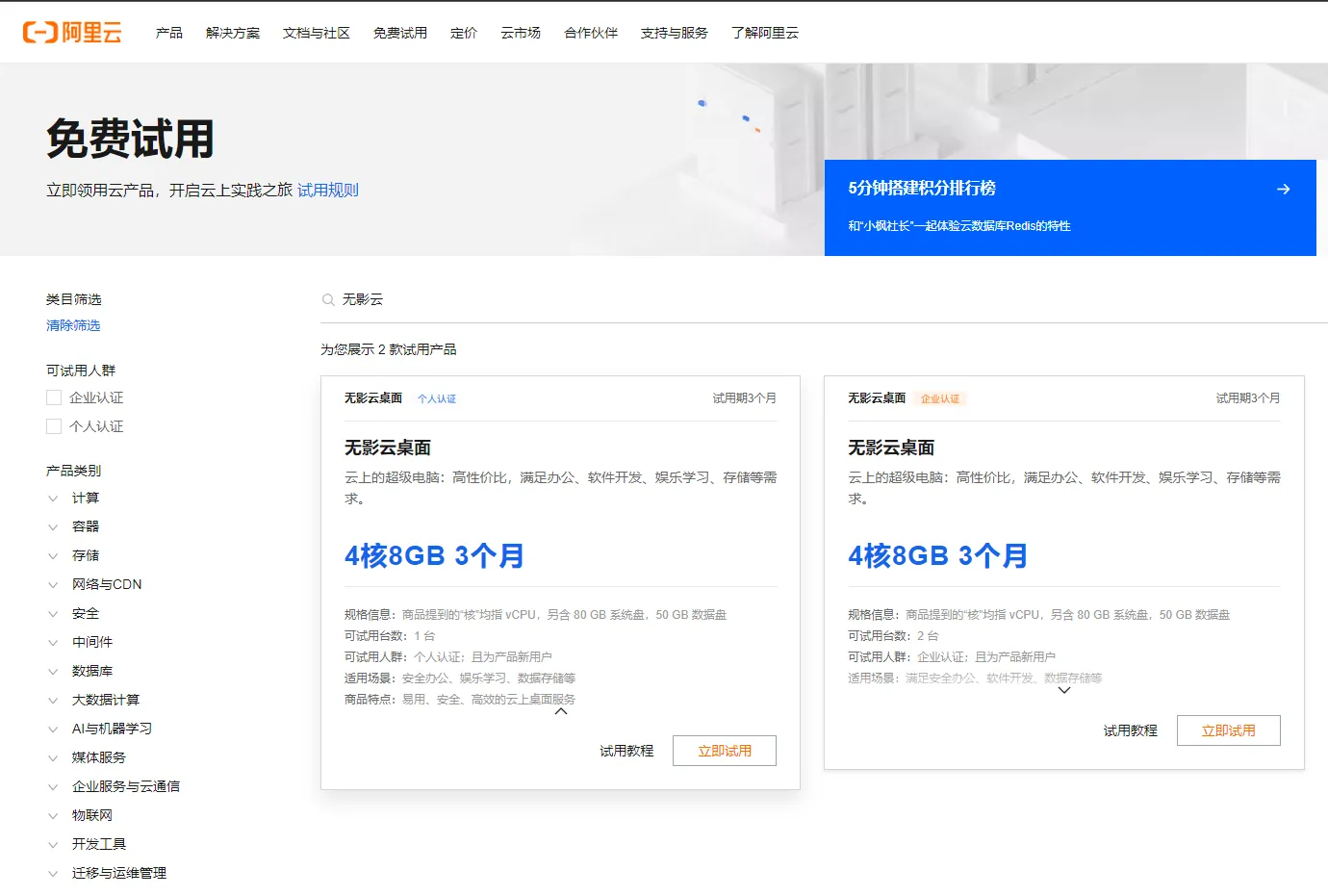
Later I discovered Alibaba Cloud offers a 3-month free trial of Wuying Cloud Computer (4-core CPU, 8GB RAM, 130GB disk).
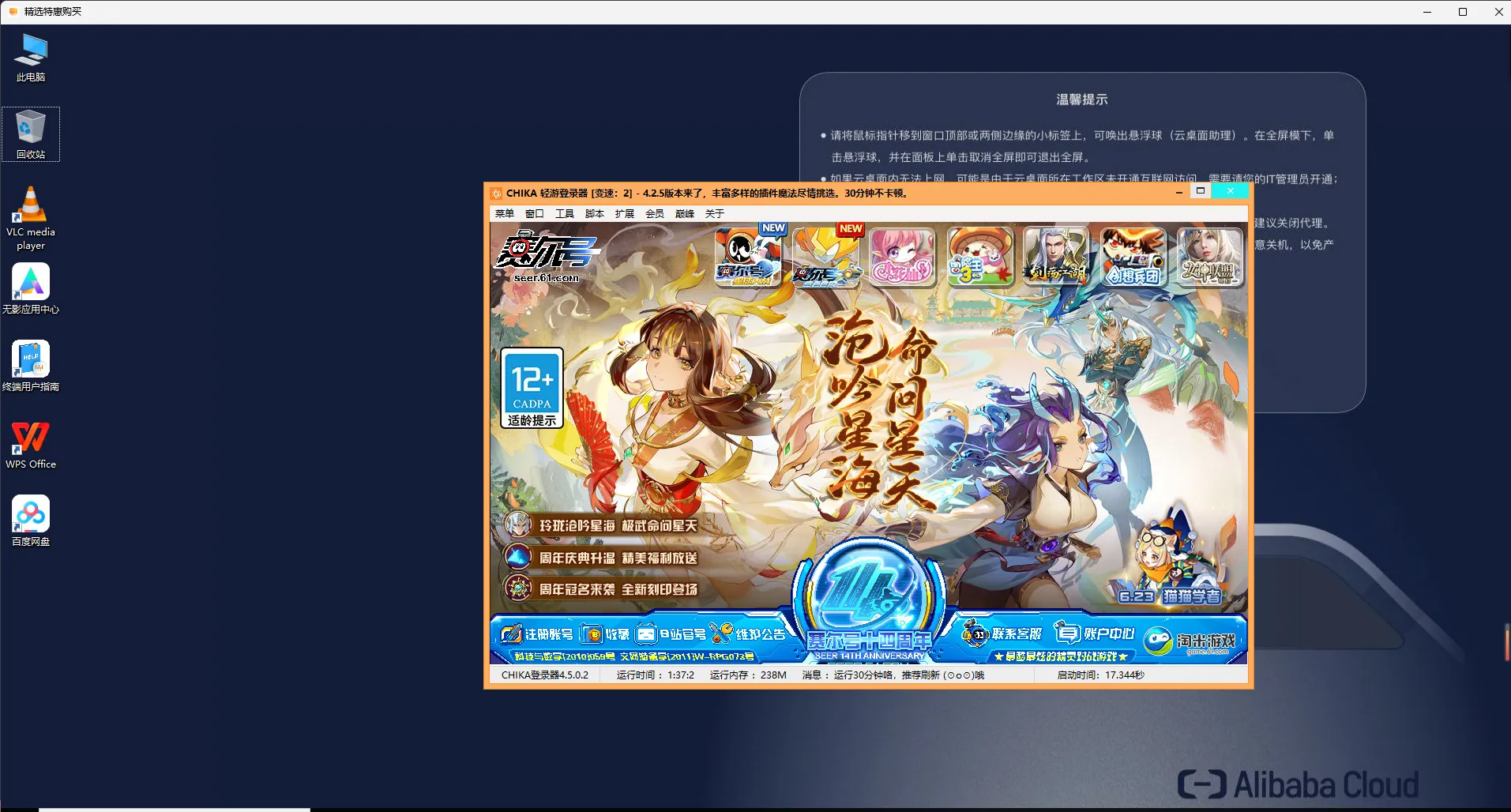
The gaming experience on it was much smoother. Both the Chika launcher for peak battle coin farming and the Ruby launcher for daily tasks worked.
But after Alibaba Cloud’s Wuying Cloud Computer free trial ended, the renewal price would be very expensive, so I started looking for a suitable VPS again.
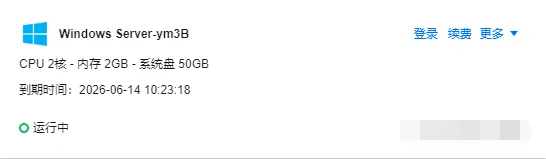
Eventually I got a 3-year lightweight server from Tencent Cloud (2-core CPU, 2GB RAM, 50GB disk, 300GB monthly traffic). I registered a new Tencent Cloud account via mini program and paid 396 RMB for 3 years of Tencent Cloud Lightweight (618 promotion), choosing Windows Server 2022 as the system.
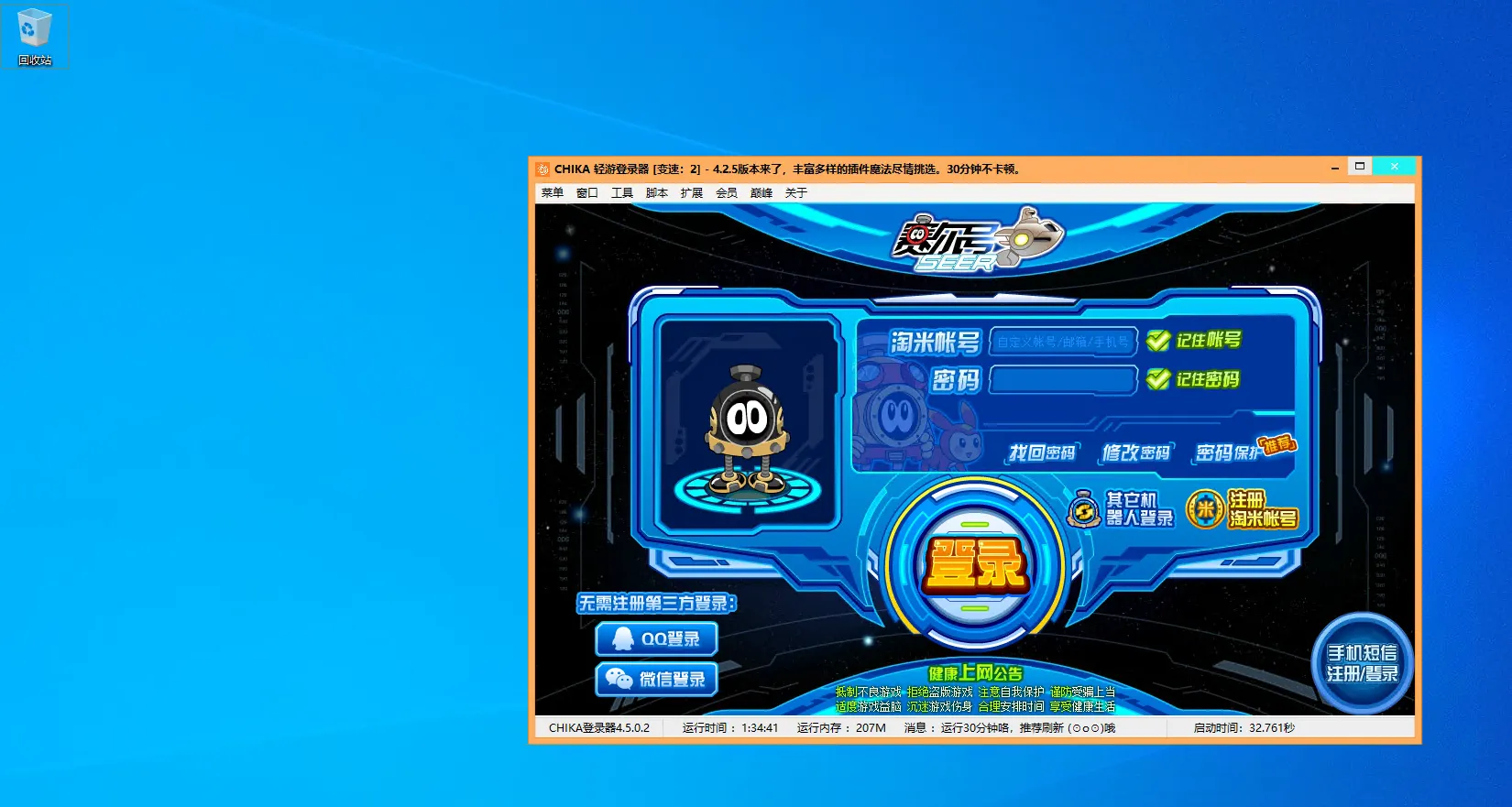
But when tinkering with it, I found the Chika launcher couldn’t open. Specifically, after double-clicking the launcher’s .exe file, the application would flash in the taskbar and disappear.
After chatting with ChatGPT-4 for a few rounds, following its guidance, I disabled Data Execution Prevention (DEP) for the Seer launcher exe file in Windows Server, and finally successfully opened the Chika launcher and other launchers.
Chat history: https://chat.openai.com/share/152c4d9a-e7bb-4514-88c4-5b5a3a9185d
Of course, when using Tencent Cloud, make sure to uninstall monitoring or DD the system.
Notes on uninstalling monitoring: https://vps.gujiakai.top/vps/tencent.html
Document Info
- License: Free to share - Non-commercial - No derivatives - Attribution required (CC BY-NC-ND 4.0)