Using Windows Hotspot and Clash TUN Mode for Kindle Internet Access
Results
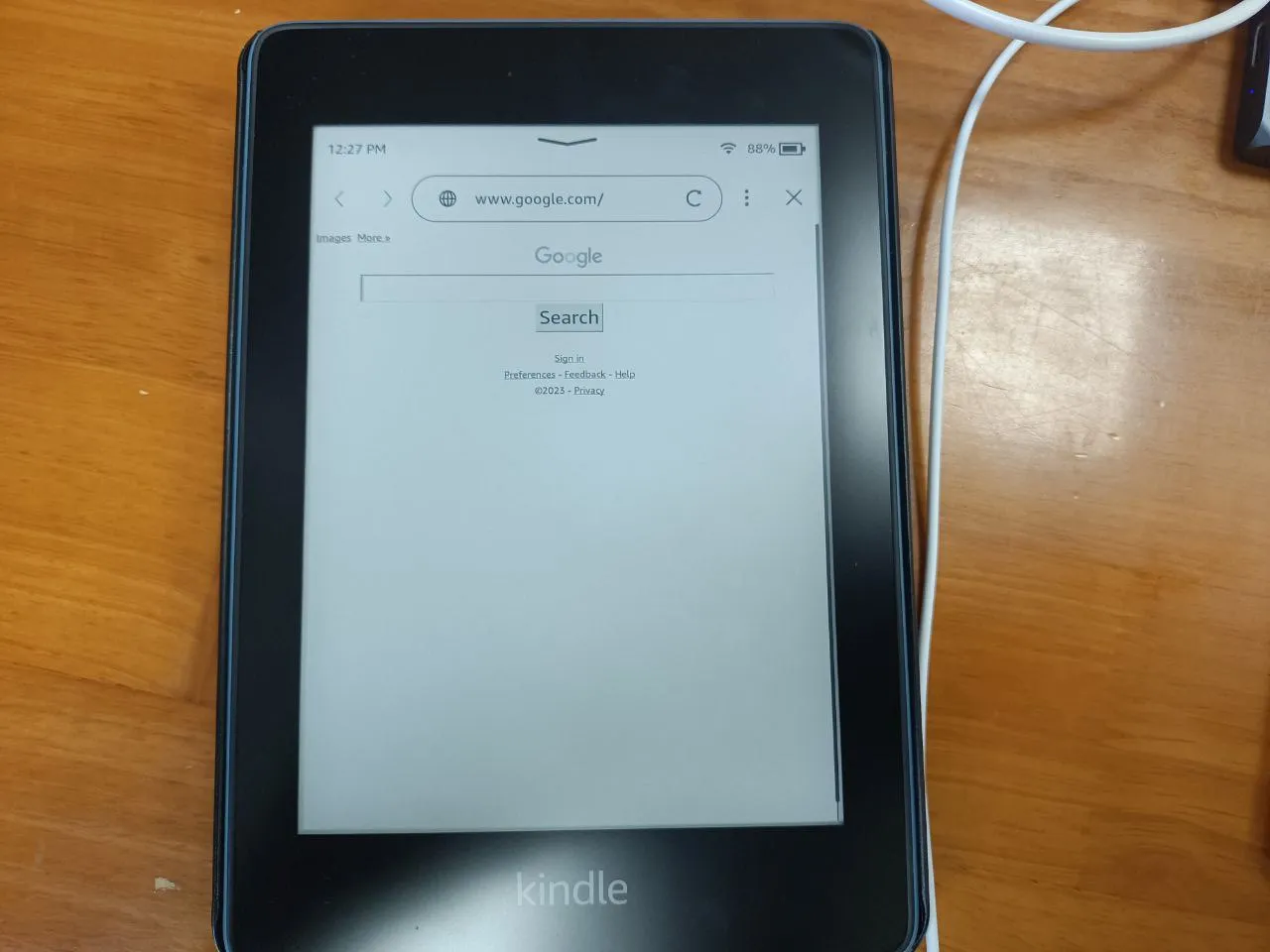
- Kindle successfully achieved proxy internet access
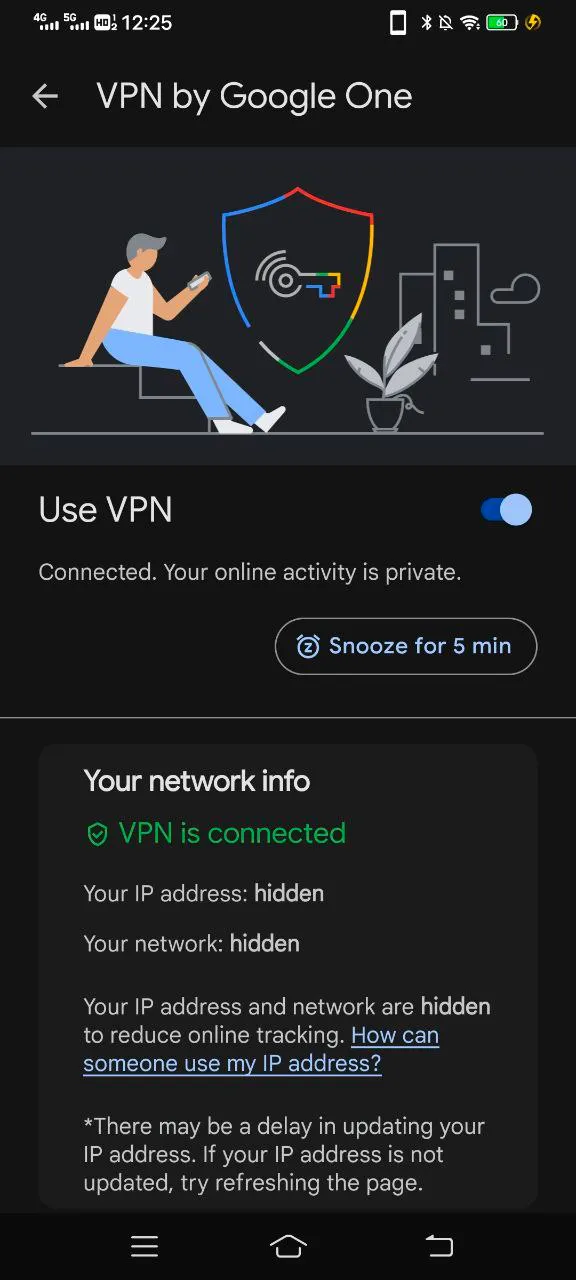
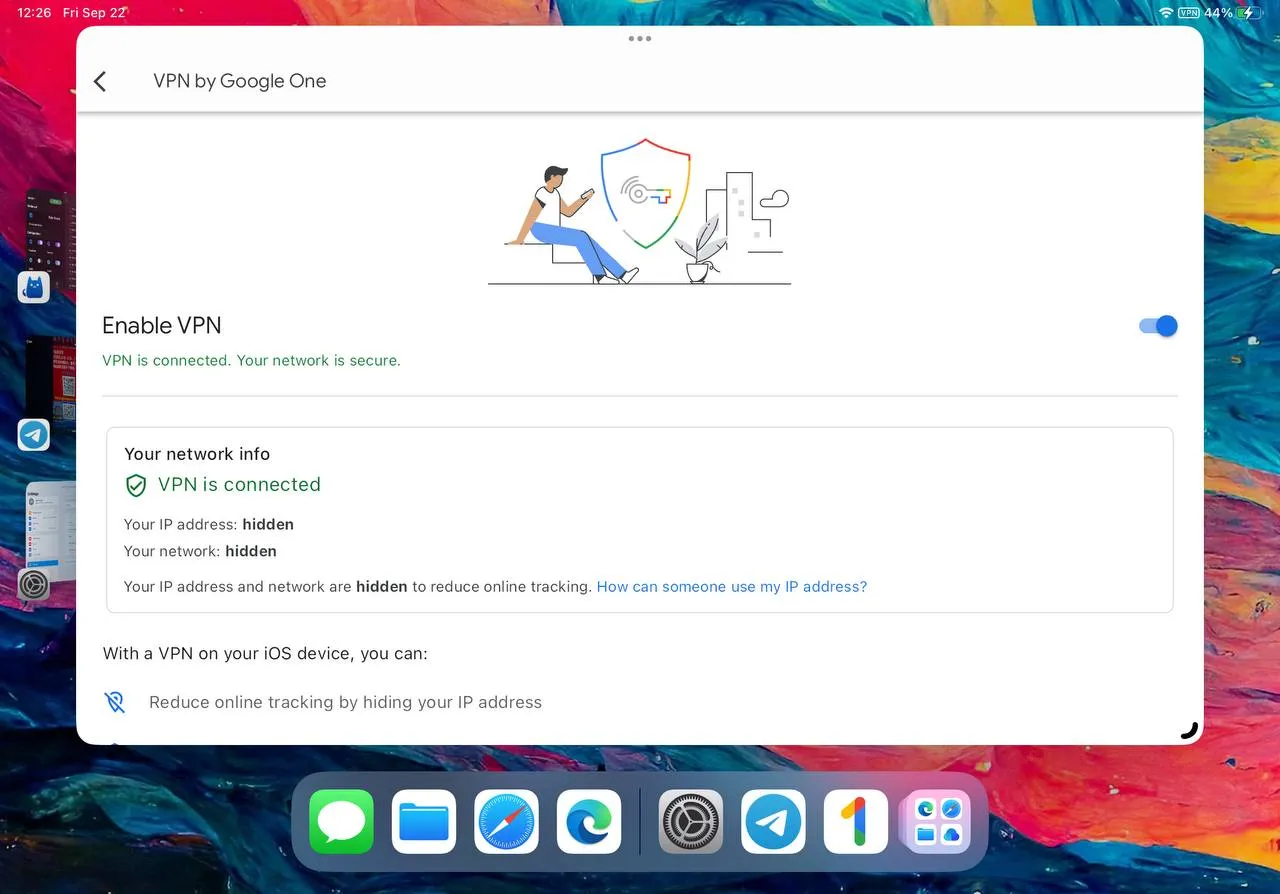
- Android and iPad can connect to Google One VPN without any configuration
Background
My Kindle is a Paper White 10th generation. Previously, to achieve proxy access on Kindle, I could only do it during summer and winter breaks at home, using proxy software in a soft router like OpenClash.
In the campus network environment, at most I could only connect to domestic networks. If I turned on my phone’s hotspot combined with software like Every Proxy, hoping to set up proxy on Kindle for internet access, it wasn’t realistic on my Kindle because my Kindle’s WiFi settings don’t have options to set proxy IP and port.
Until last night, when I was searching for related information online, I accidentally saw a comment. Following the method in the comment, I successfully achieved the effects shown in “Results.”
This Windows computer I bought at the beginning of the year, and I hardly used it. I only started using it when school began in September.
Last night, I wanted to set up Windows as a frontend proxy, with my Android phone connecting to Windows to access Google One VPN. So I followed the old routine from the first half of the year: enable Windows hotspot, Android phone connects to the hotspot shared by Windows, and set the proxy options for the hotspot on the Android phone. But I found even after setting the Windows LAN IP and Clash’s port 7890 on the Android phone, I couldn’t access the proxy.
After some searching, I reinstalled TUN mode following the method mentioned in this issue from the Clash for Windows repository—WIN 10 configured CLASH, opened ALLOW LAN, why can’t access LAN, need help!! I want to connect TV box #831. Then I successfully enabled my Android phone to use the Clash traffic shared through Windows hotspot to connect to Google One VPN.
But during the search, I found this comment. via
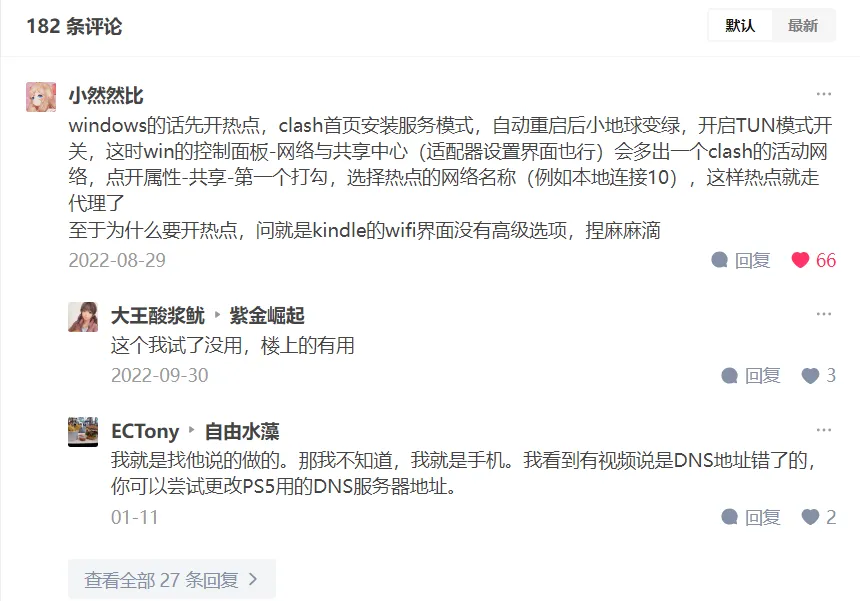
Following their instructions step by step, then opening Windows hotspot again—when my Android phone connected to the hotspot, I found it could directly access proxy; when Kindle connected to the hotspot (in my case, I needed to set the shared hotspot frequency to 2.4GHz because my Kindle device can’t detect 5GHz WiFi signals), it could also directly access proxy.
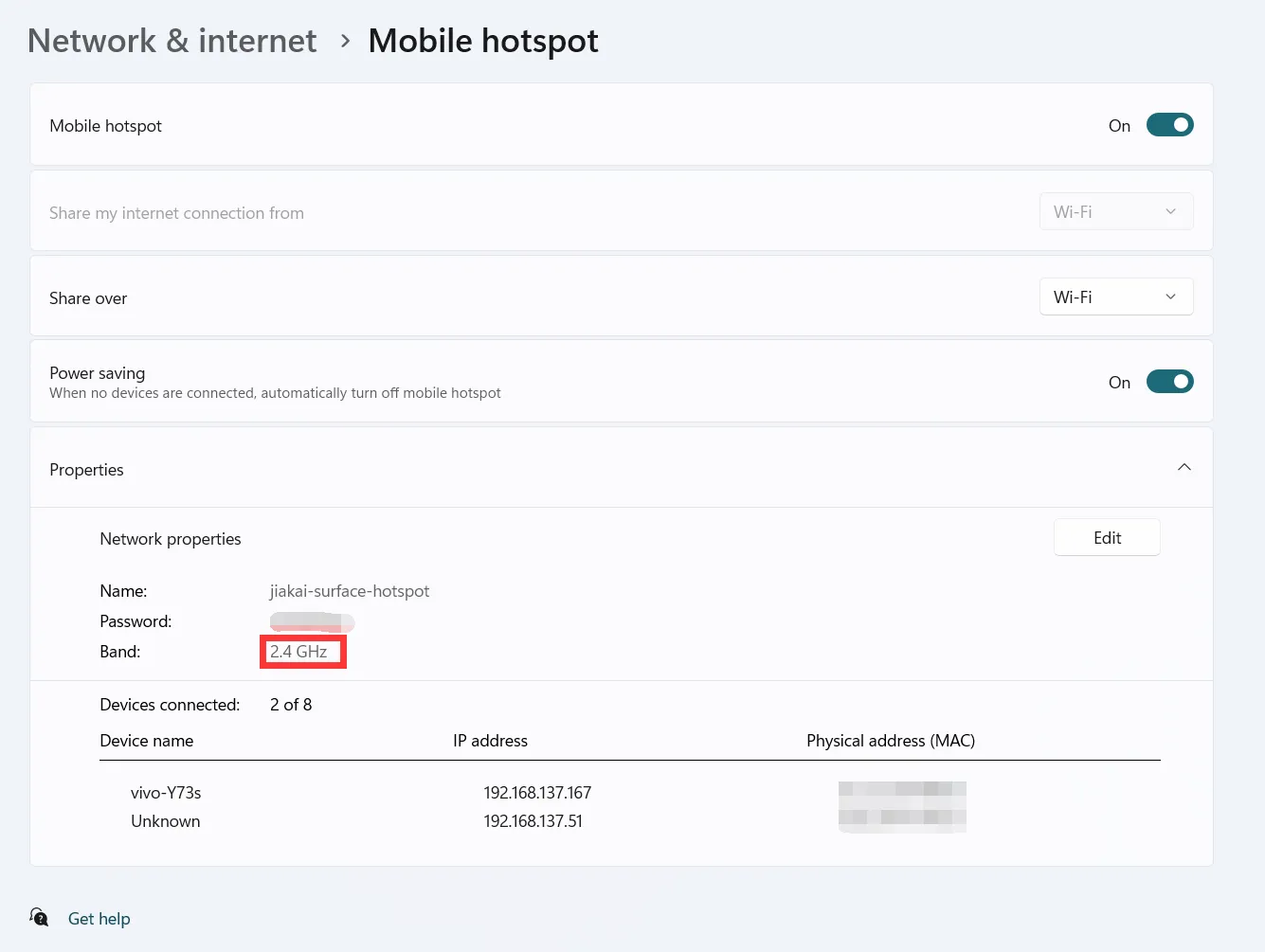
Of course, if you have Google One, following the above steps, you can easily connect to Google One VPN.
For the principle behind this, see GPT-4’s analysis.
Document Info
- License: Free to share - Non-commercial - No derivatives - Attribution required (CC BY-NC-ND 4.0)