Self-hosting Proxigram with Docker
Background
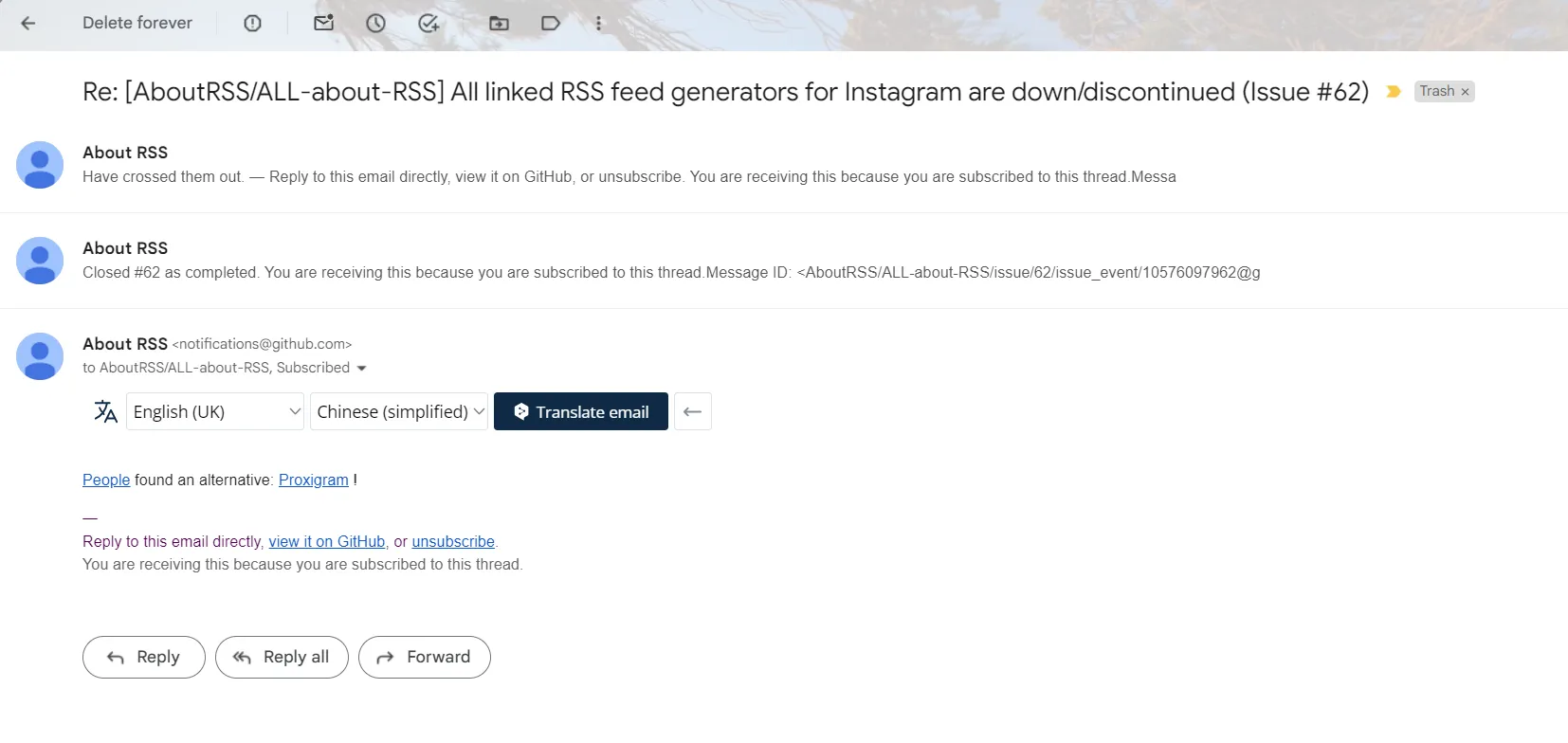
This afternoon while cleaning up my inbox, I noticed new activity in the all about rss GitHub project issues. The project author pointed out that someone discovered an Instagram to RSS solution—Proxigram.
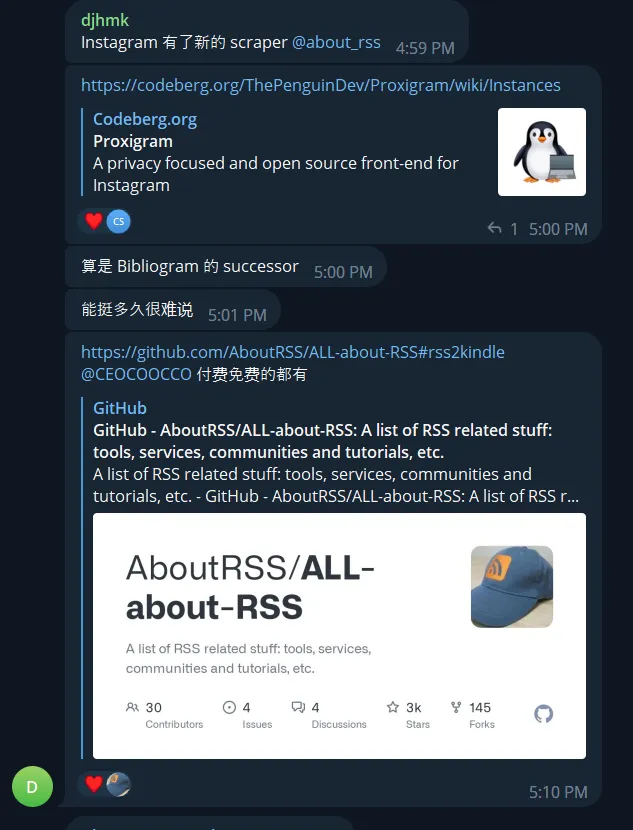
So I went to the all about rss TG group to check the information and found someone sharing their new discovery on October 9th—a new Instagram to RSS solution called Proxigram. via
The all about rss channel owner officially shared the Instagram to RSS solution Proxigram on their TG channel today (October 13, 2023). via
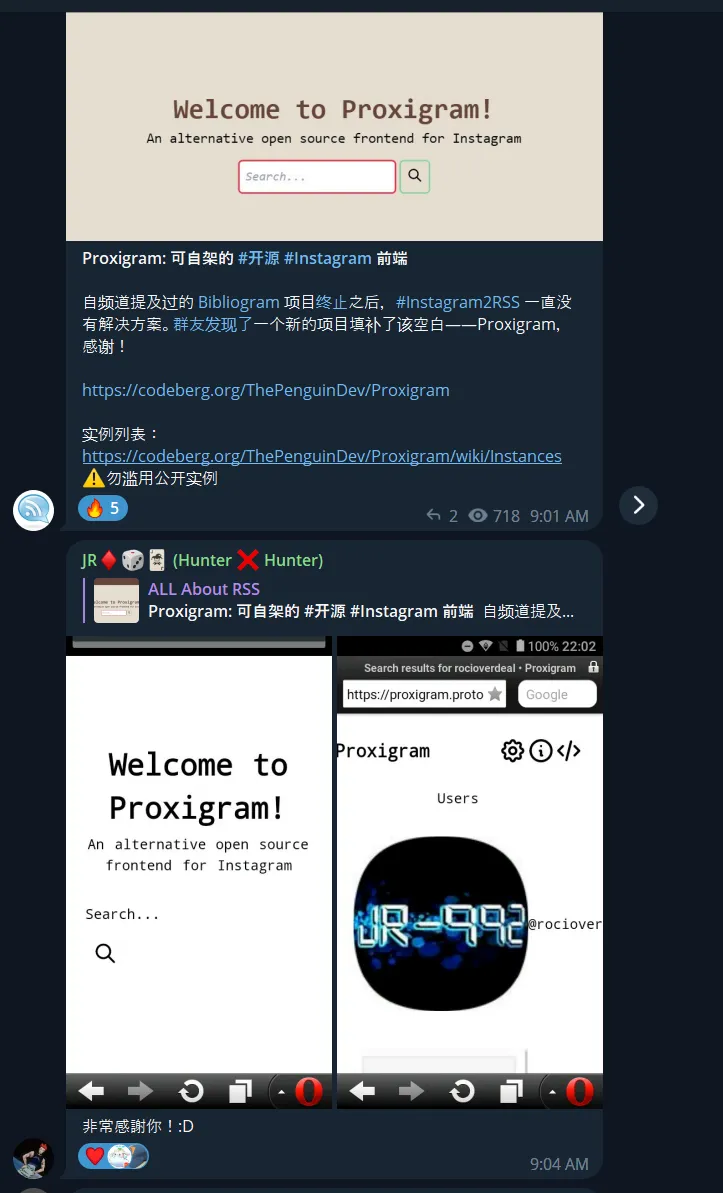
From Proxigram’s project description, you can see this project’s purpose is to protect user privacy. It acts as an intermediary between users and Instagram, fetching Instagram data and returning it to users. The RSS functionality is not its primary purpose.
Setup Process
The official README documentation about deployment is already very clear. I’ll mainly mention the .env configuration file settings.
|
|
The .env file is explained below:
|
|
The port mapping in docker-compose.yml is best written in the format 127.0.0.1:xxx:3000 to avoid exposing too many ports externally. Use a reverse proxy server like Caddy or Nginx to proxy the local xxx port to provide Proxigram service externally.
|
|
Set up DNS resolution at your domain provider like Cloudflare to point the domain to your Proxigram server IP.
Finally, configure the reverse proxy server to provide the service via domain.
Add the following record to Caddy’s Caddyfile:
|
|
Then reload the Caddy server:
|
|
Now visiting proxigram.example.com will show the application interface.
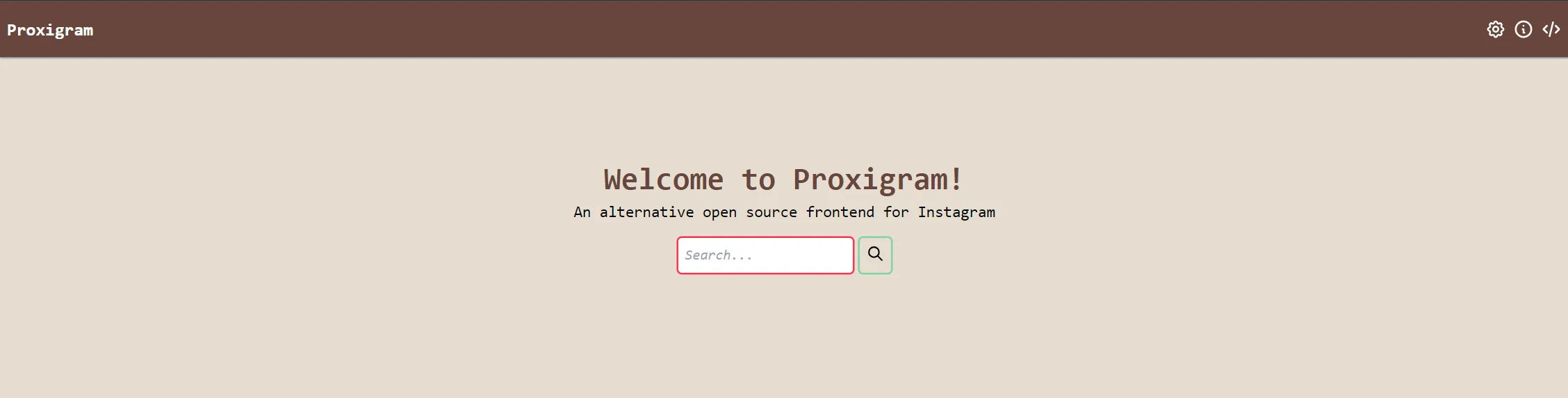
Enter an Instagram user’s handle (username) to get their data.
For example, entering yua_mikami (Yua Mikami’s Instagram handle) and selecting the first user in the search results will show her latest updates. There’s an RSS icon in the top right corner - clicking it will give you the Atom format RSS URL.
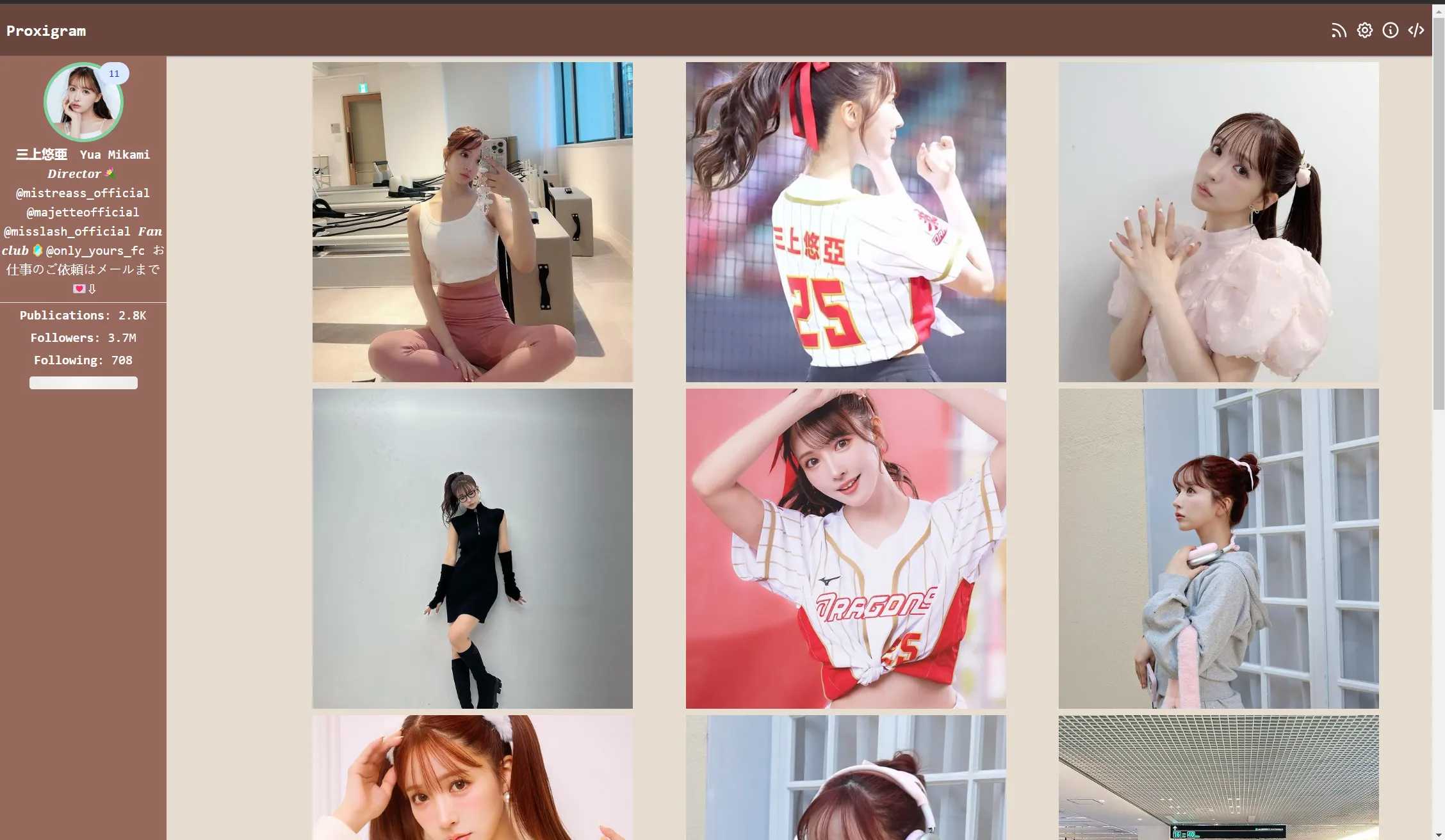
Import that URL into an RSS reader to view her updates during your free time.
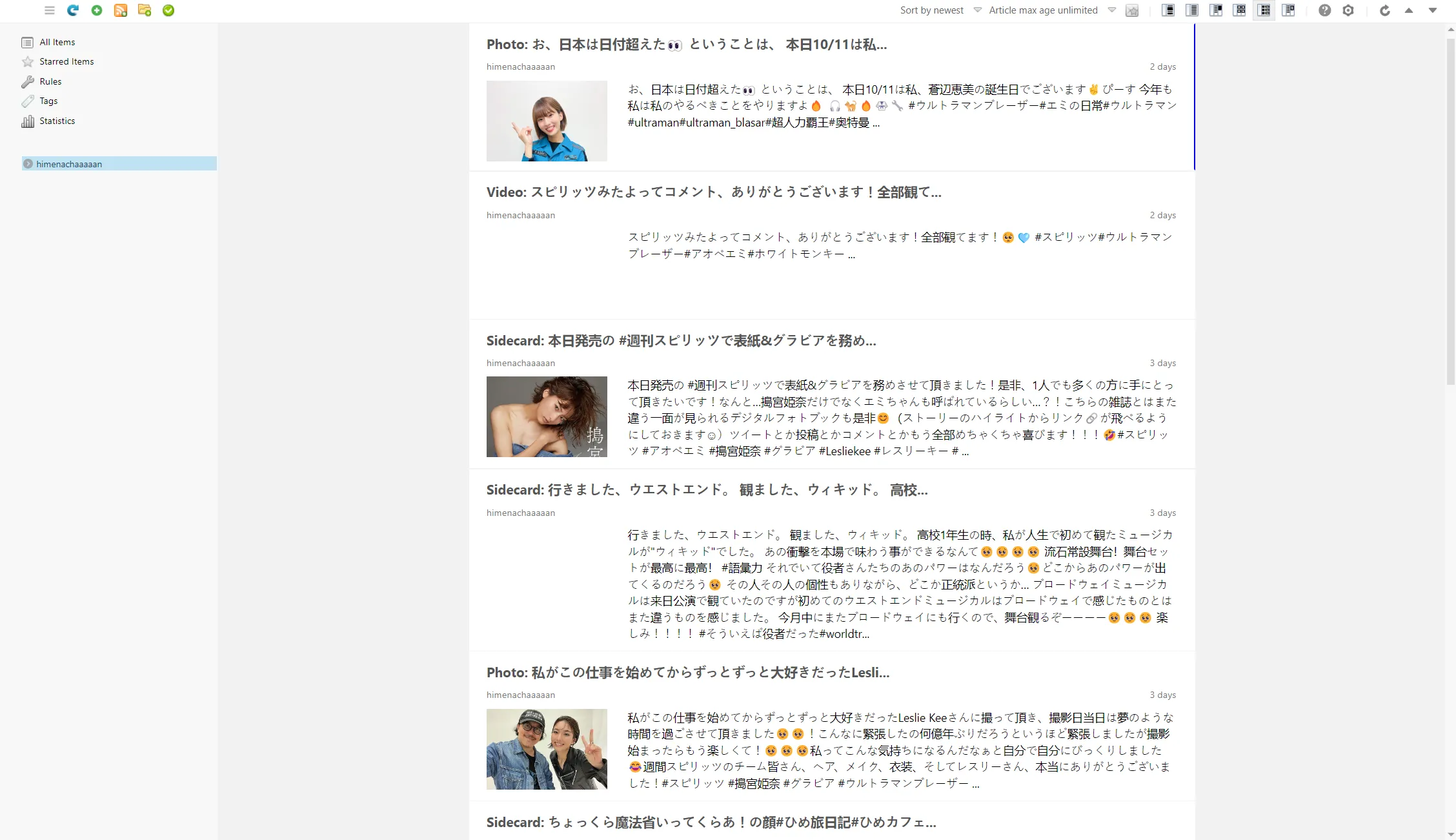
The image below shows the effect of importing RSS for Kina Usumiya (Instagram handle: himenachaaaaan), the female lead of Ultraman Blazar, generated by Proxigram into the Feedbro RSS reader.
Finally, some notes:
-
Instagram posts have too much noise. I recommend placing them in a different RSS app than blog articles and similar feeds.
-
Looking at some options in Proxigram’s Docker environment file, you can roughly guess that this project works similarly to the picuki bridge in RSSBridge - using your VPS to access Instagram third-party application content listed in the provider list. Frequent content fetching may get your IP blocked by Instagram third-party applications. [Need time to verify my hypothesis]
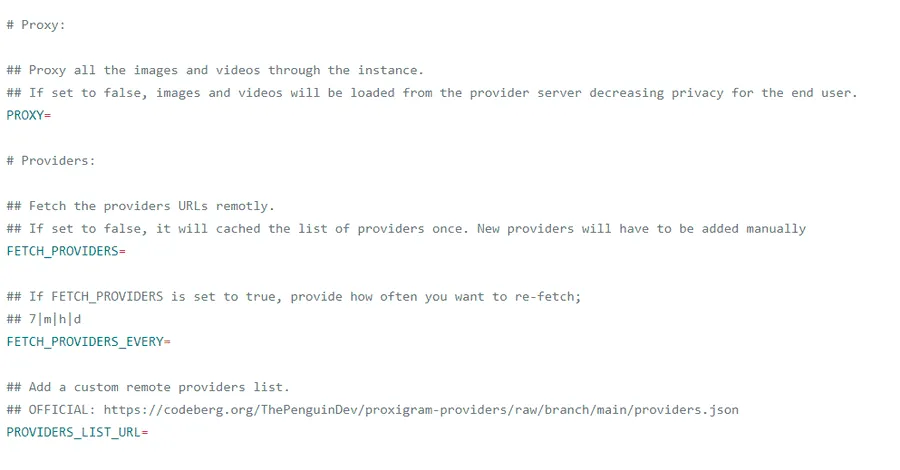
- I recommend using VPS providers like AWS Lightsail that allow free IP changes to deploy Proxigram. Of course, you can also purchase proxies and add them to the Proxy Providers option in environment variables, but proxy costs can be quite significant.
This open-source newcomer provides a new solution for Instagram to RSS. I’ve deployed an instance myself. But generally, I still prefer using the picuki bridge from the TG bot Feed Reader Bot author’s RSS bridge to get Instagram user updates.
The bot author has set up dynamic proxies for their RSS bridge, so there’s no need to worry about picuki blocking the instance IP. The bot has a certain free quota. I paid 100 euros for the pro version lifetime access at the end of last year, and now the pro lifetime price has risen to 150 euros. I don’t recommend purchasing it - the price is somewhat expensive.
The open-source project Proxigram makes the RSS world a better place. I hope this project lives long.
Thoughts
The more internet application service providers try to trap user data in their walled gardens, the more certain user groups will awaken and use open-source technology to break free from the shackles placed on them. When providers go to extreme lengths to block the last ray of light that could pierce the wall, users might as well turn away and vote with their feet, causing platforms to lose users.
Since Elon Musk took over social media X (formerly Twitter), he has slowly started learning from Chinese tech giants to build walls, accelerating the destruction of what should be an open internet world. This is a very sad thing.
Fortunately, there are still projects like Mastodon and other distributed social networks that give users more freedom and control, avoiding censorship or exploitation by centralized platforms.
While these decentralized social networks may not be able to replace the established social platforms with massive user bases, at least their existence adds more openness to this world. When these giants continue their harmful practices in the future, users who want to escape will have more choices.
Document Info
- License: Free to share - Non-commercial - No derivatives - Attribution required (CC BY-NC-ND 4.0)