My App Defaults 2023
Recently I saw a blog post by Xiaohu - My App Defaults 2023.
Inspired by a GitHub project - App Defaults, project intro page - App Defaults.
It’s almost year-end, so let me share some of my favorite tools.
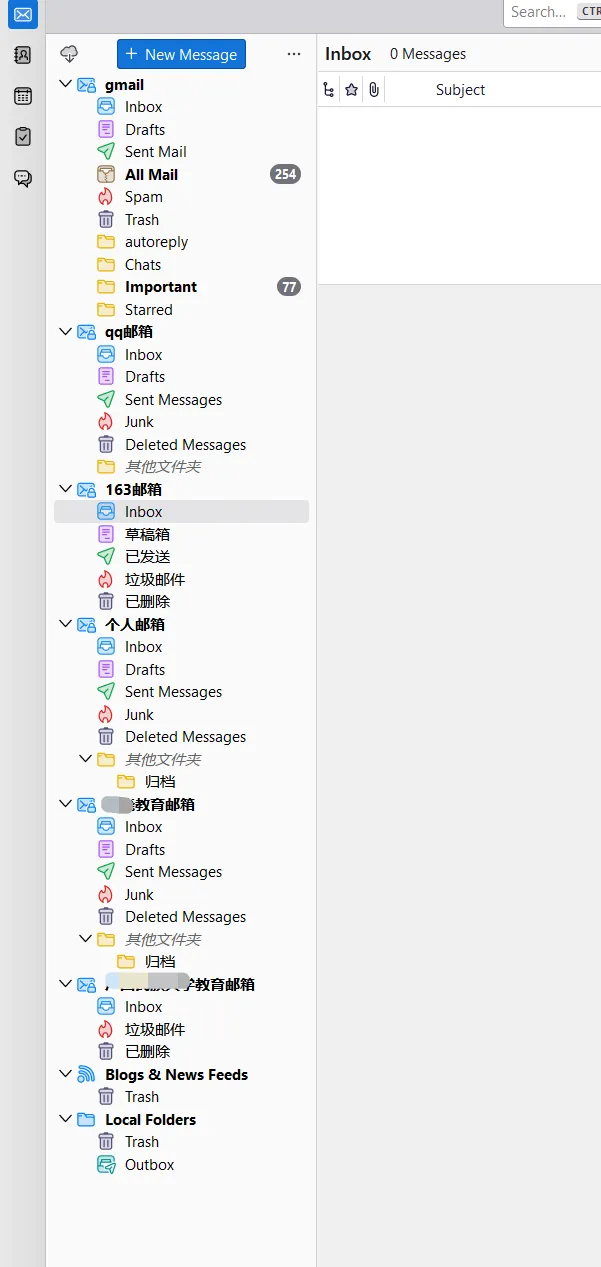
📨 Email Client: Thunderbird
Thunderbird has all my frequently used email accounts like Gmail, QQ Mail, etc. Convenient for checking emails in one place.
📝 Notes: mdBook+VSCode, Yuque, and etc.
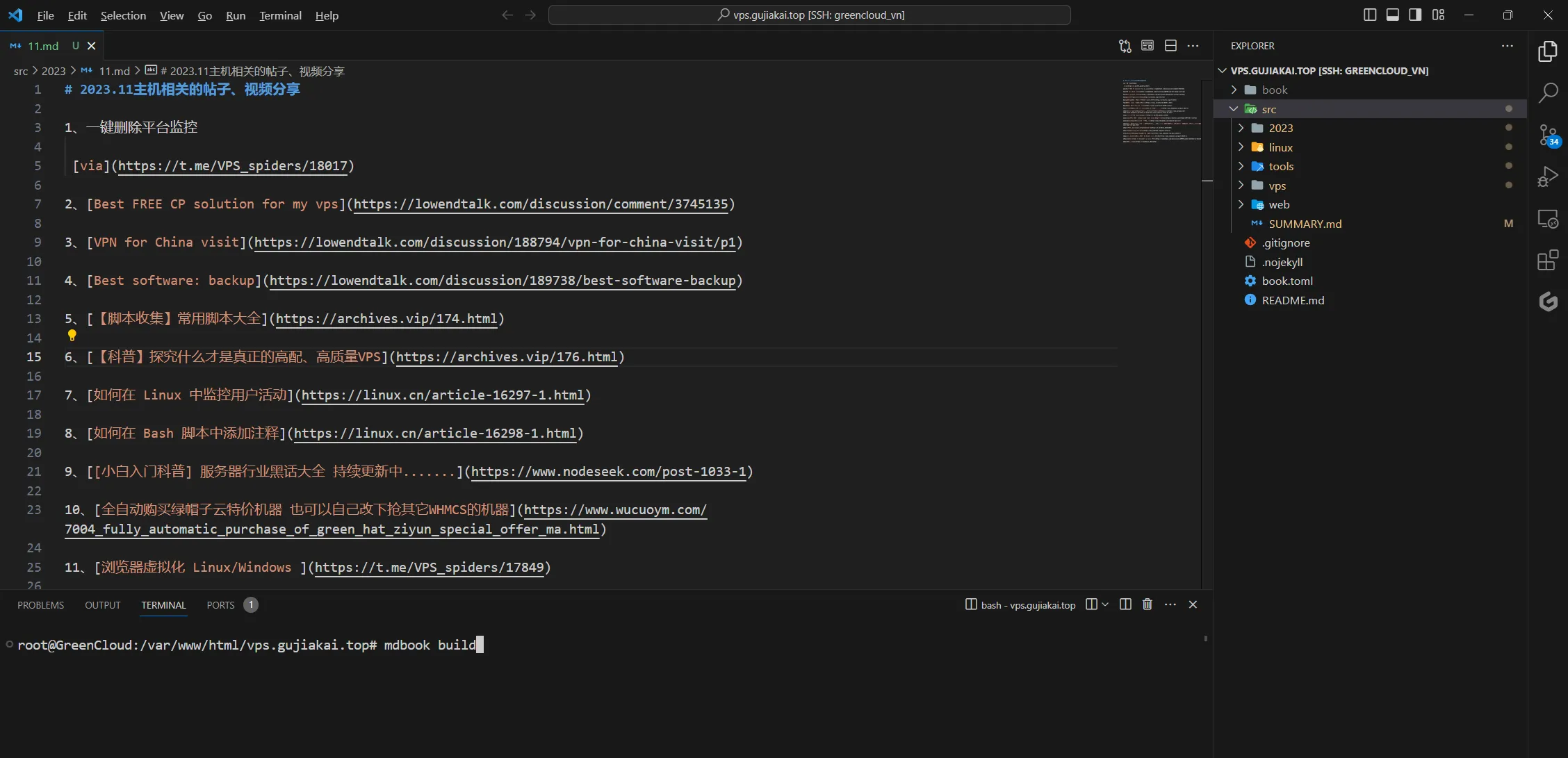
mdBook is a program for creating GitBook-like online books. The official site provides pre-compiled binaries. Simple configuration on VPS allows command-line usage like creating online books.
Combined with VSCode’s Remote Explorer plugin, using SSH keys to remotely connect to VPS and edit markdown files. After editing notes, use mdbook build to generate static files, then with Cloudflare DNS + reverse proxy server (like Caddy), you can access mdBook’s static files via domain.
This year, the notes site I used this workflow most for was my VPS tinkering notes - via.
✅ To-Do: Microsoft To Do
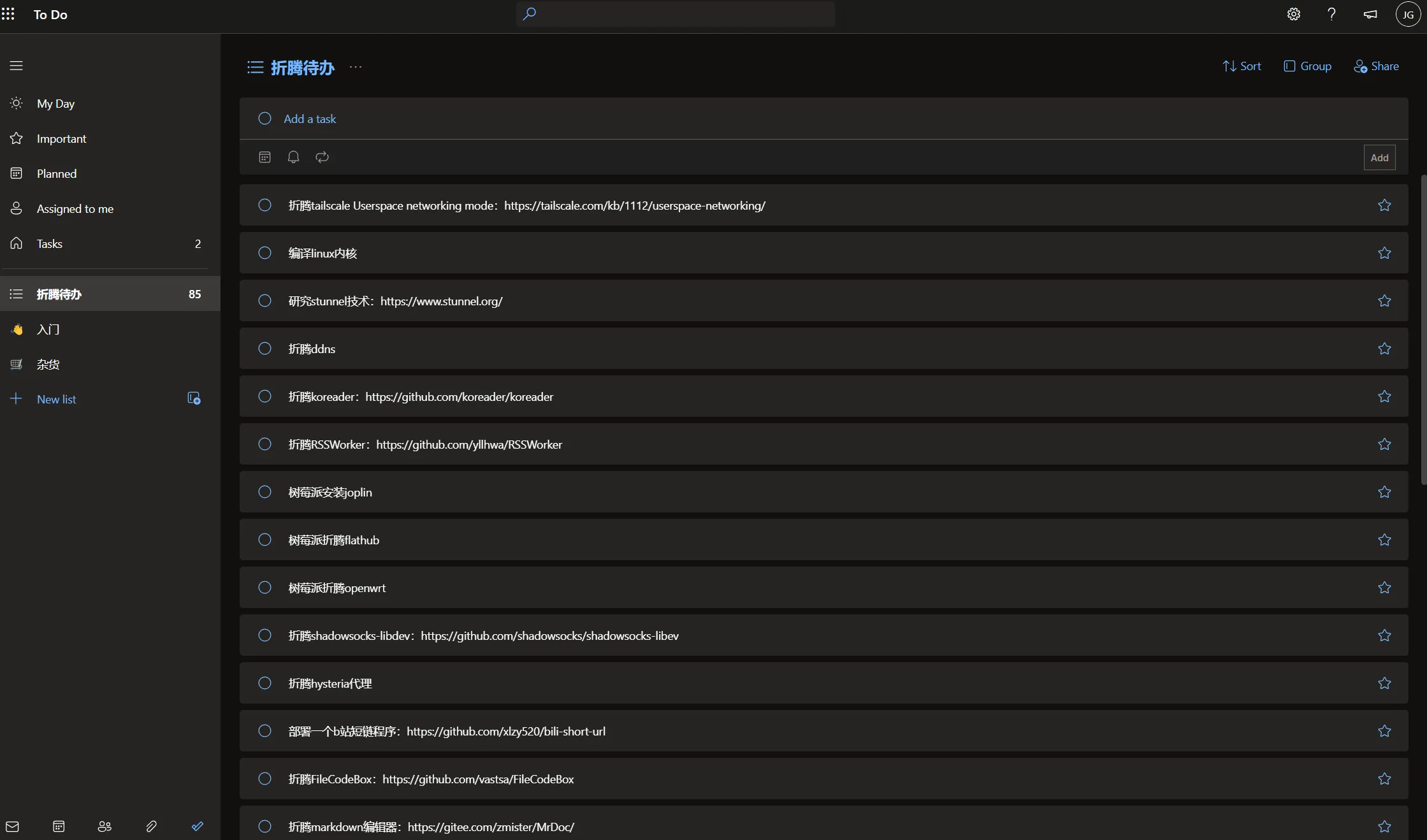
When I find interesting projects or knowledge but don’t have time to check or tinker with them, I record them in Microsoft To Do for later.
Of course, the downside of such read-later tools is they might lead to “to-do later = never do.” To avoid this, set a threshold for your To Do - mine is currently 100.
Recently trying to reduce my tinkering to-dos to under 50.
📁 Cloud Storage: Google Drive, OneDrive, PikPak, and etc.
I joined a Google One family group in the first half of the year, so Google Drive became my cloud storage choice.
Similarly, I’m in a Microsoft 365 family group with 1TB OneDrive space. I generally store files on Google Drive while backing up to OneDrive.
PikPak is mainly for magnet downloads. Combined with TG’s PikPak bot, it’s very convenient. PikPak recently had Black Friday deals - interested folks can check - via
🟦 Photo Management: Google Photos, OneDrive, TG Private Channel
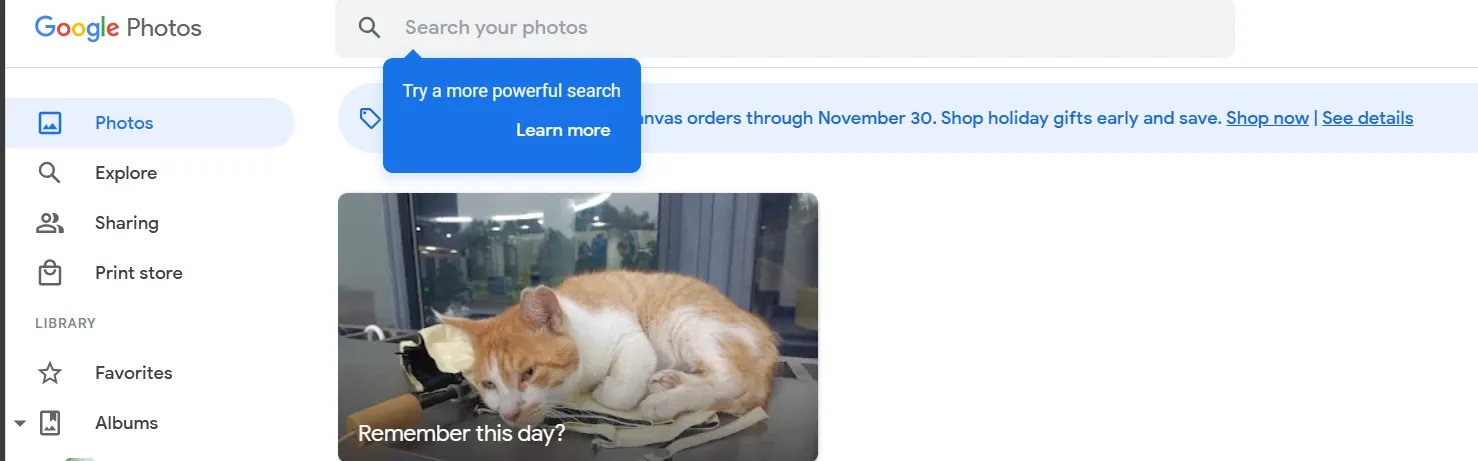
For photos, similar to cloud storage - one copy in Google Photos, one in OneDrive. For memorable photos, I also store them in a TG private channel.
📖 RSS: Inoreader and etc.
For RSS, I use the powerful Inoreader. Its RSS Feed creation and email notification features are excellent. I use it to read various news.
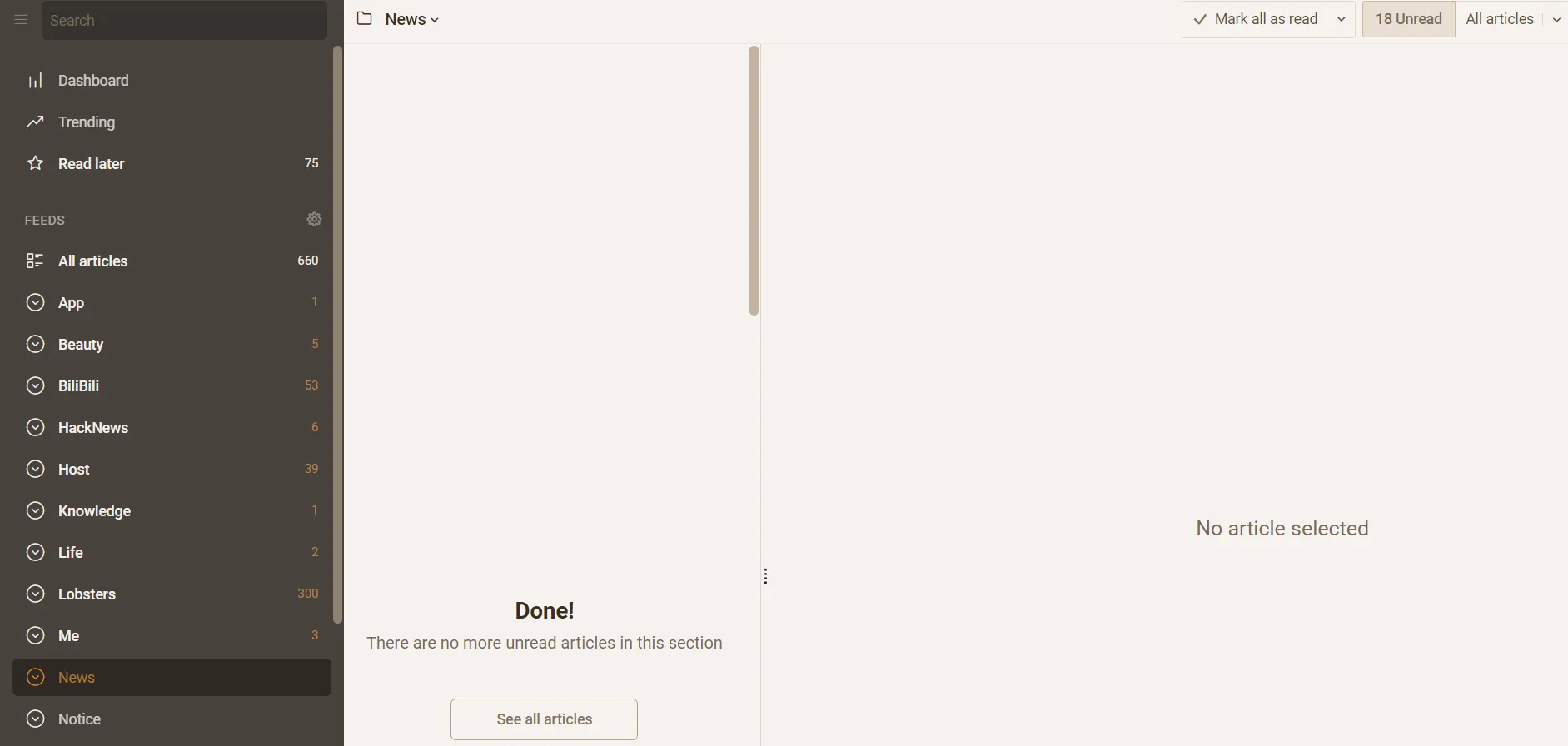
Although I’ve self-hosted Fresh RSS, Miniflux, etc., I use them less often.
🌐 Browser: Chrome, Edge, Firefox, Safari, and etc.
For browsers, my main is still Chrome. Edge is mainly for ChatGPT and Microsoft Copilot/New Bing. Other browsers are used less.
Some of my Windows VPS use niche browsers like Thorium.

💬 Chat: QQ, WeChat, and etc.
For chat apps, I can’t escape domestic QQ and WeChat.
Between me and a close roommate, we generally use my self-hosted Rocket Chat. He also self-hosted a Matrix chat, and sometimes we use Element (Matrix frontend) to communicate.
I communicate with international friends via Telegram.
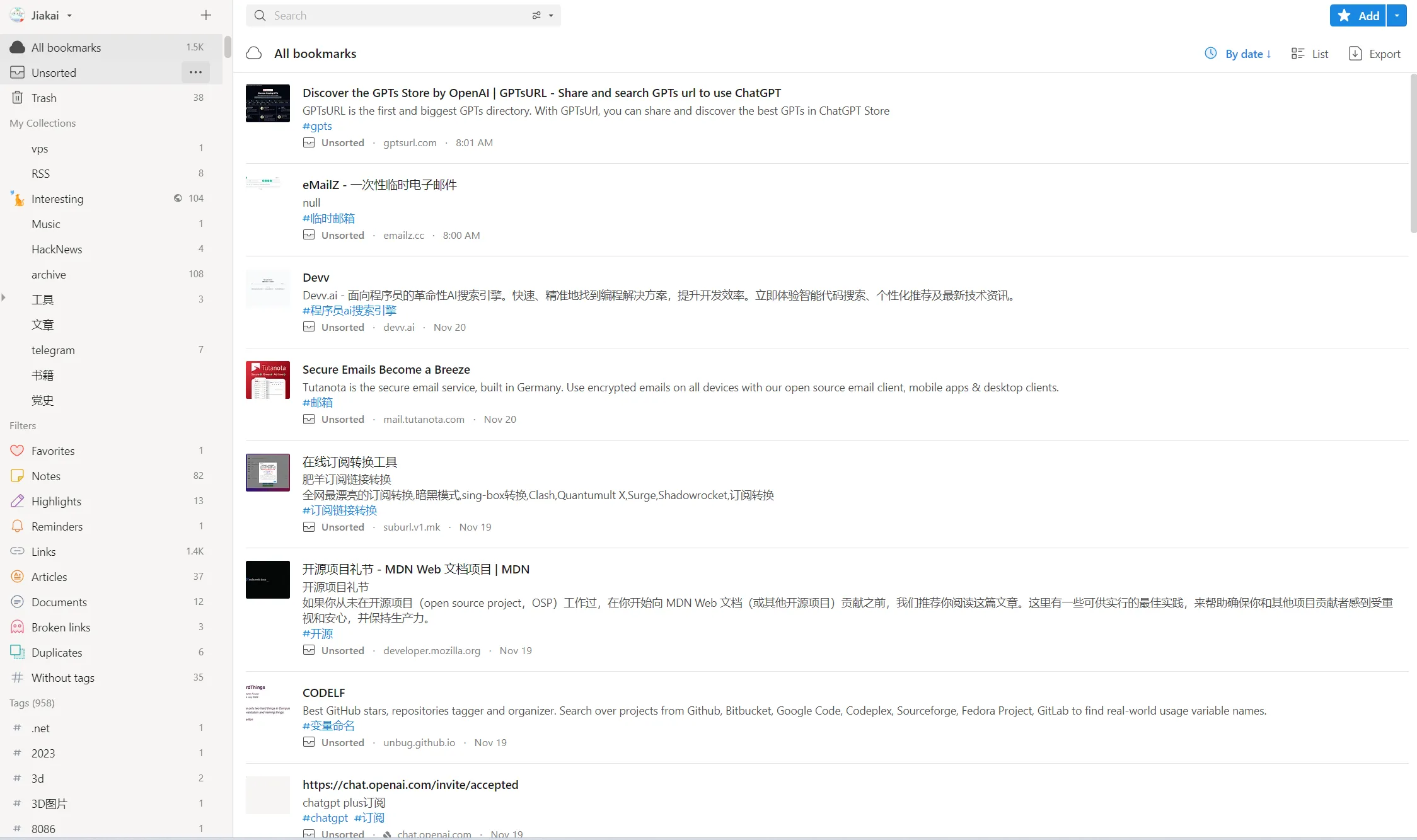
🔖 Bookmarks: Raindrop
Raindrop is definitely the top choice for bookmarks. Don’t be afraid of messy bookmarks - just save good websites for future reference.
📊 Presentations: Microsoft PowerPoint, Slidev
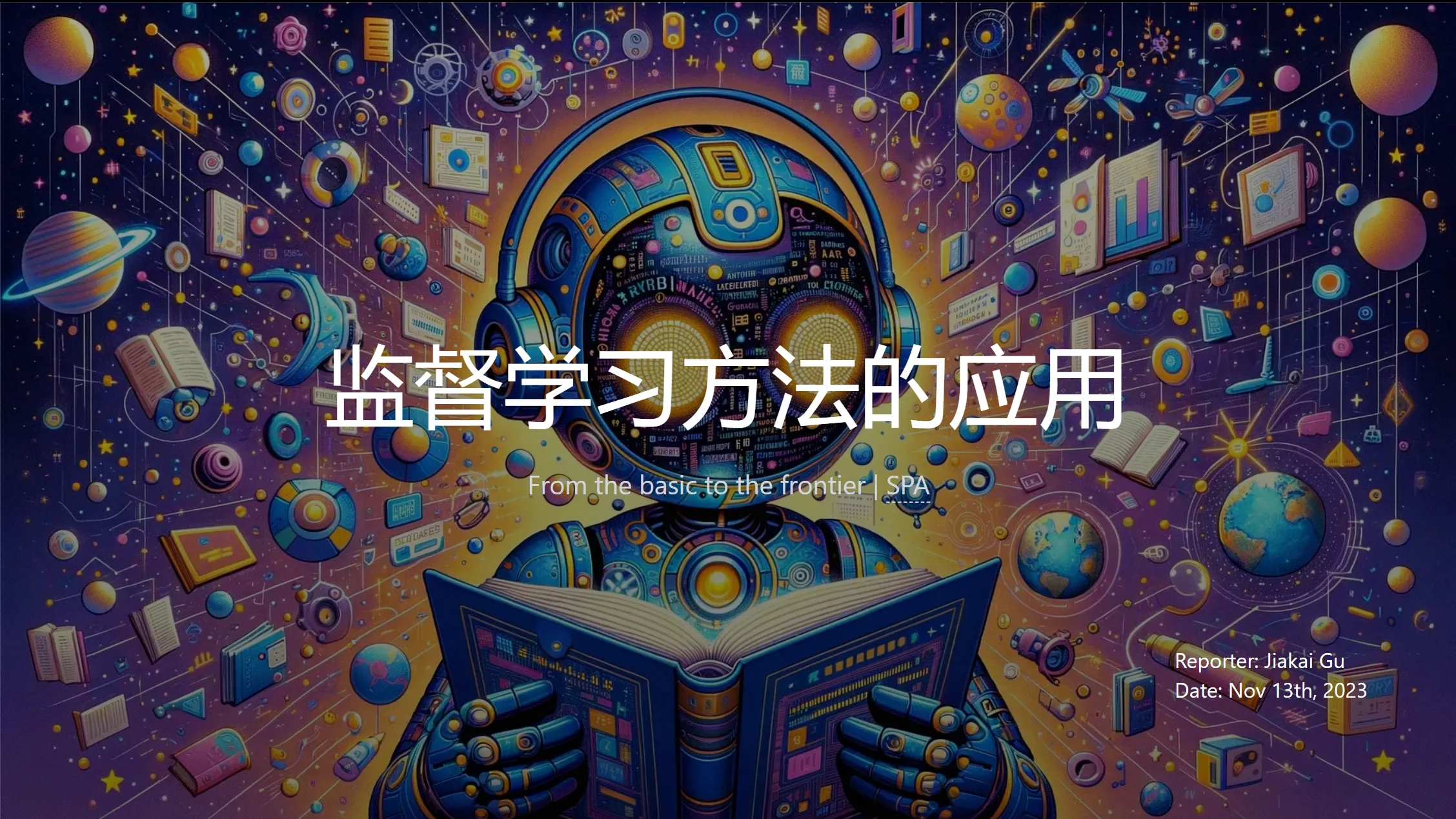
For slides, I generally use antfu’s open-source Slidev project - a slide tool designed for developers. Simply write markdown files to generate SPA web pages, presenting slides as web pages. Very nice. Here’s a recent slide I made about supervised learning applications - via
For slides just meant to meet requirements, Microsoft PowerPoint does the job. If lazy, pair with ChatPPT or domestic WPS AI to generate PPT with one click.
🎵 Music: YouTube Music, Spotify
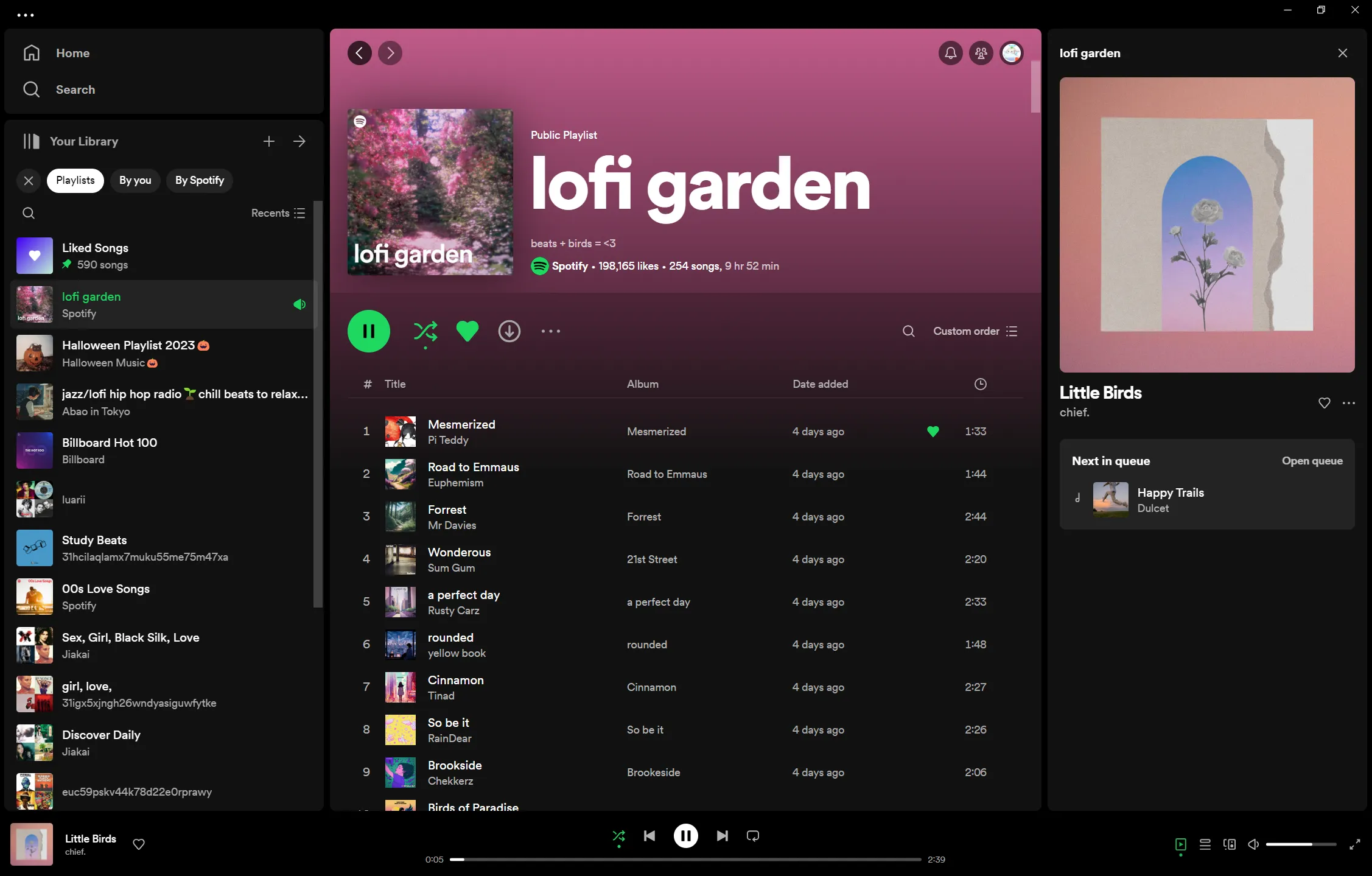
Spotify mainly for light music while studying. YouTube Music for pop songs.
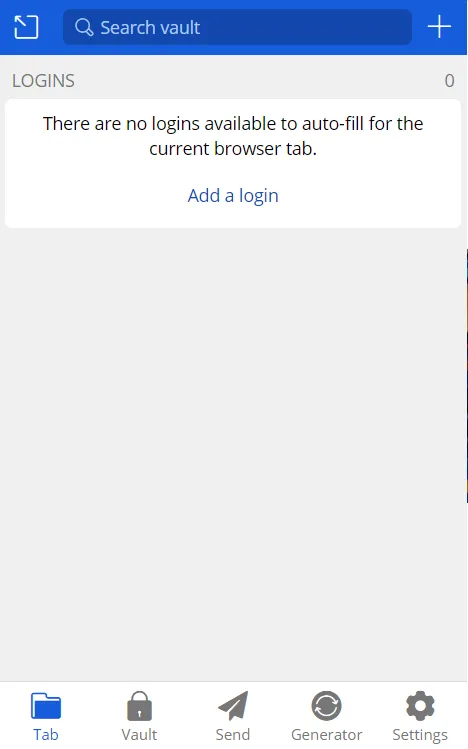
🔐 Password Management: Bitwarden
Self-hosted Bitwarden service - great for browser password fill and mobile password fill.
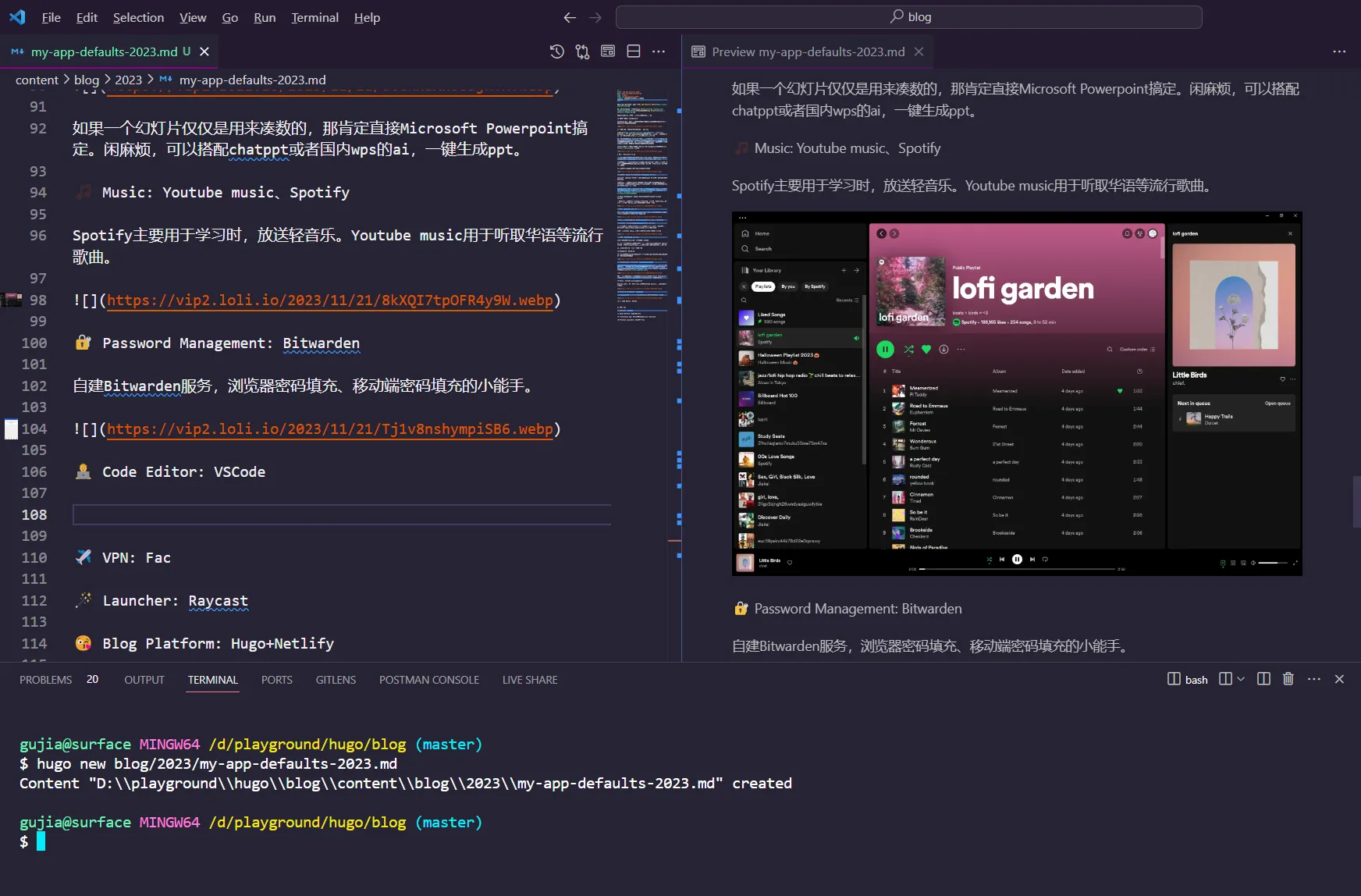
🧑💻 Code Editor: VSCode
VSCode is just so convenient. Currently I write all my blogs through it. The only downside is installing many plugins takes up disk space.
😘 Blog Platform: Hugo+Netlify
My personal blog uses the Hugo framework with my own Hugo theme, deployed on Netlify PaaS platform.
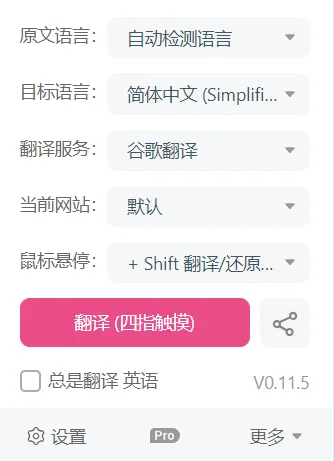
📖 Translation Apps: Saladict, Immersive Translate
Saladict is mainly for selected word lookup. Immersive Translate is mainly for bilingual translation of web pages, PDFs, etc.
Immersive Translate left a deep impression on me - a free open-source work that successfully replaced Caiyun’s paid bilingual translation service.
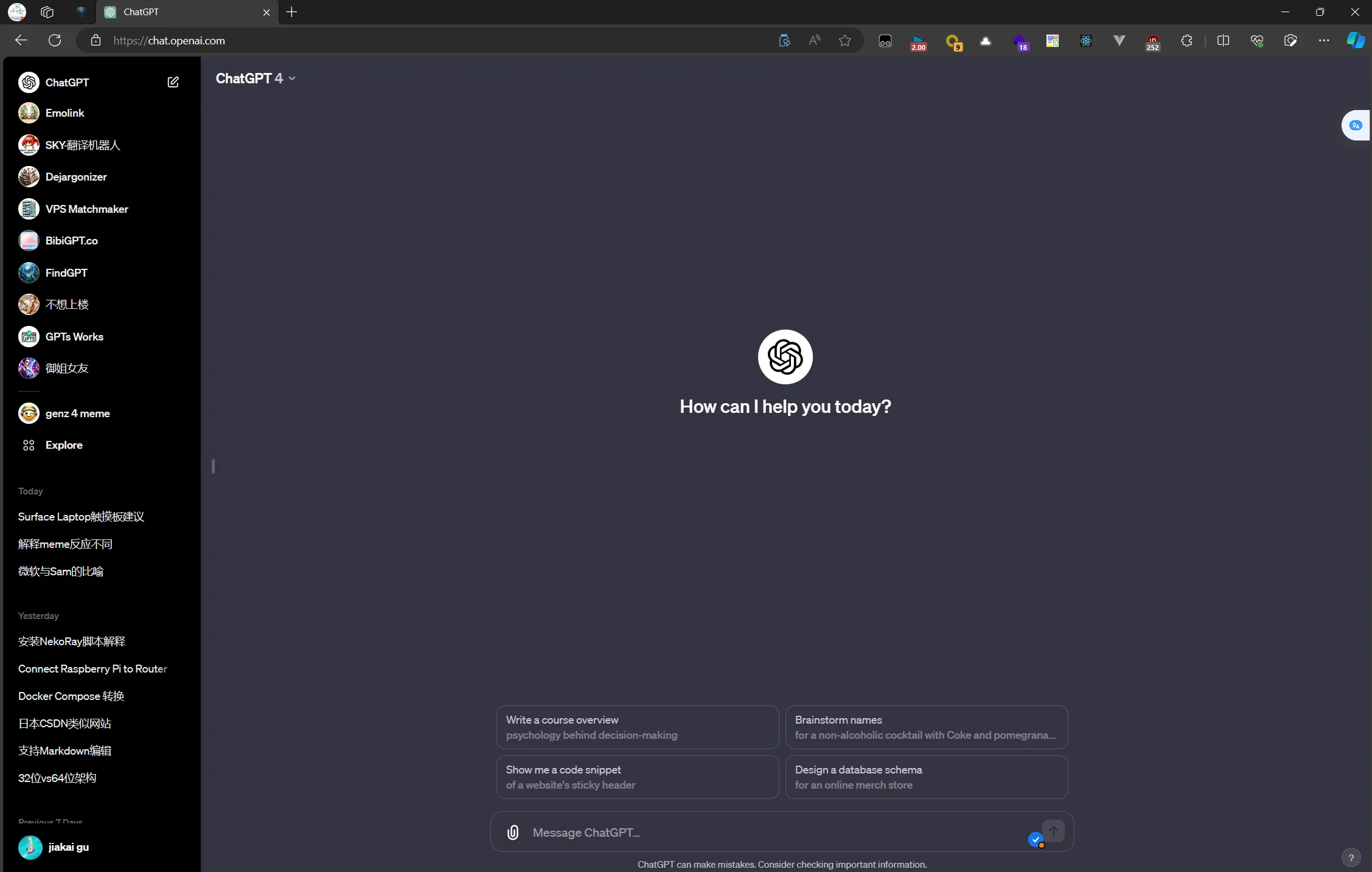
📎 Personal Assistant: ChatGPT Plus
The light of humanity, the most advanced large language model. Since February 2023, I’ve voluntarily given OpenAI my $20 every month.
Because they created a product people truly need. The market needs it, and I need it too - from university graduation project to daily learning, GPT Plus has helped me tremendously.
Just like in the recent OpenAI firing Sam Altman drama, where OpenAI employees expressed dissatisfaction on X (OpenAI is nothing without its people), I’m nothing without GPT Plus. Without GPT, I’d be lost, dumber than when I have GPT Plus.
Of course, there are many more tools worth sharing. If I listed them all, I’d lose the whole day, so I’ll stop here.
Document Info
- License: Free to share - Non-commercial - No derivatives - Attribution required (CC BY-NC-ND 4.0)