Solution for RackNerd Ubuntu Error 'UFS: unable to mount root fs on unknown-block'
RackNerd’s 2023 Black Friday event kicked off in the early morning hours of today (Beijing time). This time I purchased the most expensive Linux VPS. Same VPS Black Friday package purchase link
RackNerd Black Friday page: https://www.racknerd.com/BlackFriday/
At checkout, there will be a Wheel of Savings (lottery discount), randomly getting dollar discounts. In my testing, dollar discounts were all under $2. So the discount is optional.
After ordering, you can go to the LowEndTalk post by the vendor and reply with your order number to get double bandwidth. If you need me to post for you, private message me your order number.
Reply format reference:
Order Number: your_order_number @dustinc please doble bw.
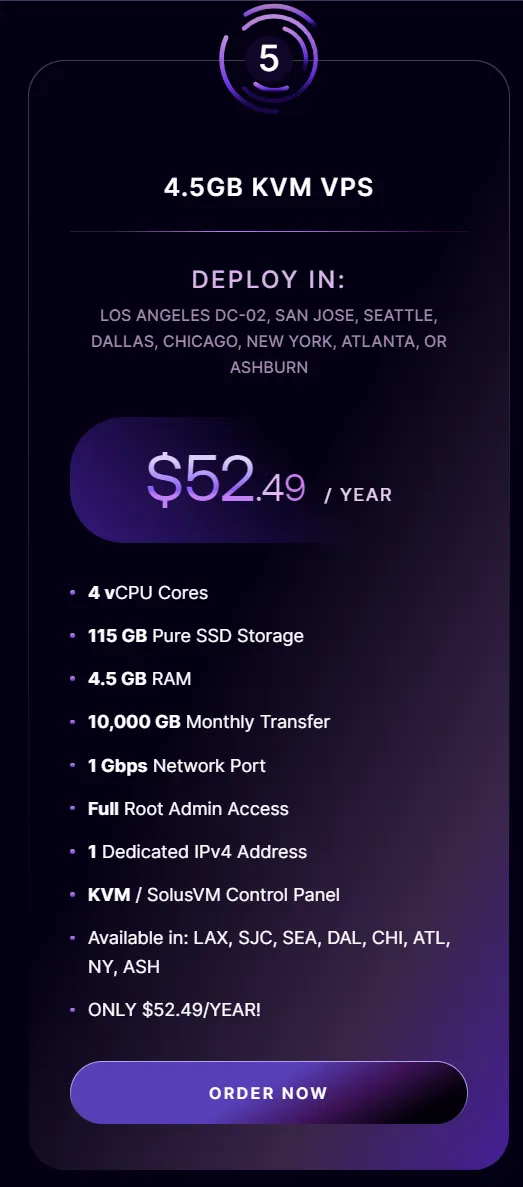
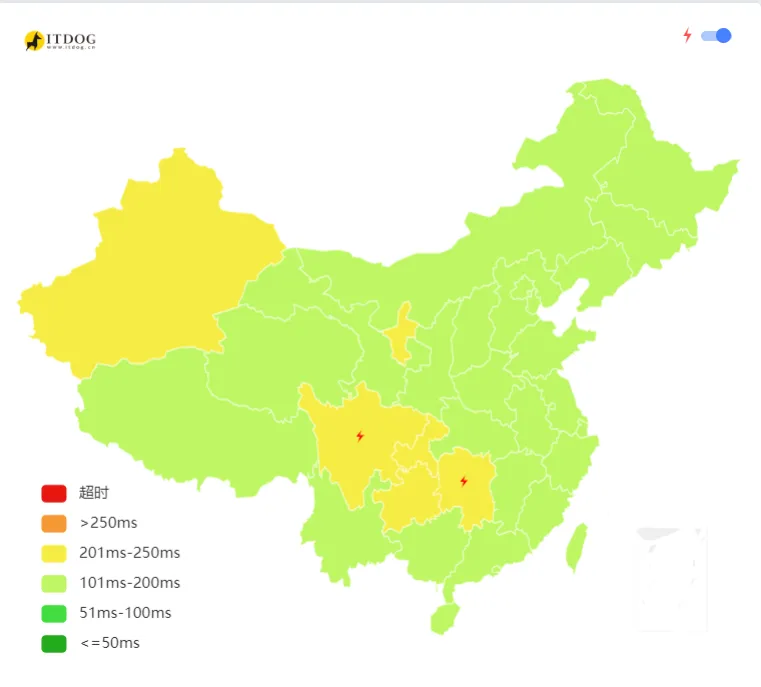
I chose Ubuntu 22.04 system, location Los Angeles DC02 datacenter (Asia optimized route). Ping values from China to this machine are decent.
Two things I usually do after boot:
- Update system package list && update all installed packages to latest version
|
|
- Enable BBR acceleration
|
|
But when I tried to SSH connect the second time, I couldn’t connect at all, even with proxy configured.
So I went to RackNerd’s VPS control panel and clicked reboot to restart the VPS, but it stuck on the reboot screen for a while, then showed error.
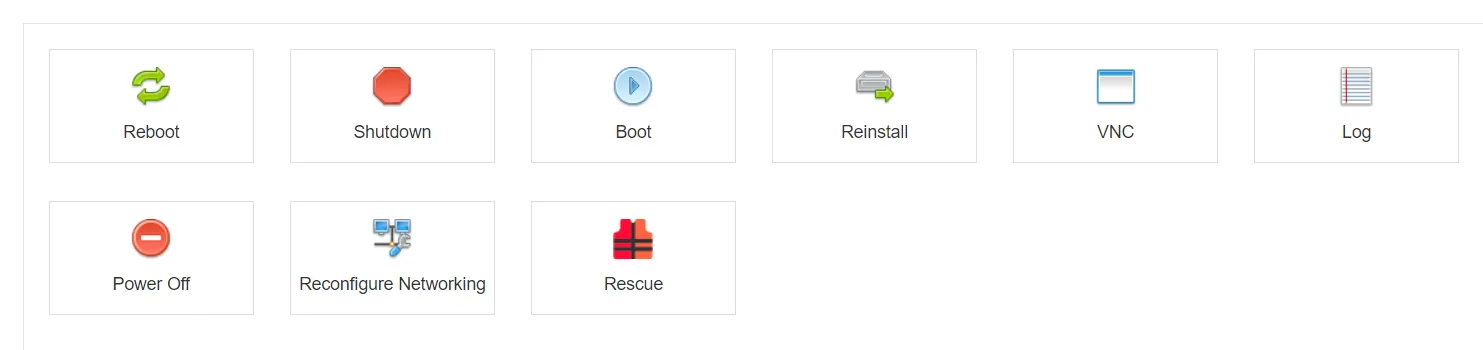
So I opened VNC in the VPS control panel and found this error message: UFS: unable to mount root fs on unknown-block.
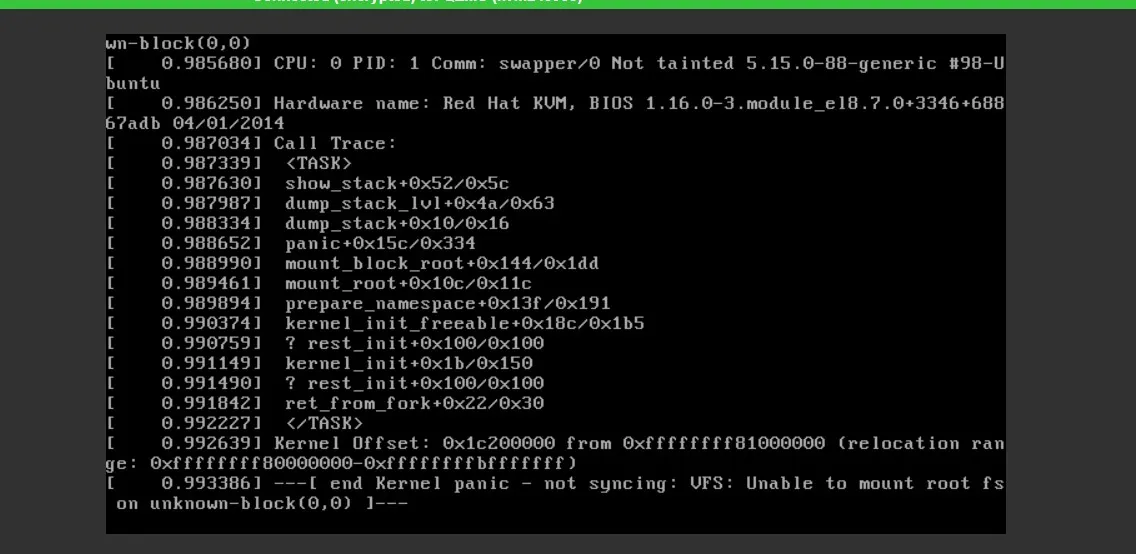
After searching online, I found I needed to reboot and select an older kernel version to enter the system.
Since clicking reboot would show error at first, I chose to click shutdown, then open VNC, boot the system, and select Advanced options for Ubuntu at the beginning of boot.
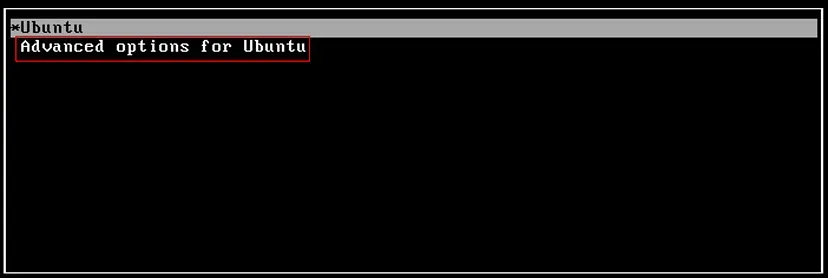
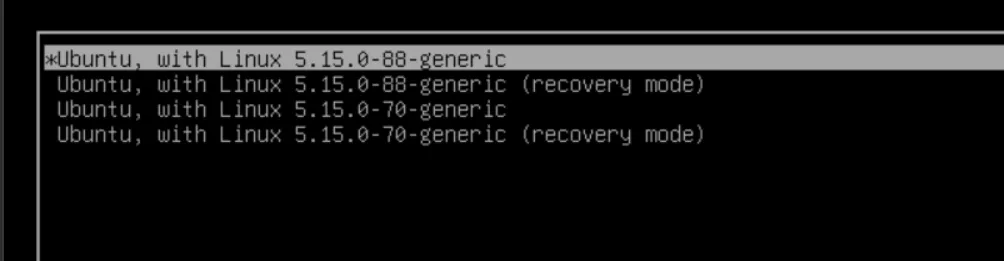
Then select an older kernel version to enter the system. In the image below, I selected my older kernel—Linux 5.5.0-70-generic.
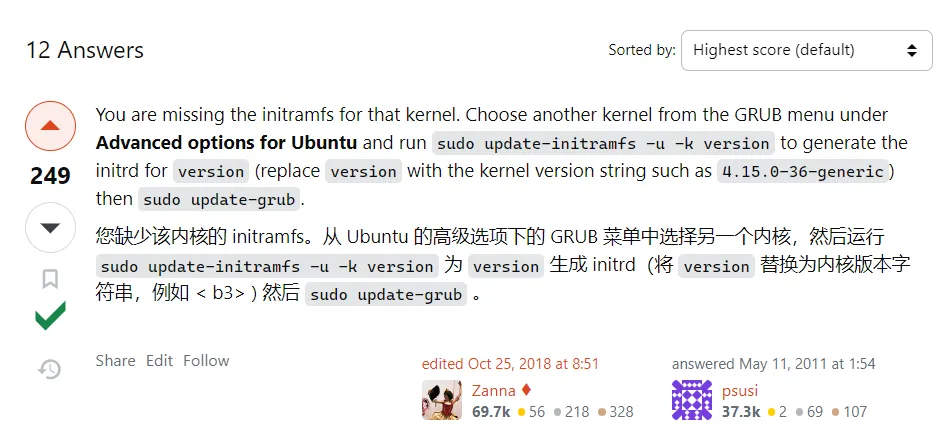
After entering the system, I used this answer from the Ask Ubuntu community question—Kernel Panic - not syncing: VFS: Unable to mount root fs on unknown-block(0,0), and performed the following operations (summarized for me by GPT-4 Turbo).
|
|
After these operations, I could enter the new kernel 5.15.0-88-generic system, but found the network wasn’t connecting.
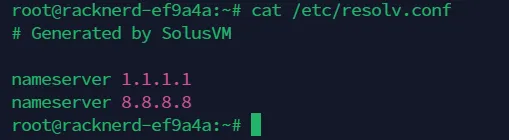
I found /etc/resolv.conf [DNS resolution config file] had no errors—it defaulted to Google’s public DNS.
Tried updating it to Cloudflare DNS server IP + Google DNS server IP, restarted network but still couldn’t connect.
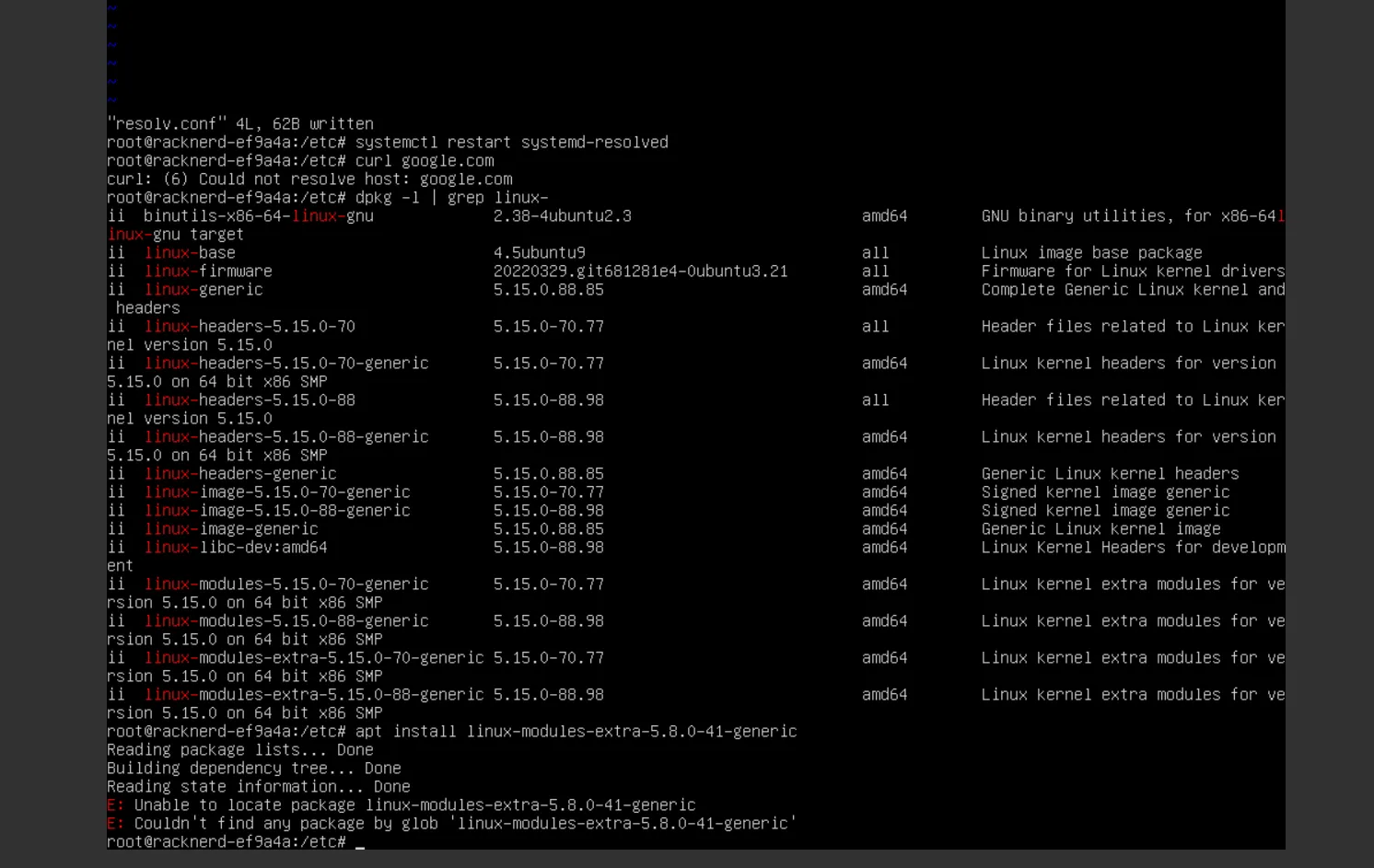
Then I searched online for issues about new kernel not connecting to network. Some posts said you need to install corresponding dependencies in the old kernel.
GPT-4 Turbo directly told me to reboot. So I used the reboot command to restart the VPS. After rebooting, I found the network was restored. And the kernel was the new kernel.
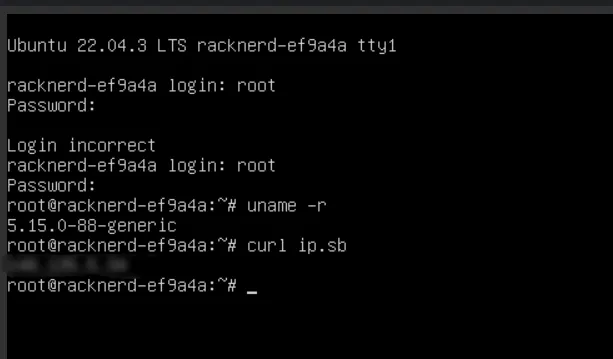
That’s this troubleshooting experience. I bought a minimum spec RackNerd machine in the first half of the year and probably encountered similar issues—the solution then was to reinstall the system. This time I didn’t reinstall directly but troubleshot step by step to solve the problem. I really enjoyed the process of “facing problems head-on.”
Document Info
- License: Free to share - Non-commercial - No derivatives - Attribution required (CC BY-NC-ND 4.0)