Solution for apt Install Error 'Operation not permitted'
After finishing final exams, I can tinker with VPS anytime, anywhere. This afternoon I was originally writing a VPS review article, but one of the VPS showed the following error when I ran network trace scripts and AI platform unlock detection scripts:
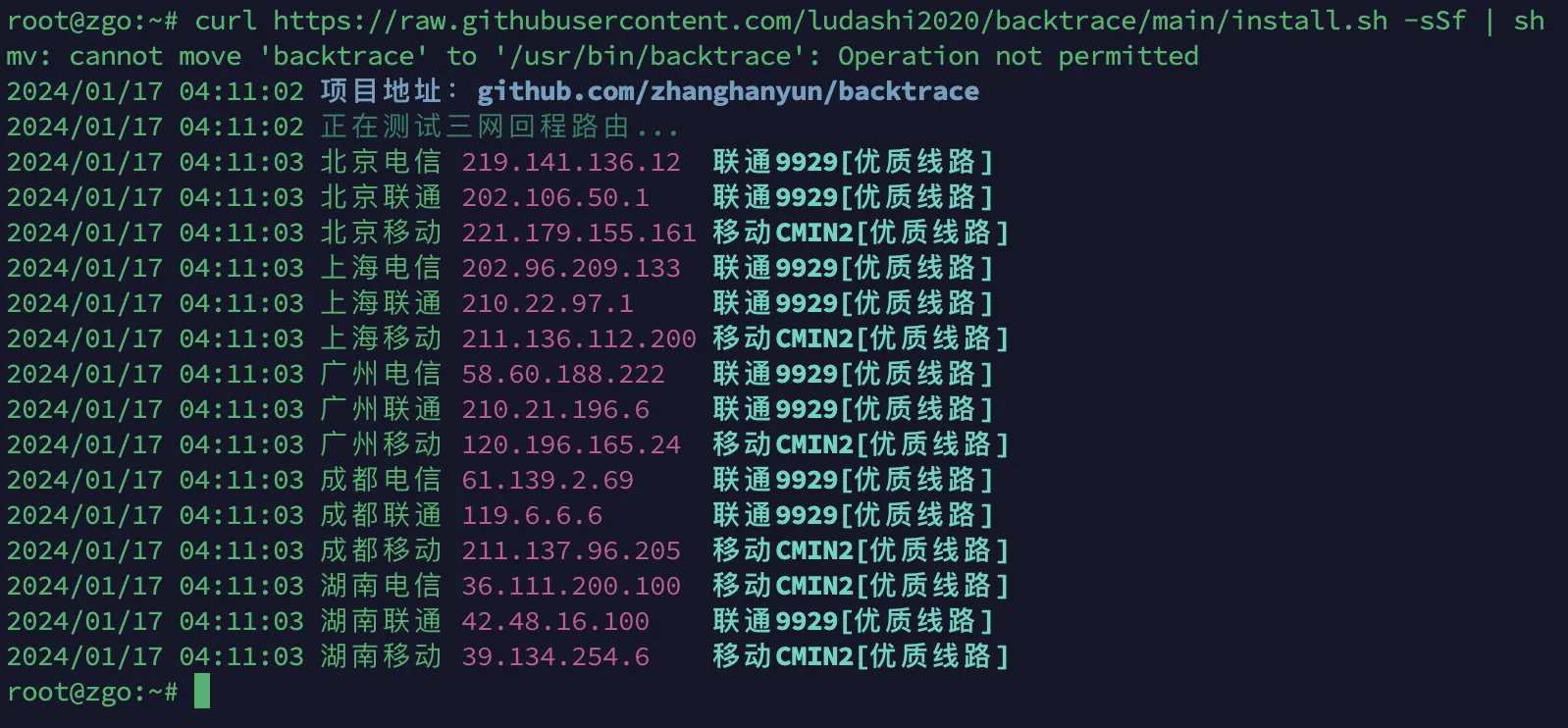
Network trace script shows unable to move executable to /usr/bin folder.
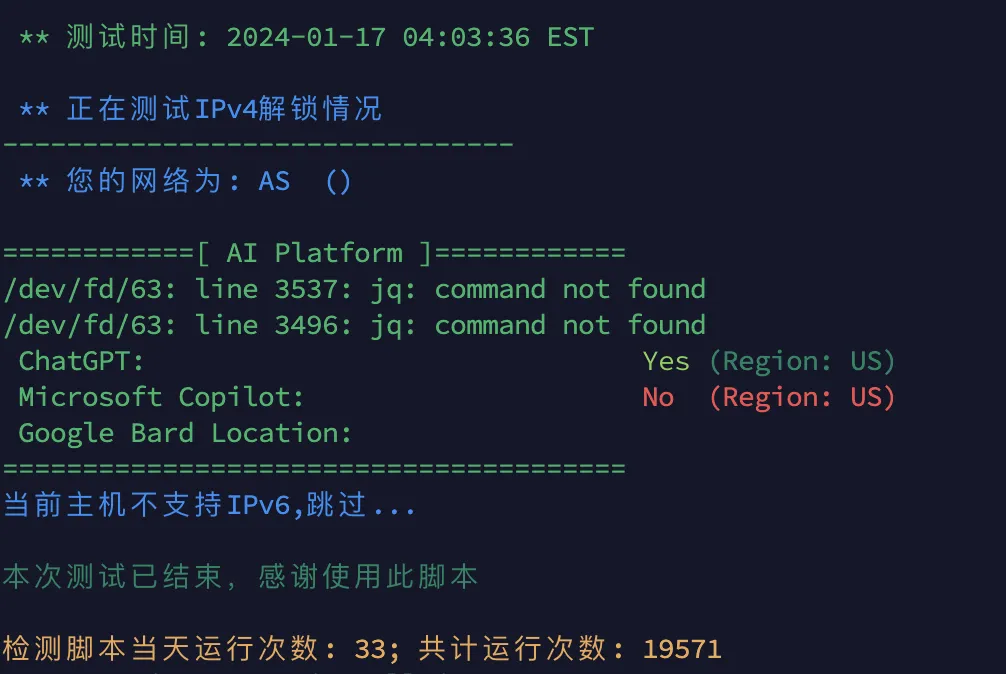
AI platform unlock detection script error: jq command not found.
So I prepared to install jq using apt install jq, but got this error:
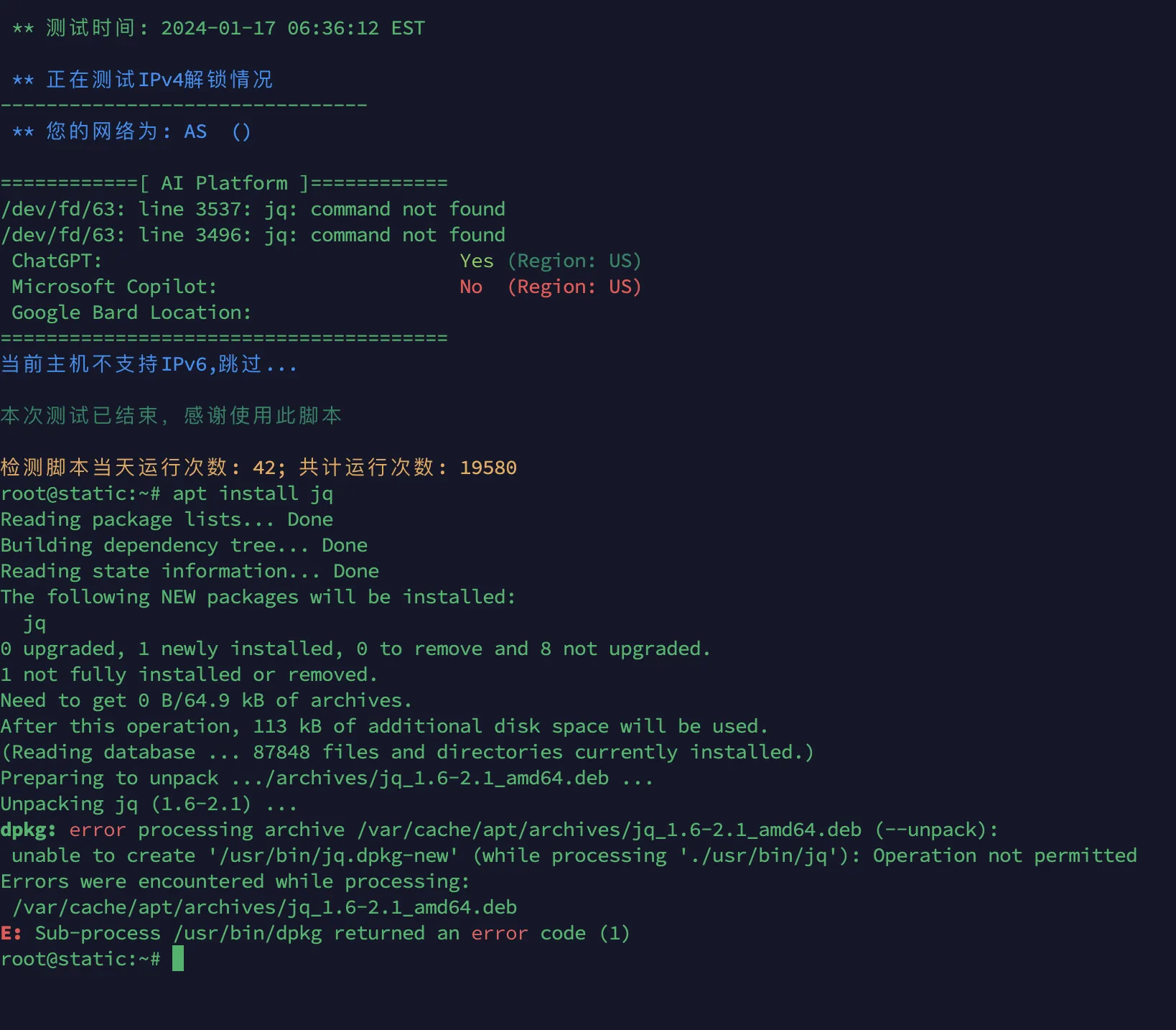
Again, operation on /usr/bin folder not permitted.
Checking /usr/bin folder permissions, found there’s no w(write) permission.

I checked all my VPS and found 3 total with the same issue.
GPT’s 40 per 3 hours was completely exhausted by me. I searched many web pages but couldn’t find the result I wanted.
During troubleshooting, I even thought of a Debian bug from last month, so I upgraded the kernels on all three VPS to the latest version, but still didn’t solve my problem.
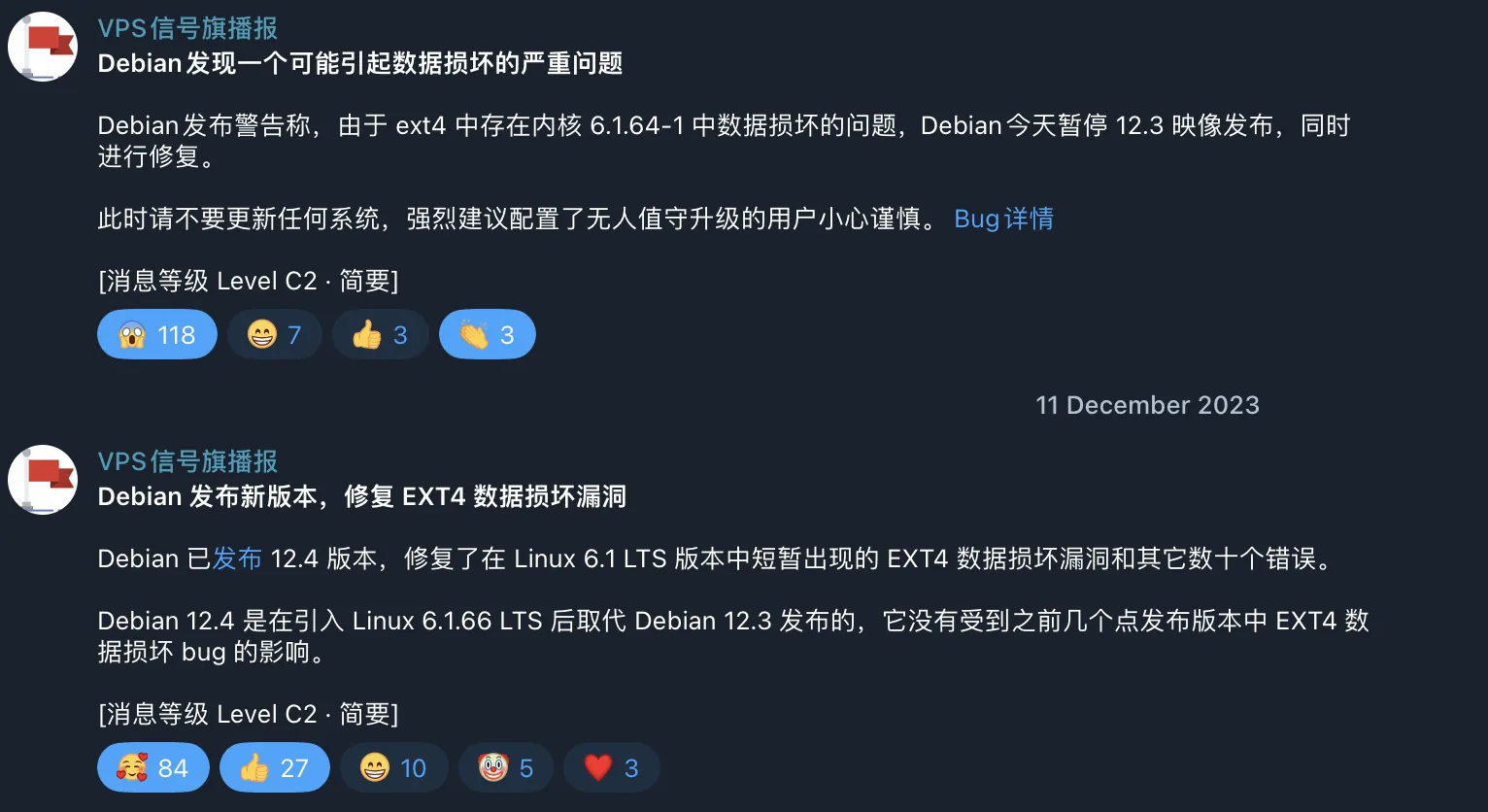
Just when I was at a loss, I noticed all three VPS had the BaoTa panel cracked version installed.
The BaoTa panel cracked version unlocks paid plugins, so I installed a bunch of plugins. Maybe these plugins were causing trouble.
After investigation, I finally found the culprit plugin preventing /usr/bin folder operations—a plugin called BaoTa System Hardening.
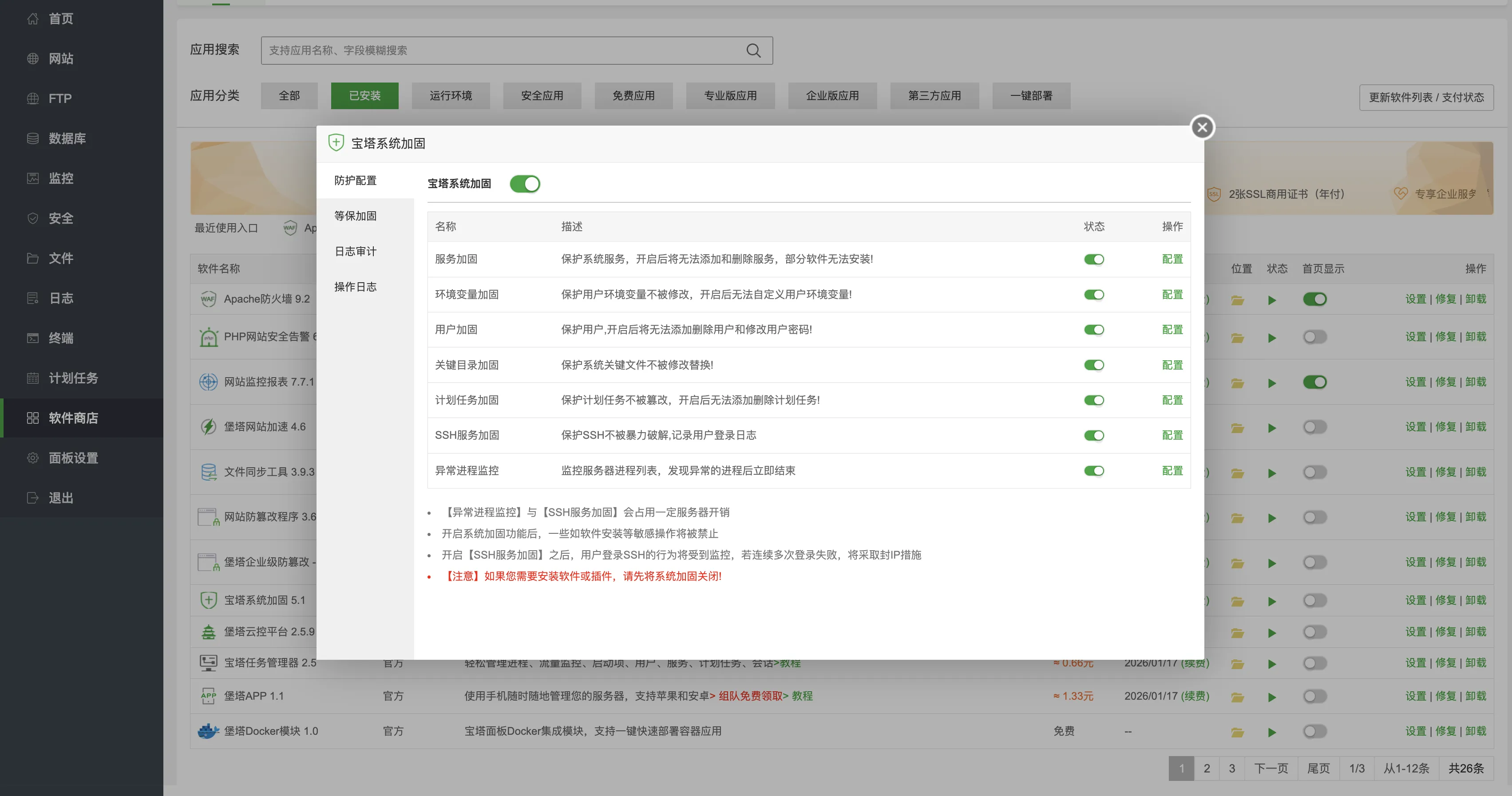
The key directory hardening feature made the /usr/bin directory read-only.
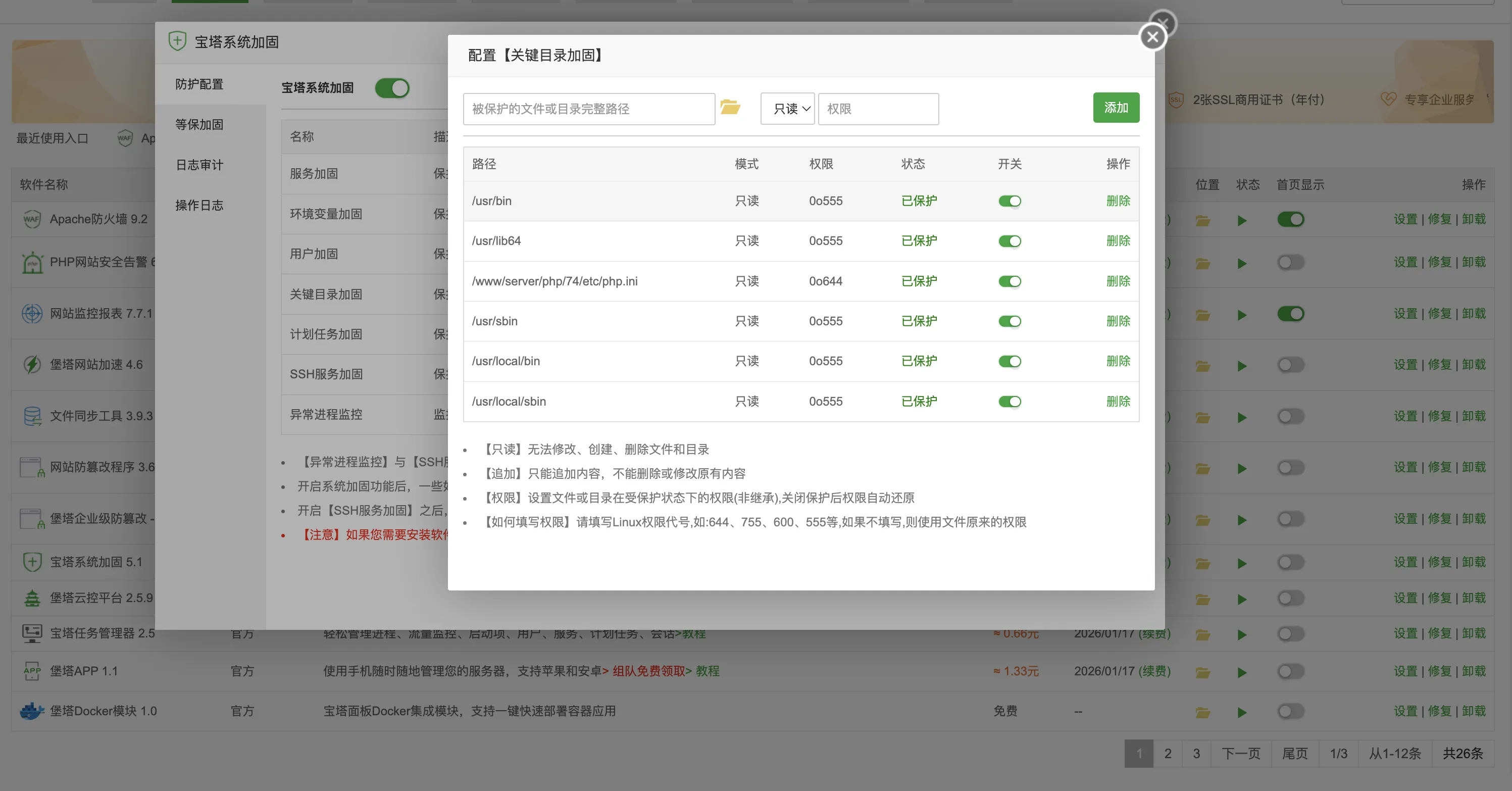
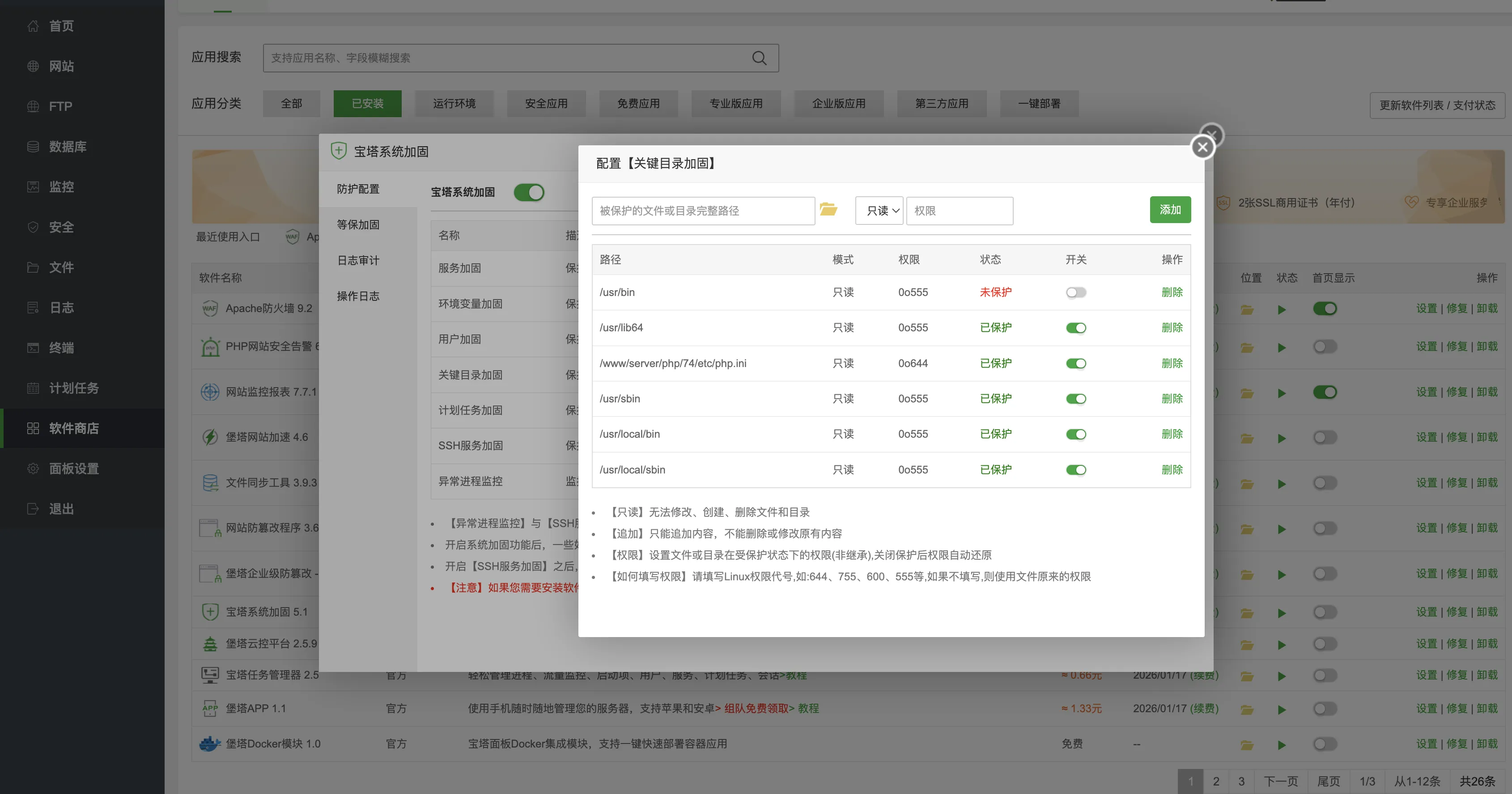
After turning off the hardening switch for /usr/bin folder:
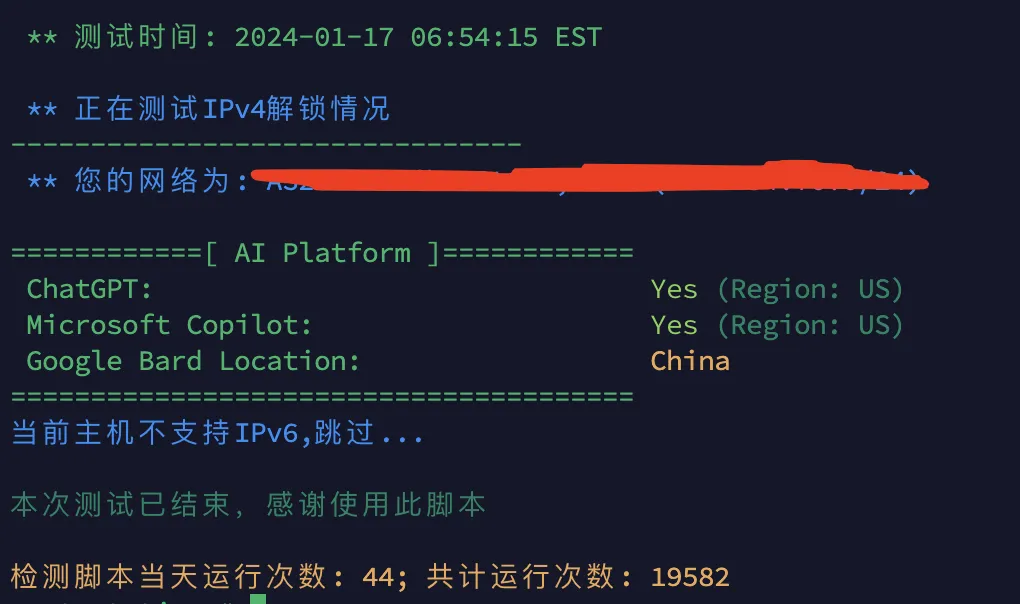
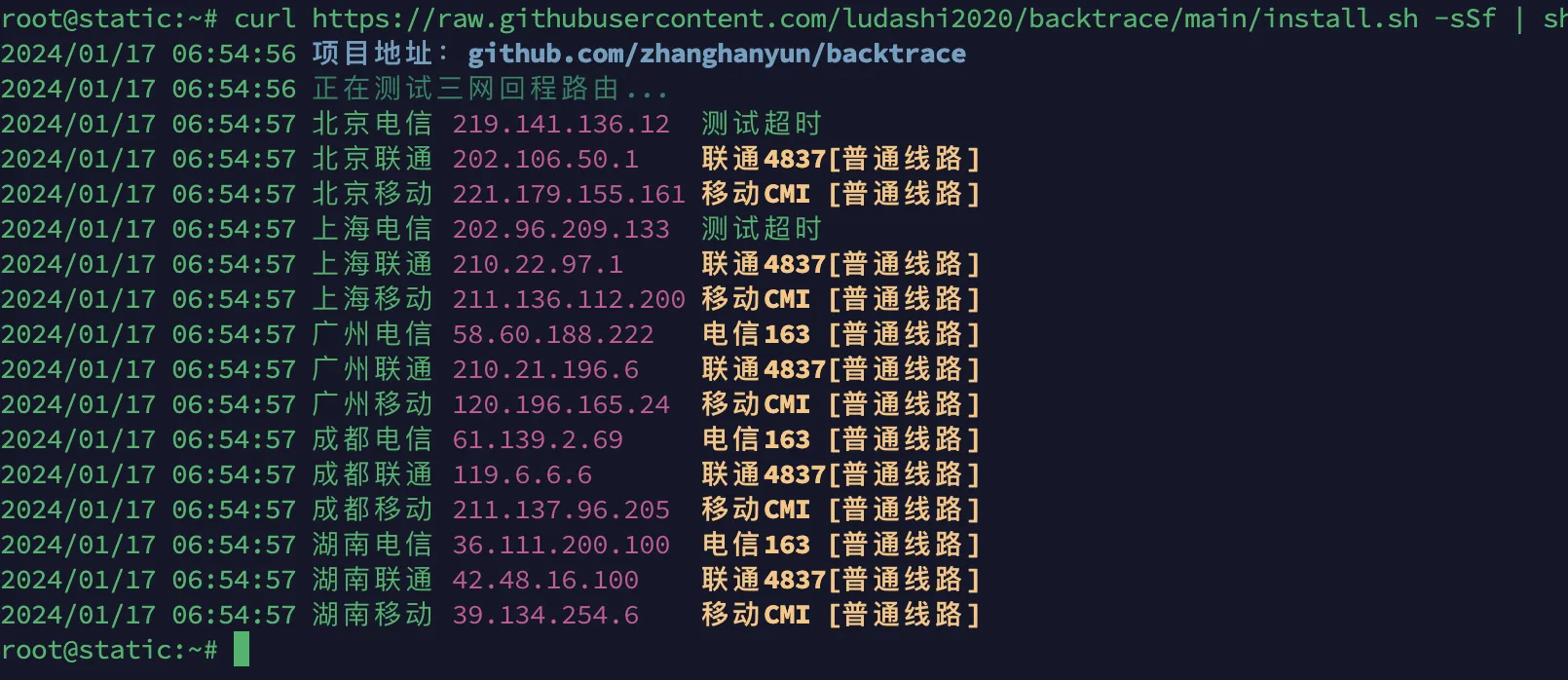
Running the network trace and AI platform unlock detection scripts again, the previous errors disappeared.
Although this VPS isn’t a proxy machine, you can see Google is routing to China. In places with many VPS enthusiasts, Google routing to China is common. Some people like Google routing to China for ad-free YouTube, making neighbors suffer—such foolish or malicious VPS users are really speechless.
Actually, the best solution is to uninstall this hardening plugin entirely, otherwise there might be strange errors in the future.
Document Info
- License: Free to share - Non-commercial - No derivatives - Attribution required (CC BY-NC-ND 4.0)