Xiaohongshu RSS Solutions
Update (2025.7.7)
Not recommended to scrape Xiaohongshu RSS full text [remove fulltext suffix from RSS link]—too easy to be targeted by anti-crawling. Account repeatedly hitting captcha popups is very annoying.
Not denying Xiaohongshu’s convenience for searching Chinese information, but can’t ignore the platform’s drawbacks—walled garden, Instagram clone…
Maybe someday I’ll completely abandon Xiaohongshu RSS tinkering—after all, many shares on that platform aren’t first-hand sources, and the posing girls are lacking too.
Update (2025.1.31)
Xiaohongshu anti-crawling is strict. With cookies, suggest rate limiting [add CACHE_EXPIRE and CACHE_CONTENT_EXPIRE environment variables]. Otherwise initially you get multiple images, later only cover image, then some routes just show Error. via: https://github.com/DIYgod/RSSHub/issues/17912
Added new cookie value—notes have multiple images again.

Update (2024.12.11)
While cleaning inbox at noon, found someone asking me about Xiaohongshu follow subscription image display issues.
After checking RSSHub project’s official docs and GitHub issues, understood that self-deployed RSSHub instances can add XIAOHONGSHU_COOKIE environment variable to enable Xiaohongshu full text scraping.
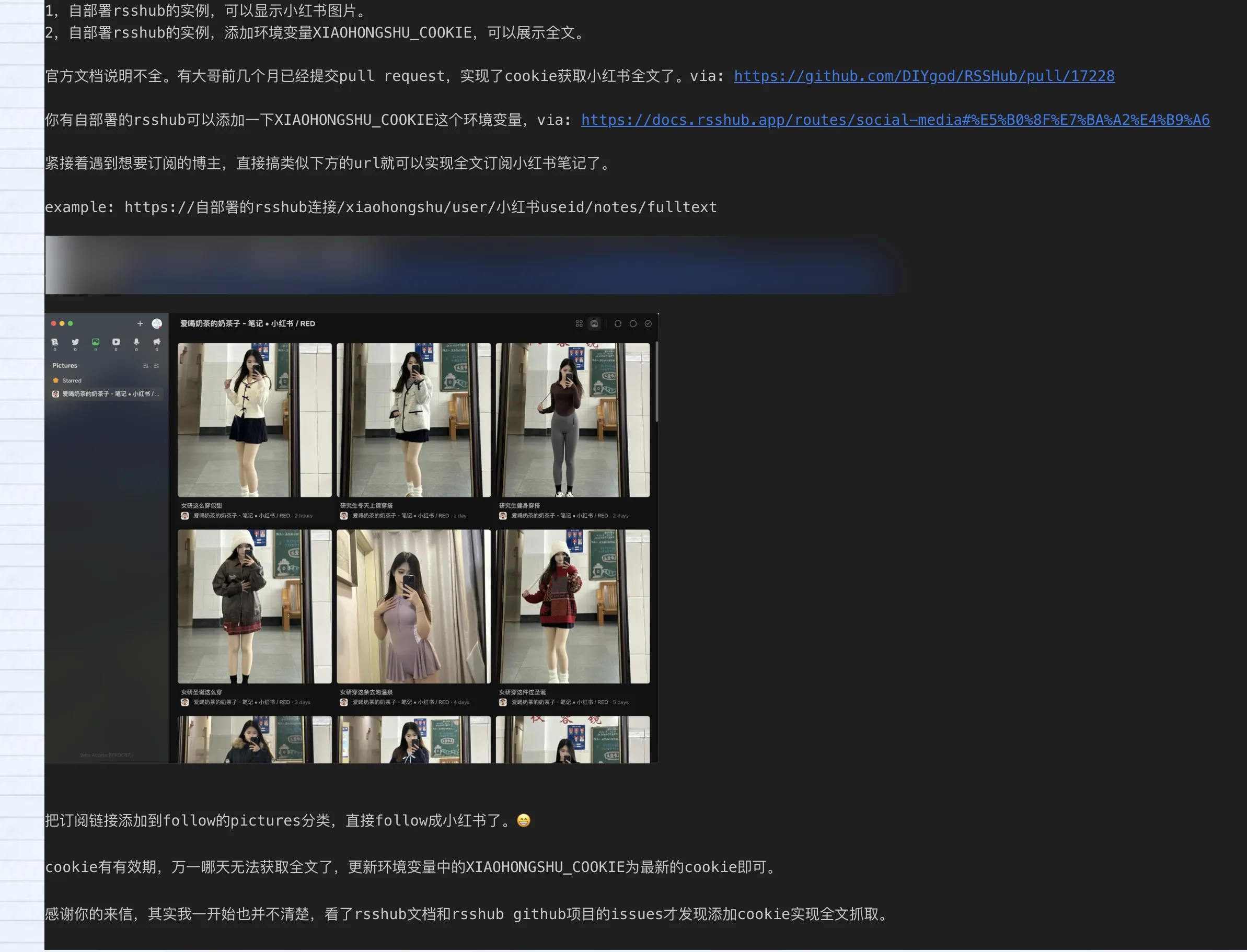
Effect shown:
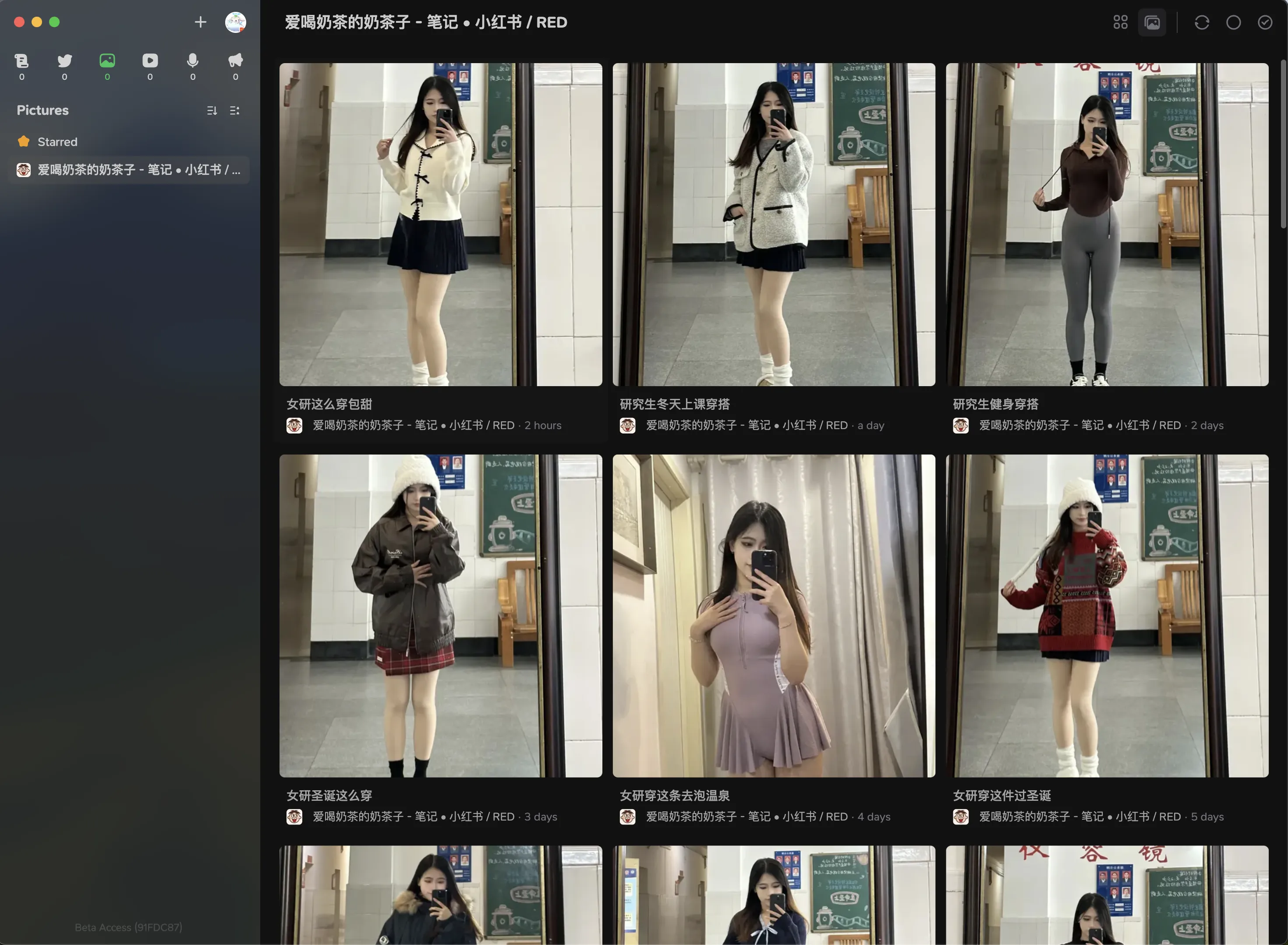
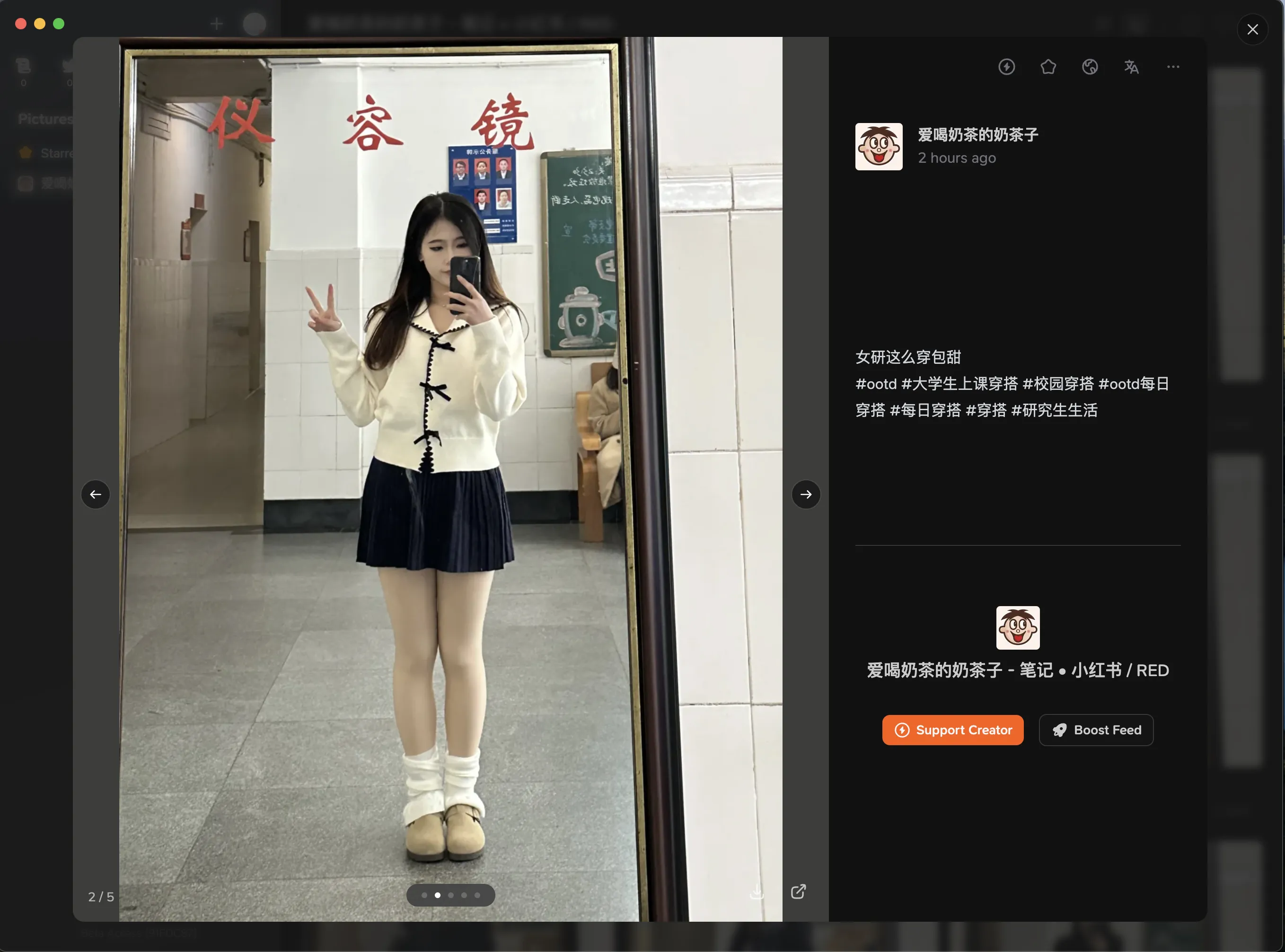
Official RSSHub instance hasn’t added XIAOHONGSHU_COOKIE for full text scraping yet [as of December 11, 2024].
Steps:
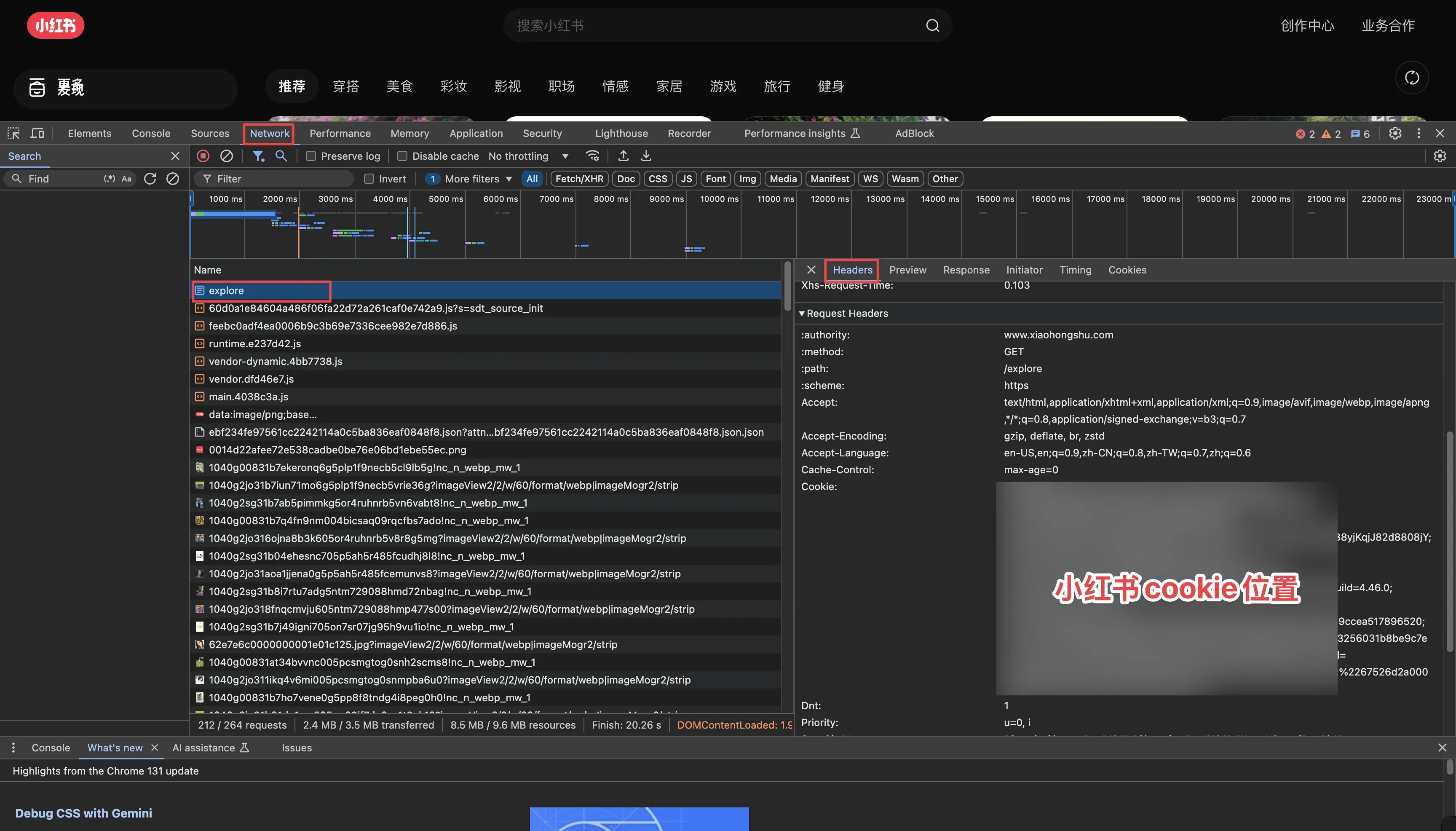
Open Xiaohongshu homepage, right-click select Inspect, after opening developer console, refresh page, select Network tab, select explore request, Headers—>Request Headers—>copy the long Cookie value.
RSSHub docker-compose.yml:
|
|
Create file named .env.
.env file content [one long string]:
|
|
Finally docker compose down && docker compose up -d command to rebuild RSSHub container.
Claude taught me this—implementation might not be elegant [cookie fed to Claude had a few letters changed, didn’t feed real cookie value].
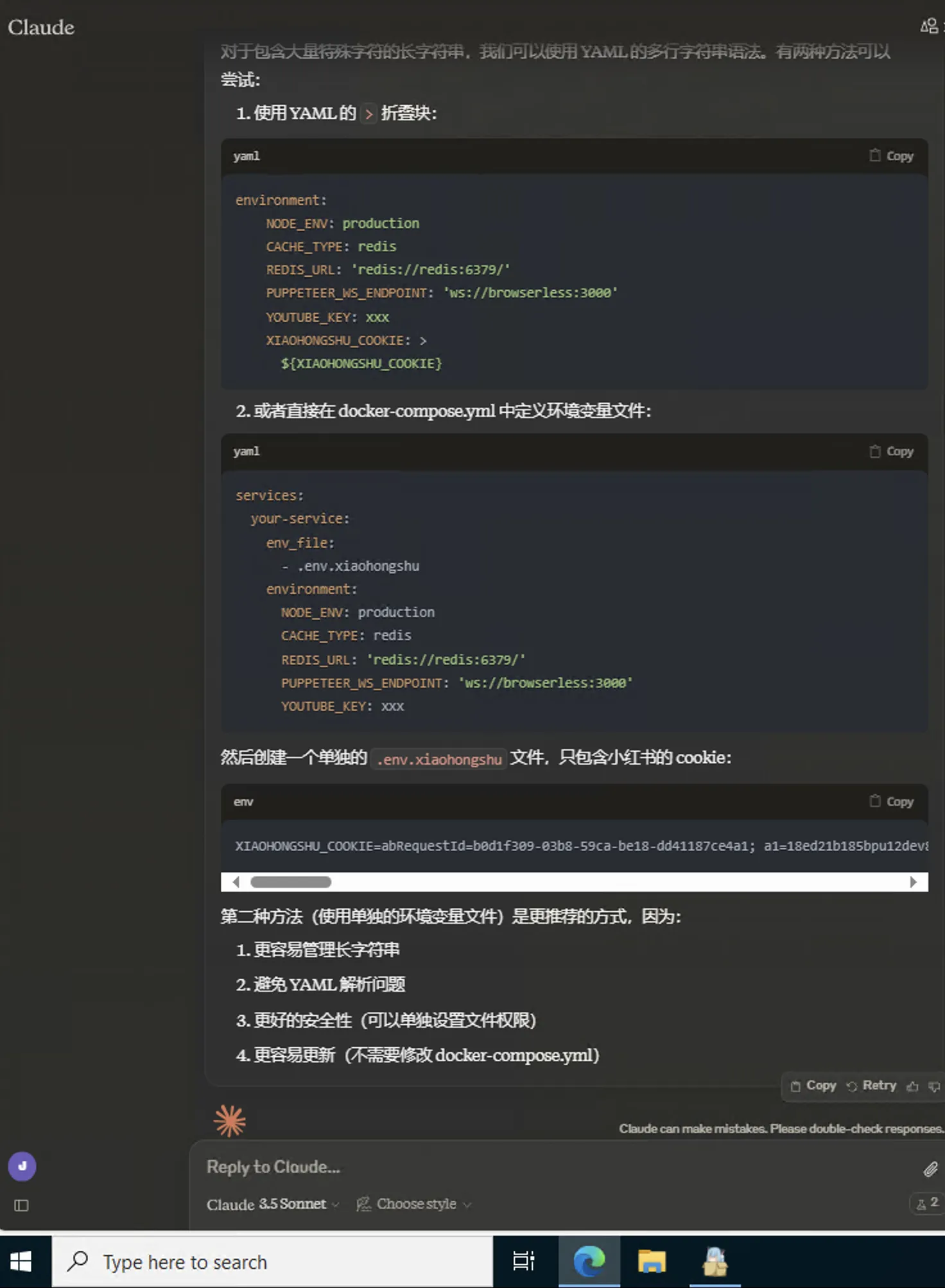
URLs like below can achieve full text subscription to Xiaohongshu notes.
example: https://self-deployed-rsshub-link/xiaohongshu/user/xiaohongshu-userid/notes/fulltext
My email reply:
Update (2024.10.30)
So RSSHub supports Xiaohongshu notes. This morning saw someone share RSSHub author Diygod’s new work—Follow Xiaohongshu beauty list. I was stunned—in my impression it wasn’t supported.
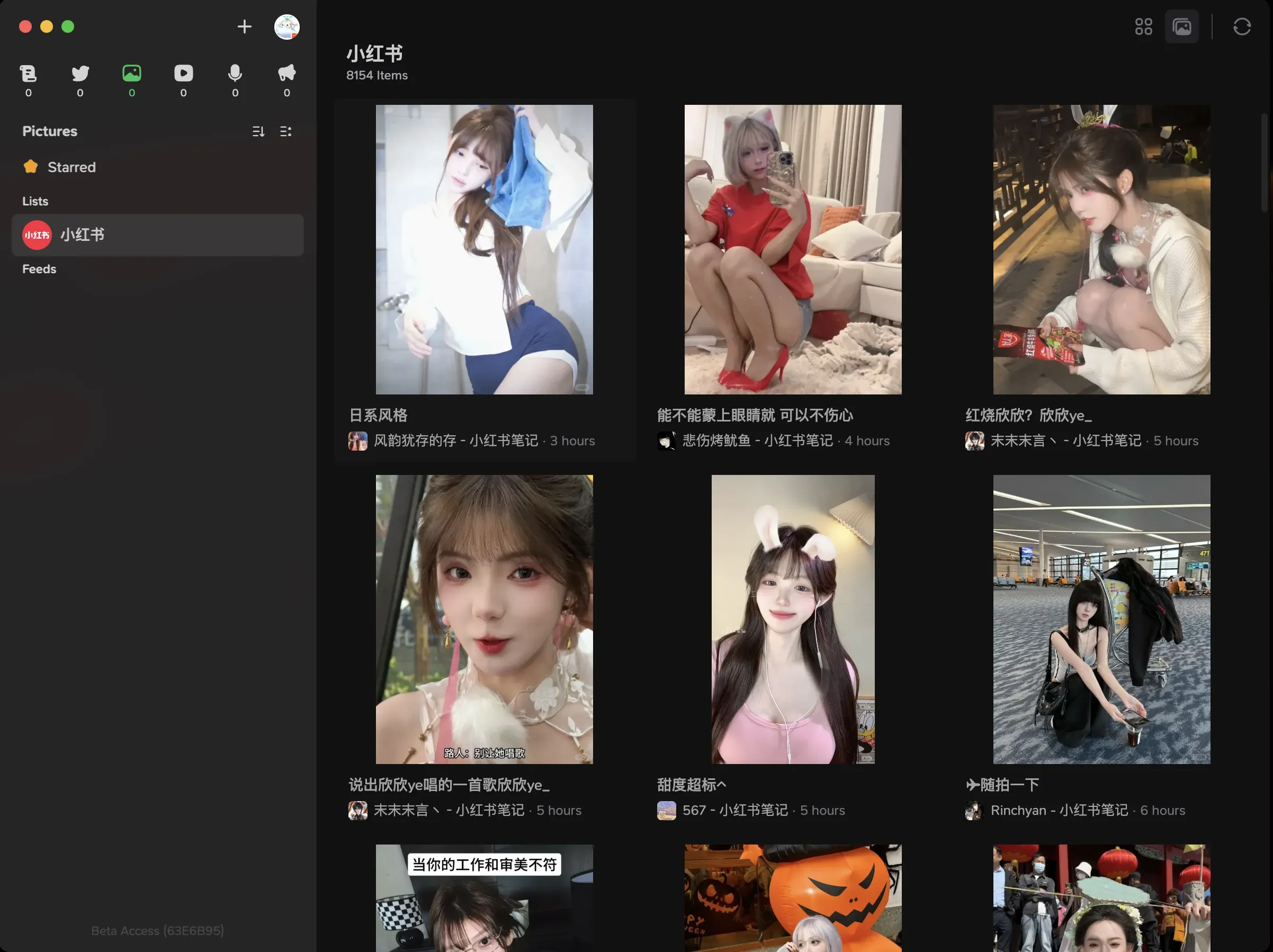
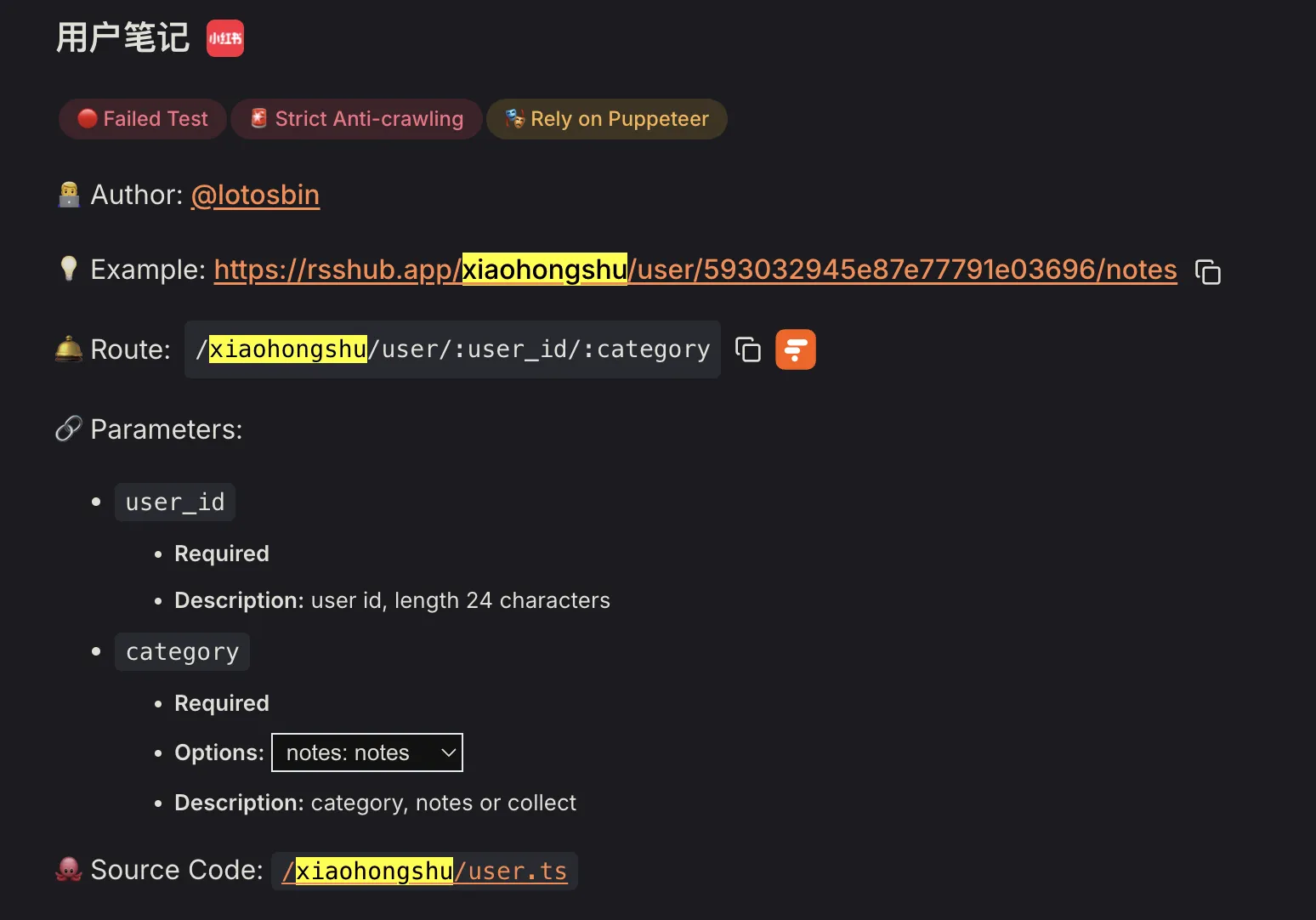
Checked docs and tried—really works. Self-deployed RSSHub instance also works. I declare Distill Web Monitor retired immediately. Below is obsolete—unless someday RSSHub Xiaohongshu errors, then consider below method.
Thanks to developers’ pull requests—probably RSSHub’s Xiaohongshu was recently revived.
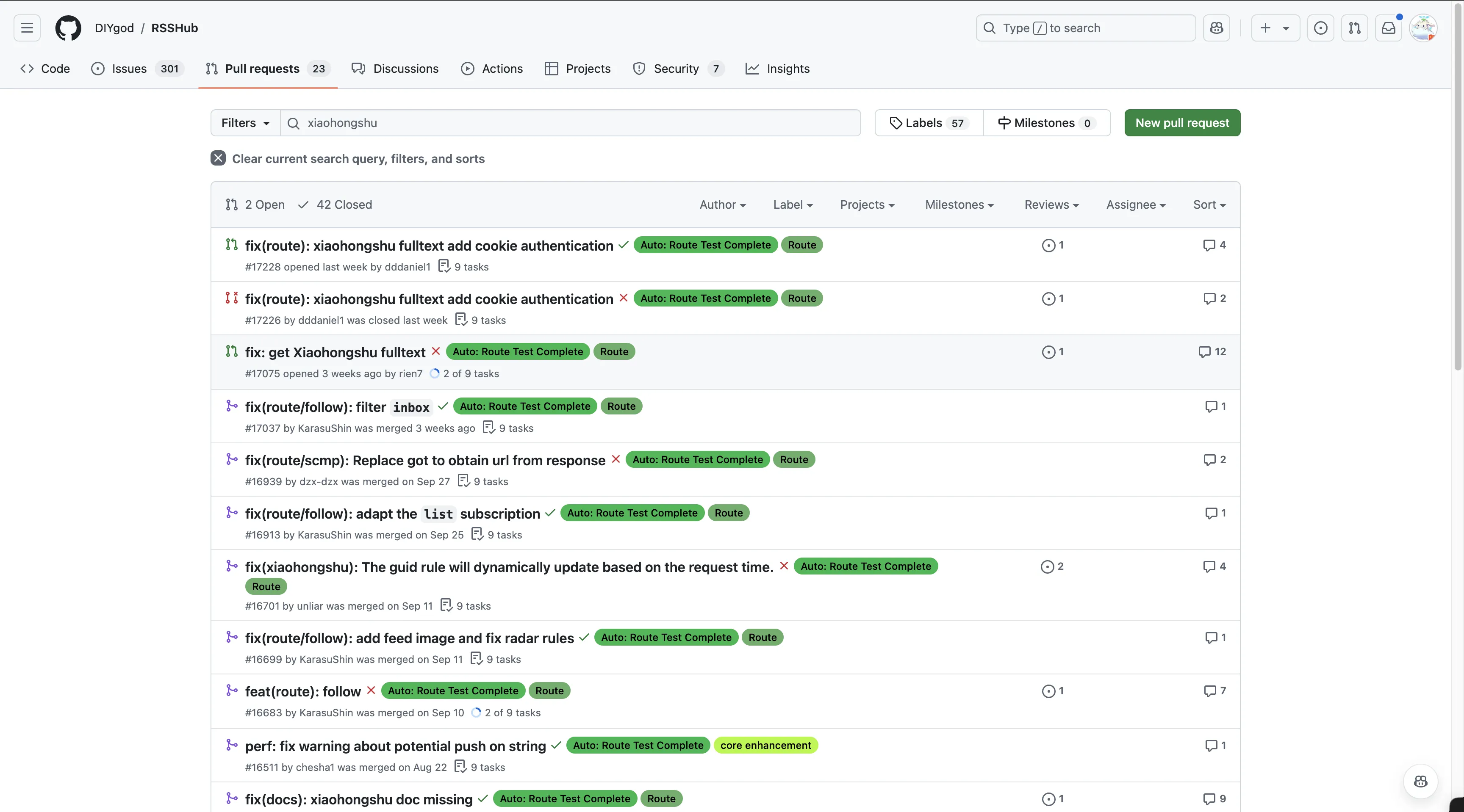
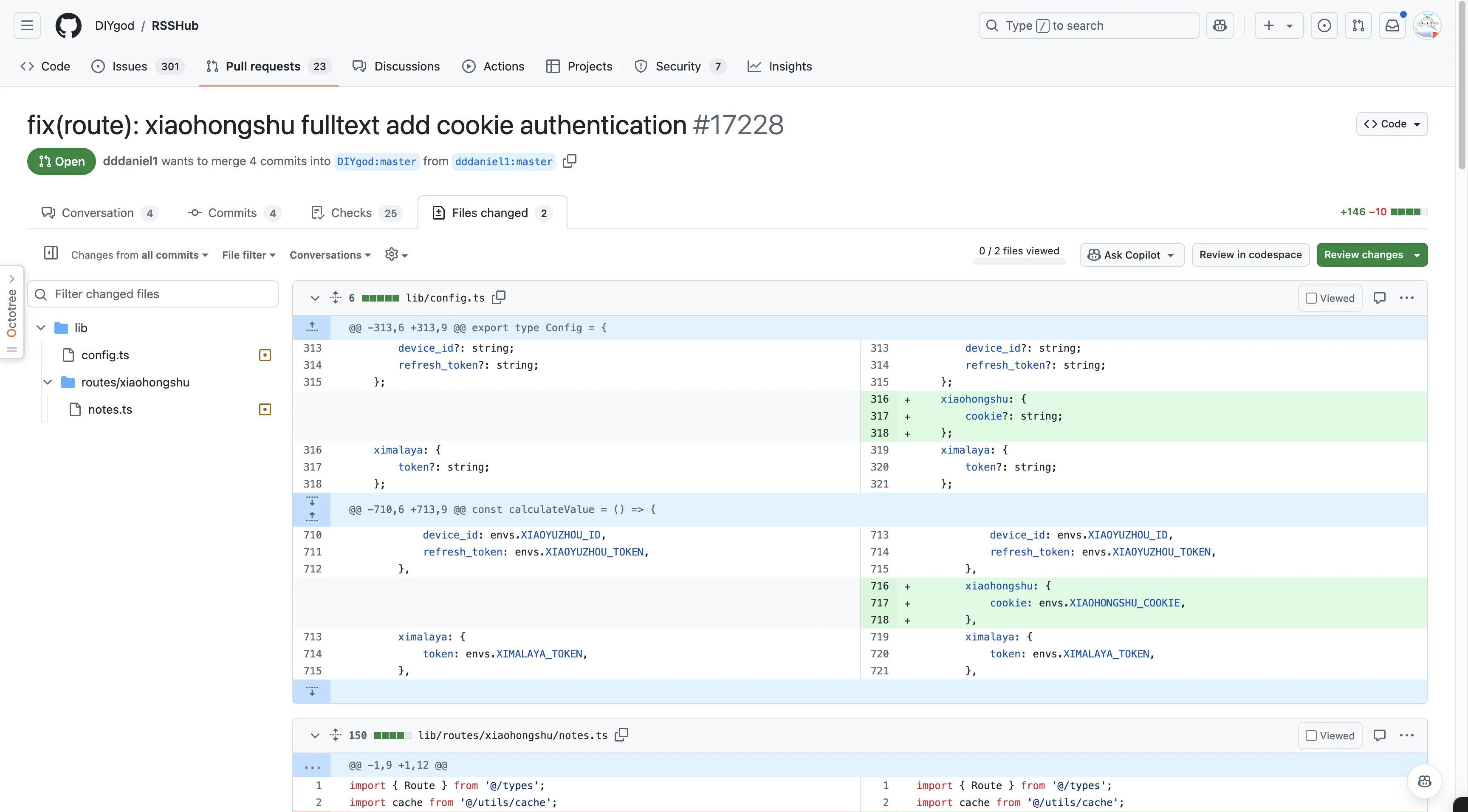
Saw an open pull request adding cookie support to Xiaohongshu. Actually Xiaohongshu has anti-crawling mechanism—frequent crawling triggers captcha.
Update (2024.09.24)
If you find Distill Web Monitor’s opened Xiaohongshu blogger homepage hasn’t closed for a while, definitely captcha appeared—manually rotate to solve.
Background
First half of year deployed RSSWorker—attracted by README mentioning Xiaohongshu support. This filled RSSHub’s gap for Xiaohongshu.
I enthusiastically added RSS subscription links for some Xiaohongshu bloggers (including my roommate) to RSS readers. However, checking daily showed no updates. Tried multiple RSS readers—from Tiny Tiny RSS to Miniflux, finally even Android app Read You—same result, none showed Xiaohongshu’s latest content.
But opening RSSWorker-generated Xiaohongshu RSS showed new items.
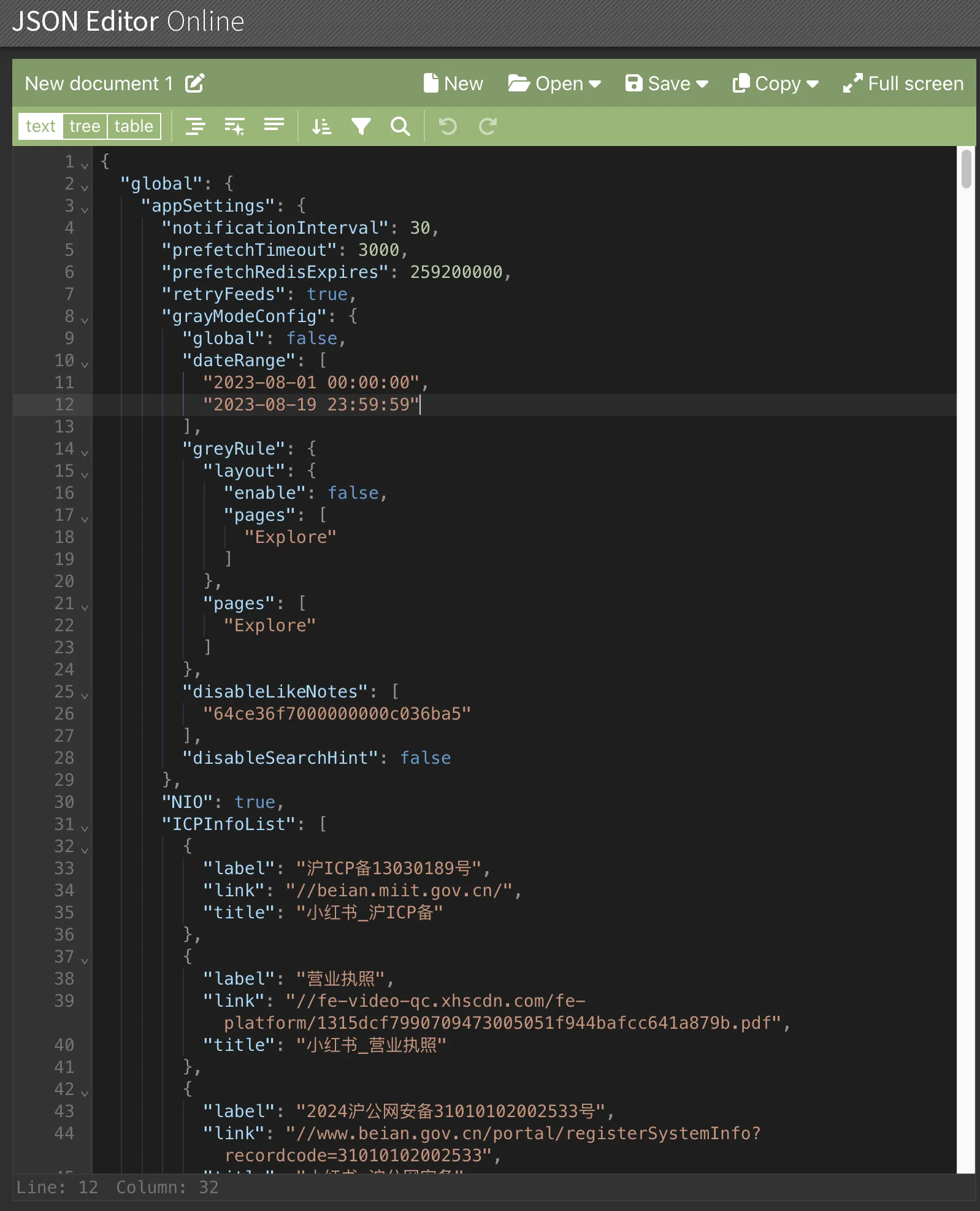
With Claude 3.5 Sonnet’s help, I briefly understood the author’s Xiaohongshu RSS scraping code. Author extracts data from JSON data in <script> tags—code already gets all information Xiaohongshu provides to anonymous visitors when not logged in.
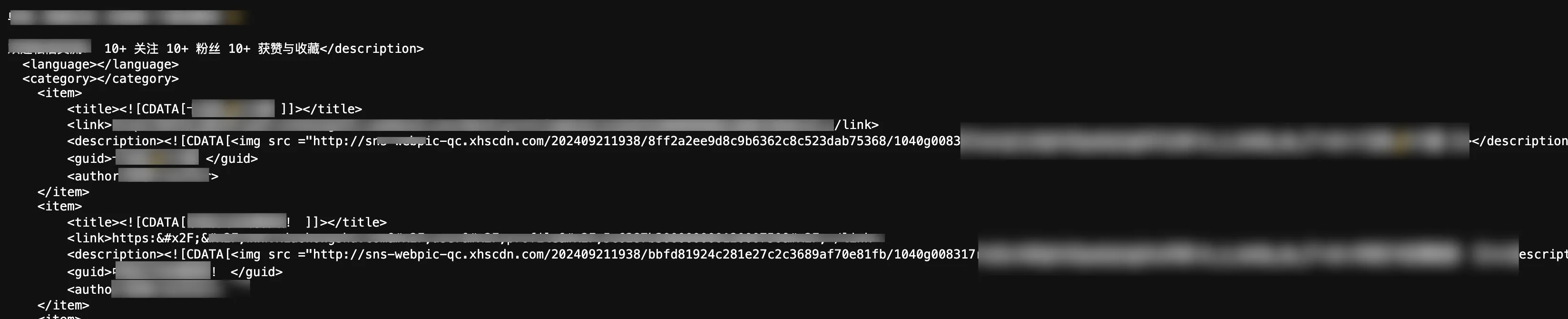
Analyzing RSSWorker-generated Xiaohongshu RSS link carefully, you’ll find although all items are scraped, each item has these issues:
- Missing pubDate
Scraping Xiaohongshu blogger homepage without login can’t get each note’s publish time. Missing publish time may cause RSS readers to not update correctly.
- Each note’s link all point to blogger’s homepage link
Scraping Xiaohongshu blogger homepage without login can’t get each note’s unique link. Missing unique links for each item is another reason RSS readers don’t update.
RSSWorker project issues also have users reporting Xiaohongshu RSS problems. My roommate has no pinned posts—RSS reader still doesn’t update.

Solution
My solution uses Distill Web Monitor, a web monitoring tool.
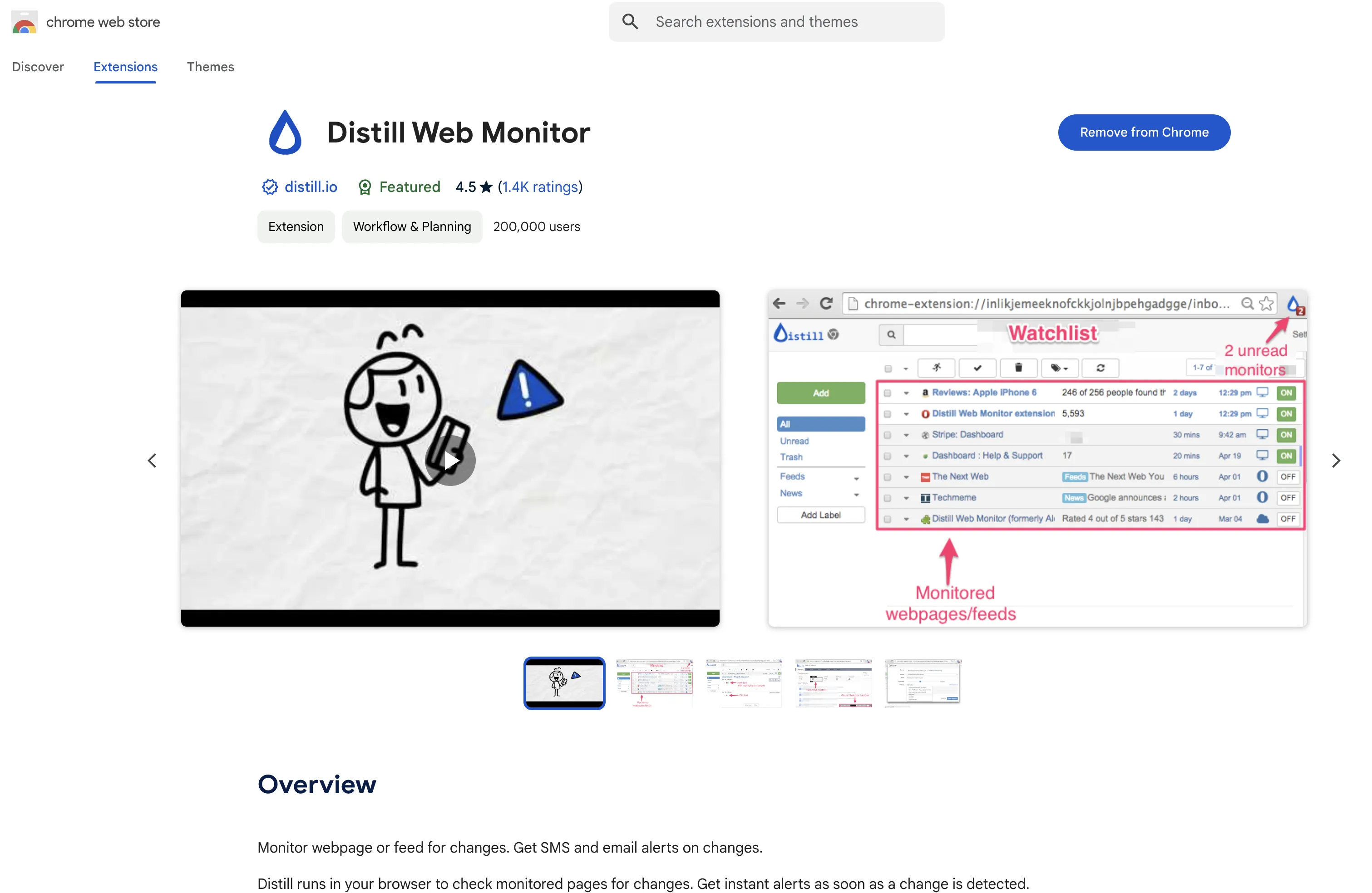
Every 24 hours automatically opens monitored Xiaohongshu homepage. If updated, plugin icon shows red dot.
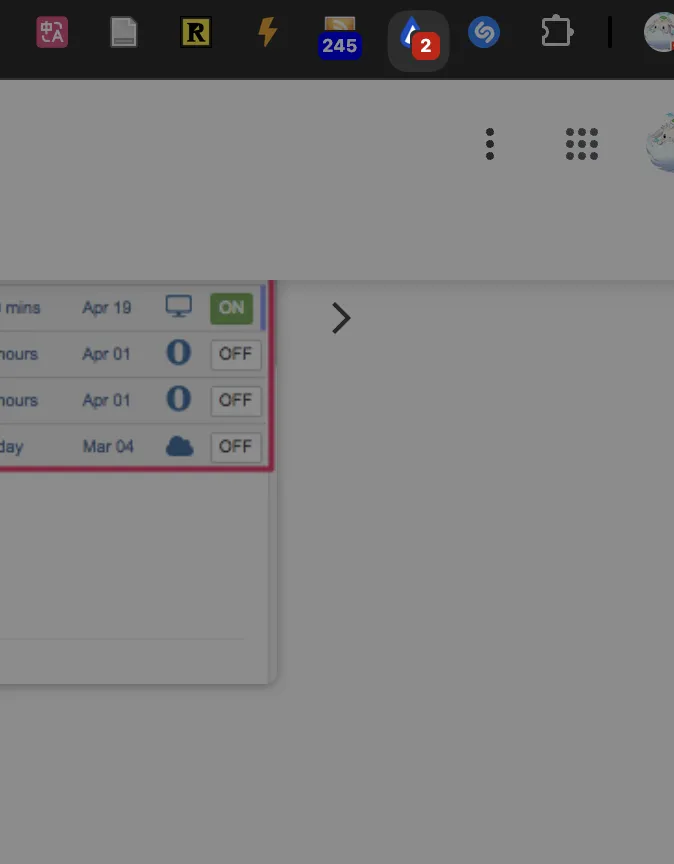
After installing this Chrome extension, pin it to Chrome’s upper right extensions list.
Open the Xiaohongshu blogger homepage to monitor. Click Distill Web Monitor plugin icon, click Monitor parts of page.
Mouse select a note’s title, select XPath, then remove the index from subsequent XPath expression.
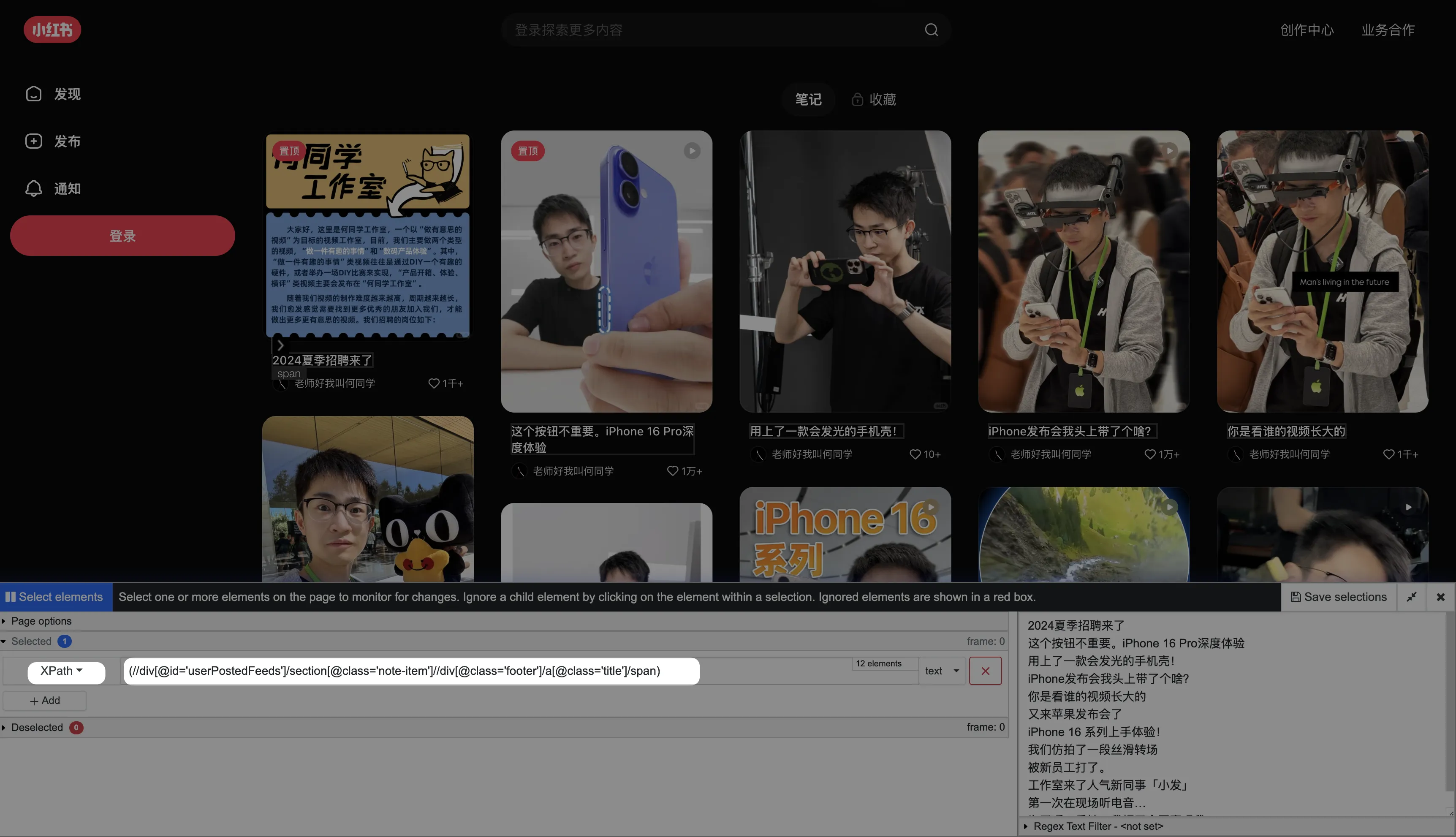
You can see the right side already shows all note titles matched by XPath. Click Save selections.
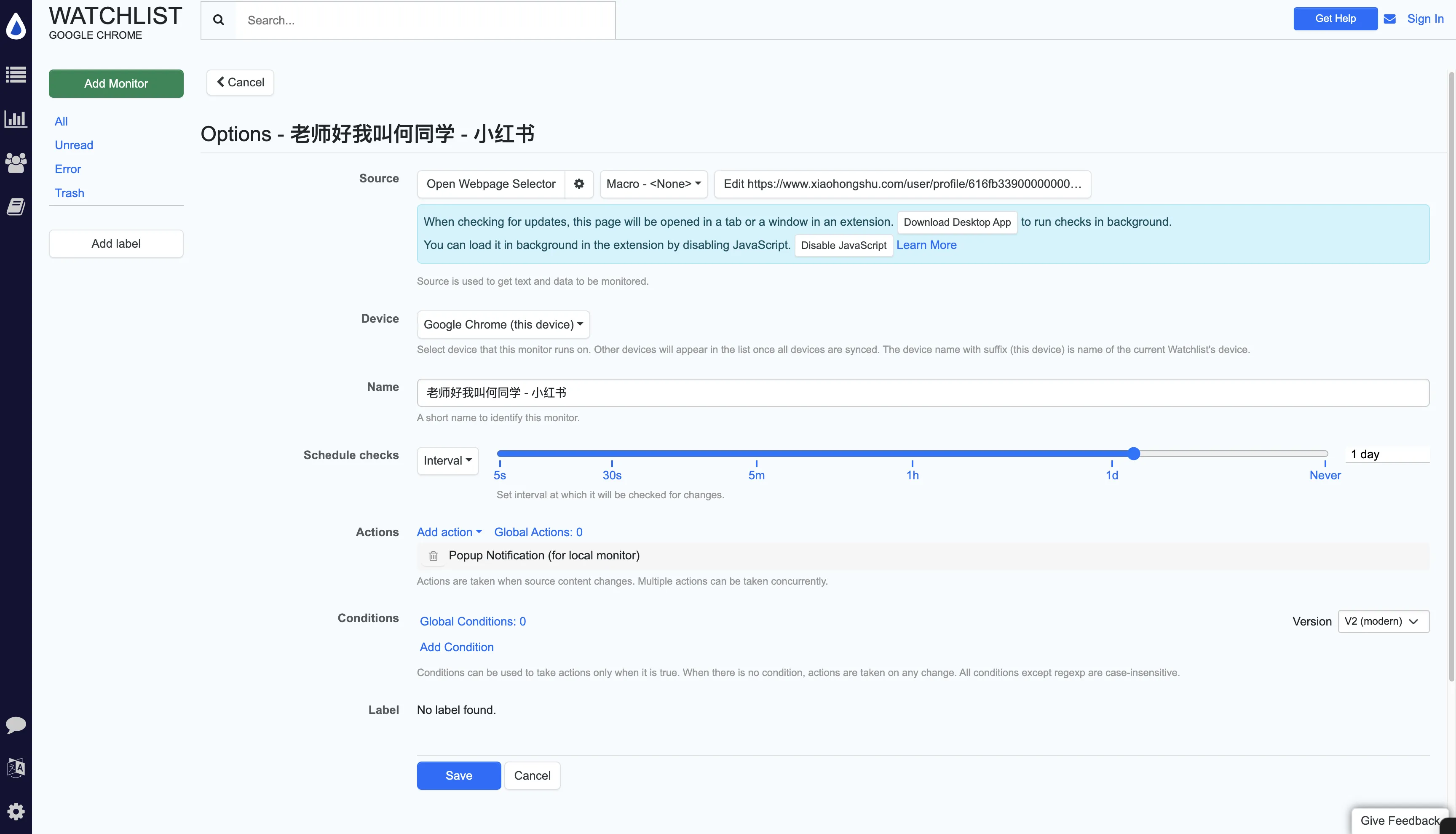
Schedule checks—select 1 day or more. After all, social media update frequency isn’t high.
You can also make other settings, like I removed sound notification in Actions. Finally click Save.
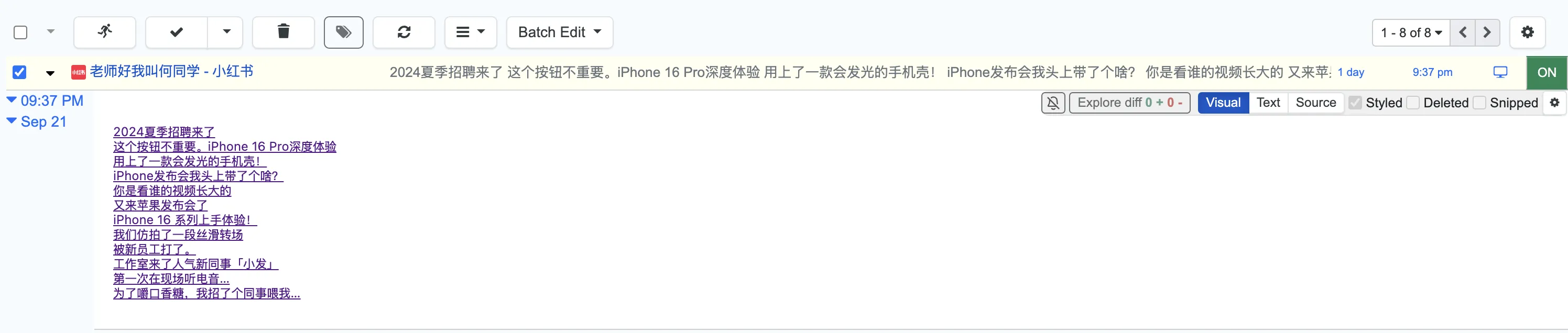
Then every 24 hours or so, this plugin automatically opens blogger’s homepage, checks for updates—if updated, shows red dot on plugin icon. Auto-opens then auto-closes.
This is my current solution for getting Xiaohongshu blogger updates. Of course He Tongxue was just for demo—I’ll delete that monitor after demo. I mainly use this method to get my roommate’s Xiaohongshu updates.
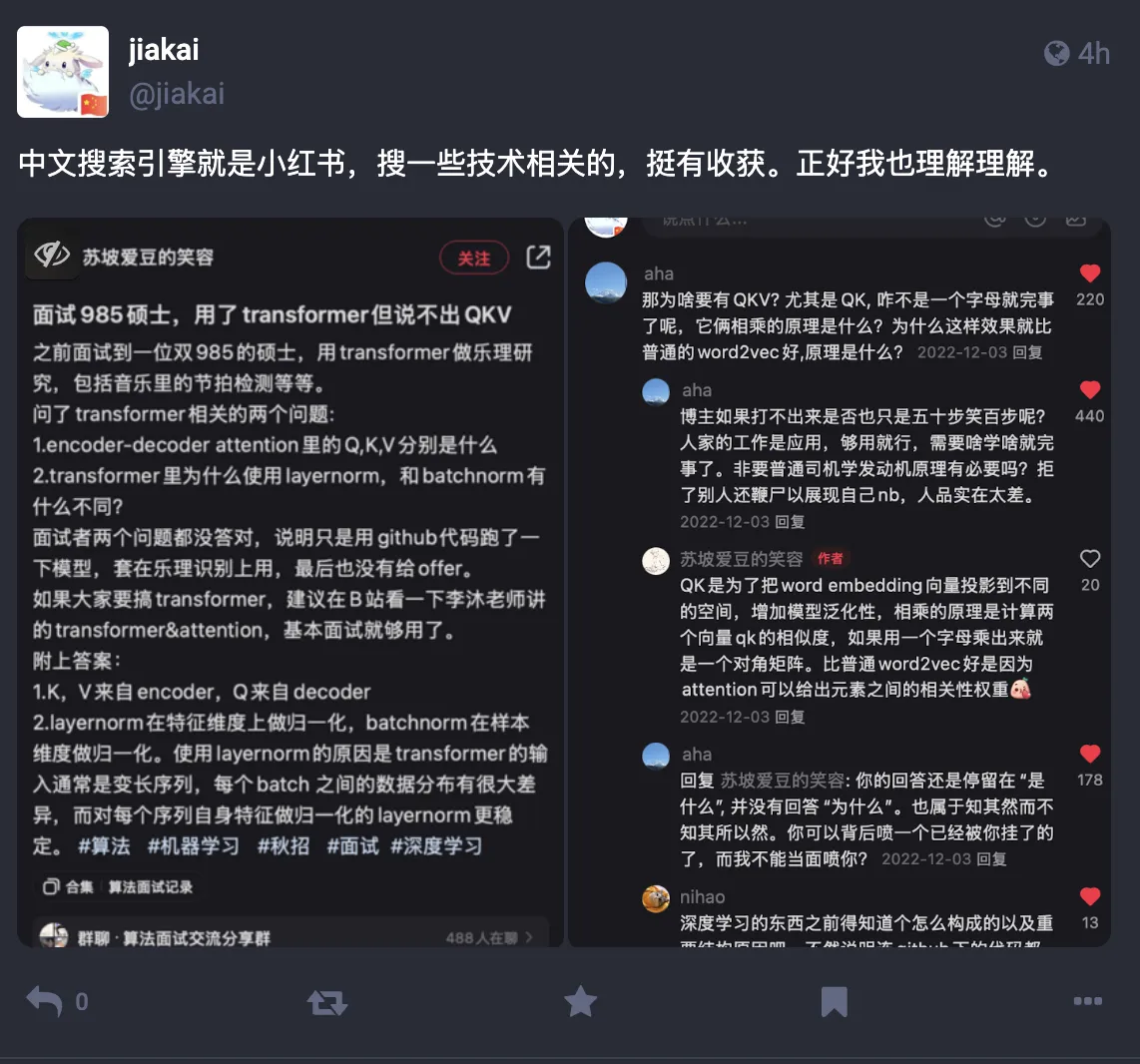
Generally, I use Xiaohongshu as Chinese search engine—sometimes content is much more useful than regular search engines. Like today I searched learning content there, saw others’ exchanges or debates, also gave me new learning ideas.
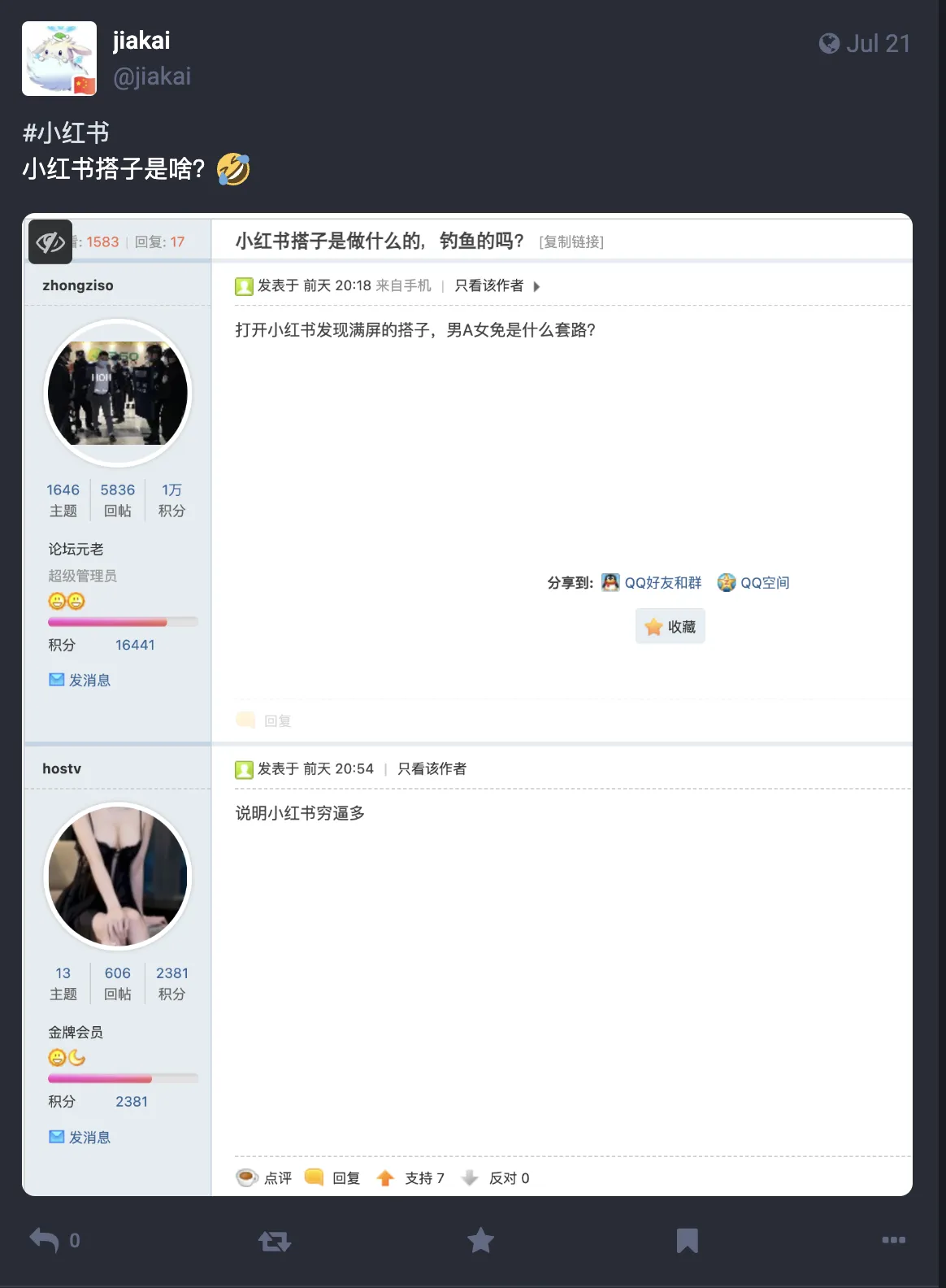
Xiaohongshu’s buddy matching, finding partners—don’t bother, all meaningless. Sharing a witty comment I saw browsing hostloc a few months ago. 😂
Document Info
- License: Free to share - Non-commercial - No derivatives - Attribution required (CC BY-NC-ND 4.0)