Update (2025.4.7)
Hoarder app renamed to Karakeep. Due to trademark disputes, the developer was forced to rebrand.
Related links:
Background Story
On October 4th this year, my Raindrop membership officially expired. Downgrading consumption, I won’t renew membership. Many future membership services will probably be abandoned by me. Although SaaS services are likely better than open-source alternatives.
In 2024, I prefer concentrating spending on AI services [ChatGPT and Claude memberships], high-quality proxies [next post introduces my current AI service configuration], holiday food and fun, etc.
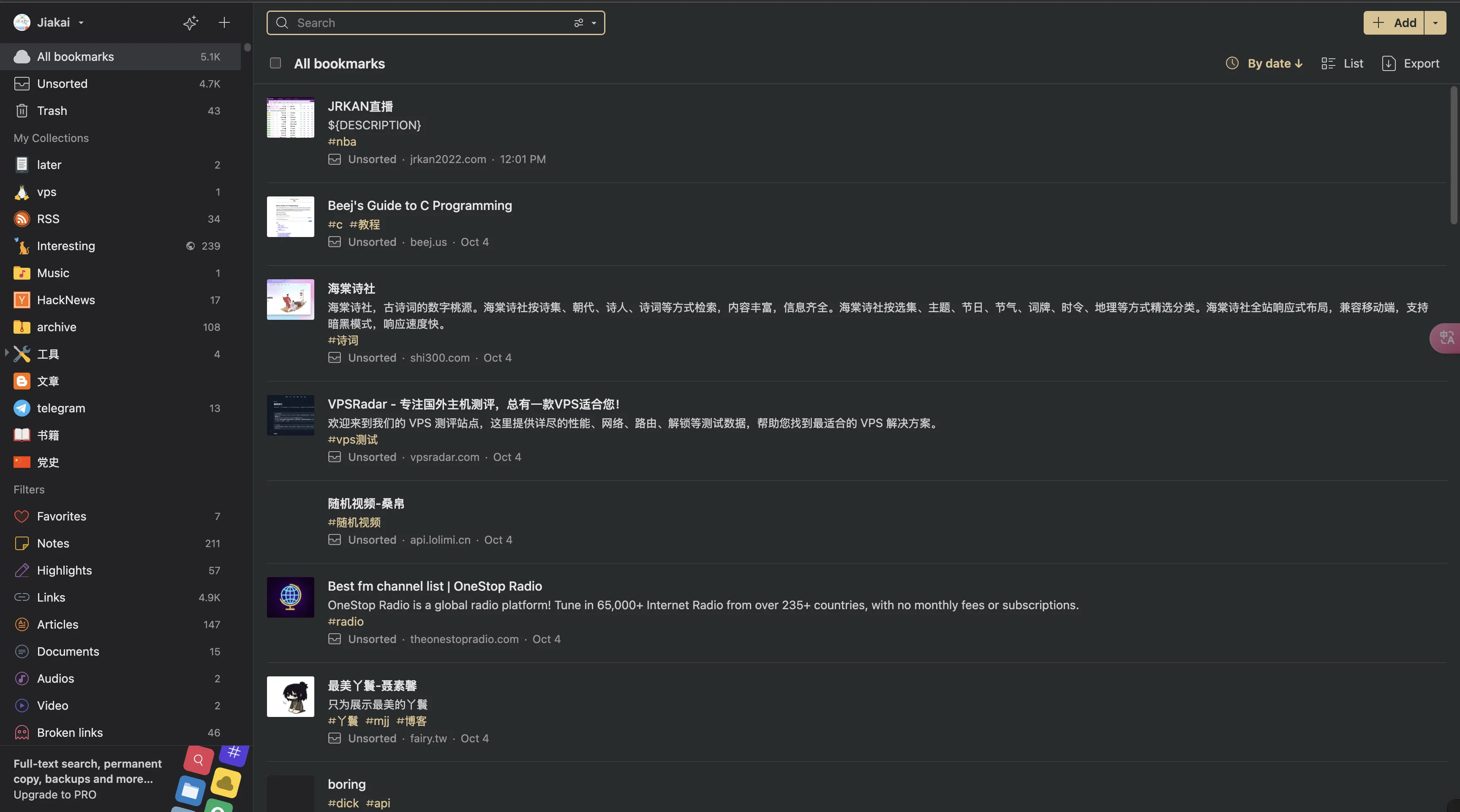
Unknowingly, my Raindrop bookmark count has reached 5k+. Whenever I see interesting websites, I bookmark them. When I need them, just search.
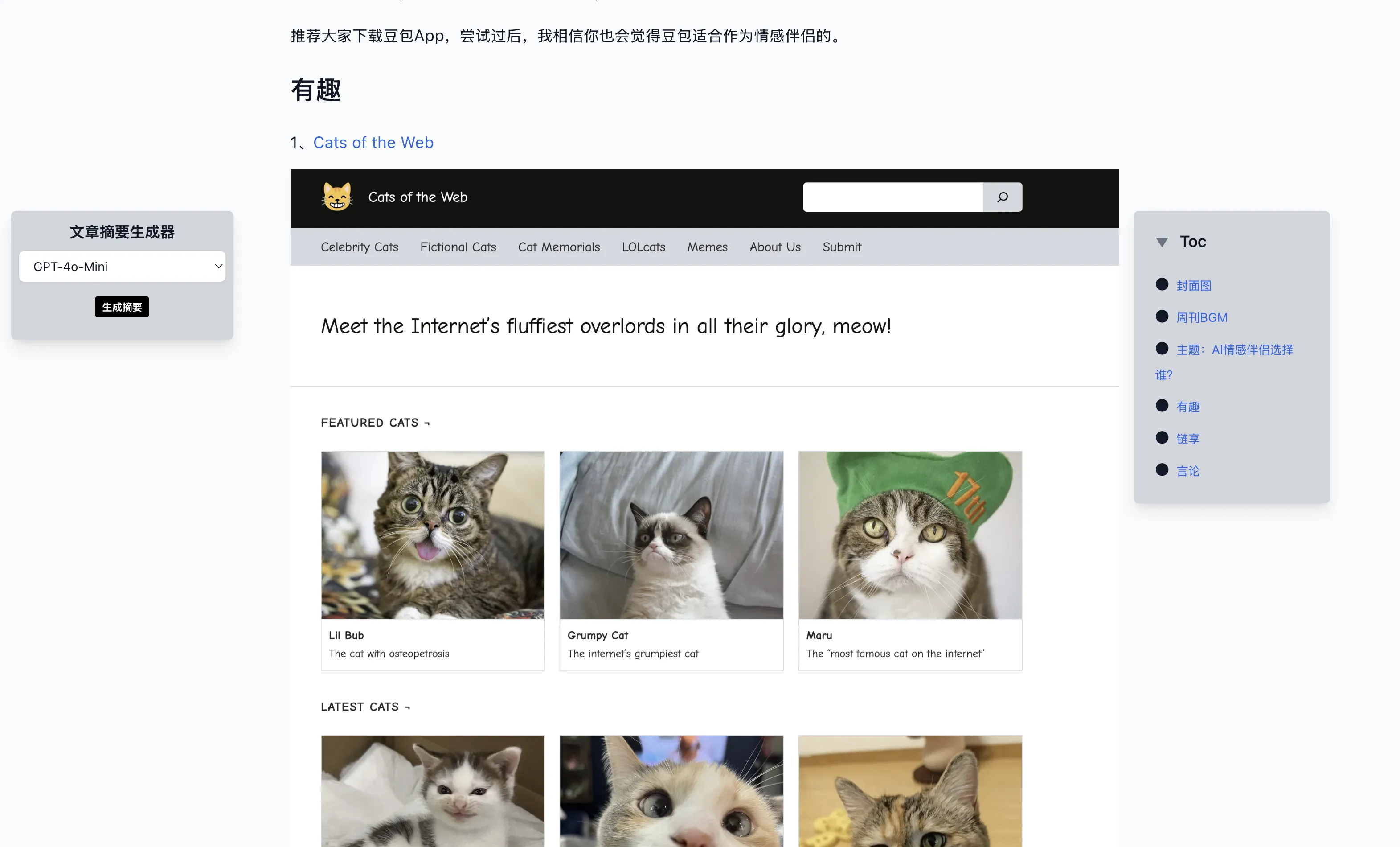
Raindrop also became my inspiration source for writing monthly newsletters. My newsletter has “Interesting” and “Link Share” modules—materials all from Raindrop.
After expiration, I started looking for bookmark app alternatives. Just saw YouTuber DBTech share a hoarder self-hosting video a few days ago. Video demo looked good, so I decided to make it my Raindrop open-source alternative.
Self-Hosting Process
Project: https://github.com/hoarder-app/hoarder
Docs: https://docs.hoarder.app/
 1
 2
 3
 4
 5
 6
 7
 8
 9
10
11
12
13
14
15
16
17
18
19
20
21
22
23
24
25
26
27
28
29
30
31
32
33
34
35
36
37
38
39
40
41
42
43
44
45
46
47
48
49
50
51
52
53
54
55
56
57
58
59
60
61
62
63
64
65
66
67
68
69
|
# Go to home directory, create hoarder folder, enter new folder
cd && mkdir hoarder && cd hoarder
# Download docker compose file
wget https://raw.githubusercontent.com/hoarder-app/hoarder/main/docker/docker-compose.yml

# My adjusted docker-compose.yml content:
# Differences from official demo:
# 1. Using bind mounts instead of volumes
# 2. Host port only allows localhost access, reverse proxy handles external access
services:
  web:
    image: ghcr.io/hoarder-app/hoarder:${HOARDER_VERSION:-release}
    restart: unless-stopped
    volumes:
      - ./data:/data
    ports:
      - 127.0.0.1:3600:3000
    env_file:
      - .env
    environment:
      MEILI_ADDR: http://meilisearch:7700
      BROWSER_WEB_URL: http://chrome:9222
      DATA_DIR: /data
  chrome:
    image: gcr.io/zenika-hub/alpine-chrome:123
    restart: unless-stopped
    command:
      - --no-sandbox
      - --disable-gpu
      - --disable-dev-shm-usage
      - --remote-debugging-address=0.0.0.0
      - --remote-debugging-port=9222
      - --hide-scrollbars
  meilisearch:
    image: getmeili/meilisearch:v1.6
    restart: unless-stopped
    env_file:
      - .env
    environment:
      MEILI_NO_ANALYTICS: "true"
    volumes:
      - ./meilisearch:/meili_data

# Edit environment variables
vim .env

# Environment variables
# See https://docs.hoarder.app/Installation/docker for details
# Docs are very detailed
HOARDER_VERSION=release
NEXTAUTH_SECRET=xxx
MEILI_MASTER_KEY=xxx
NEXTAUTH_URL=https://hoarder.example.com
MAX_ASSET_SIZE_MB=1024

# Start all services defined by Docker Compose
docker compose up -d

# Edit caddy config file
vim /etc/caddy/Caddyfile
# Reverse proxy caddy config
hoarder.example.com {
        reverse_proxy localhost:3600
}

# Add DNS A record in Cloudflare

# Reload caddy
systemctl reload caddy
|
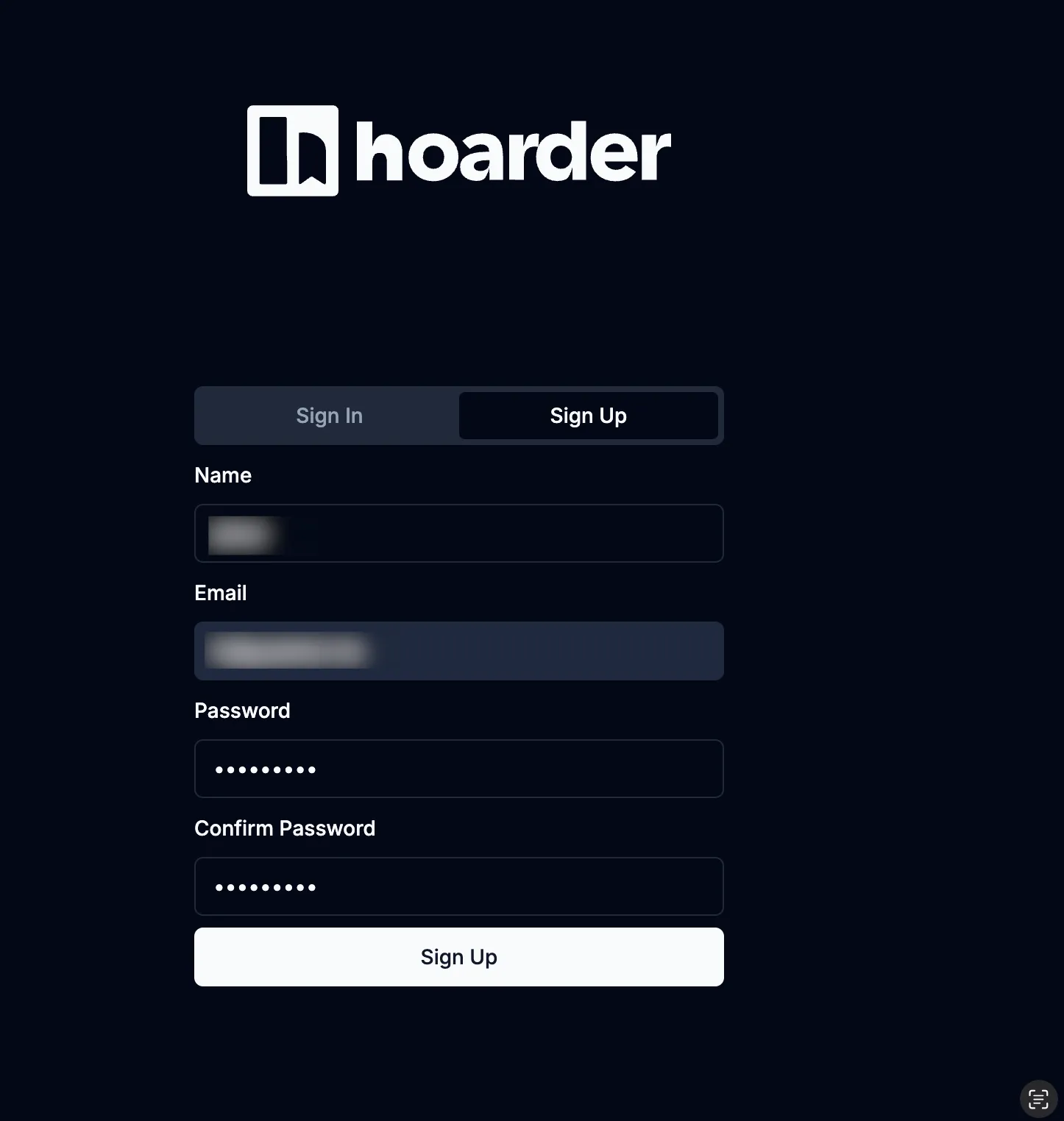
Then visit hoarder.example.com to register an account.
Import Raindrop exported bookmarks in settings.
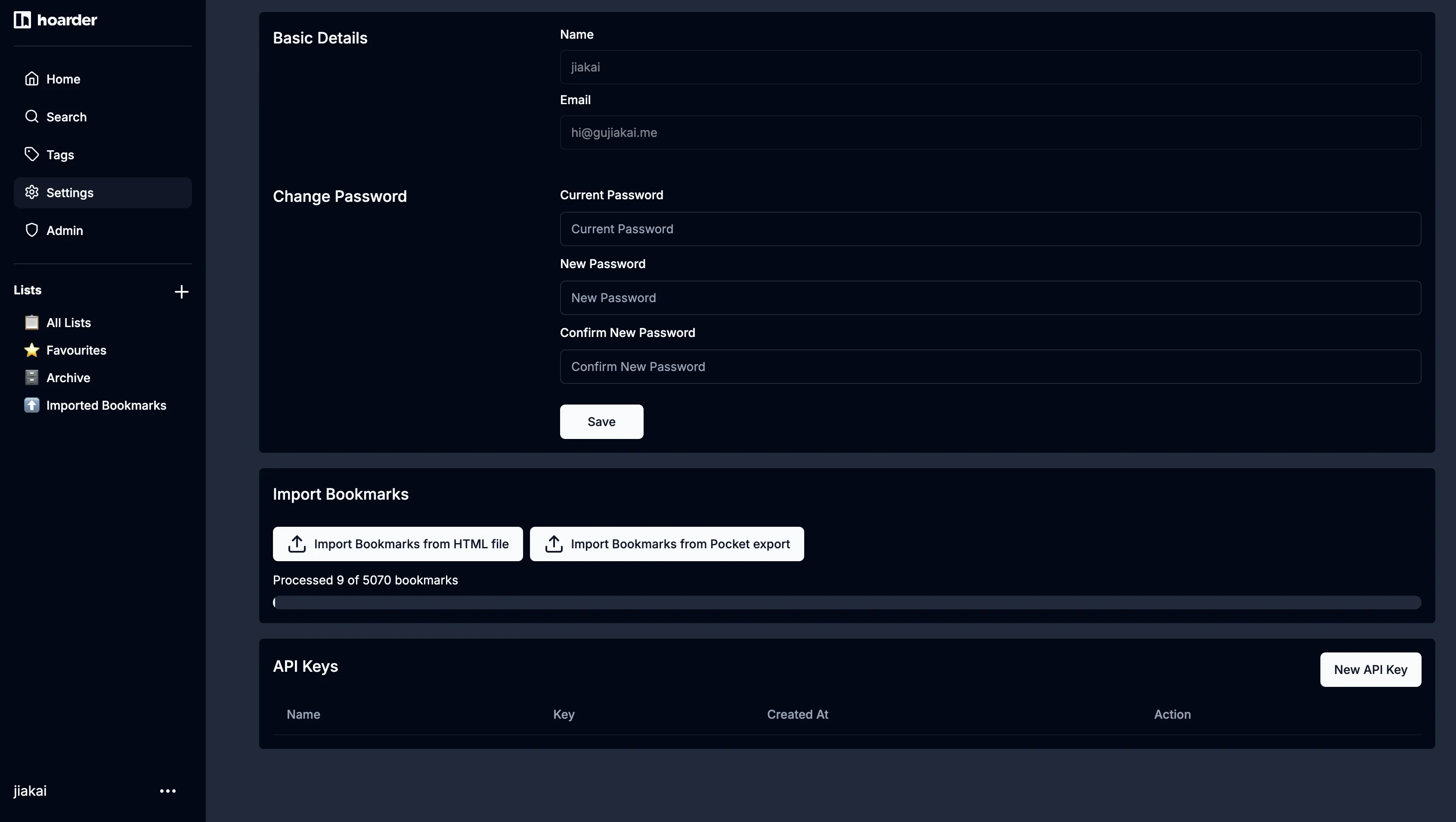
5000+ bookmarks took about 1 hour to import.
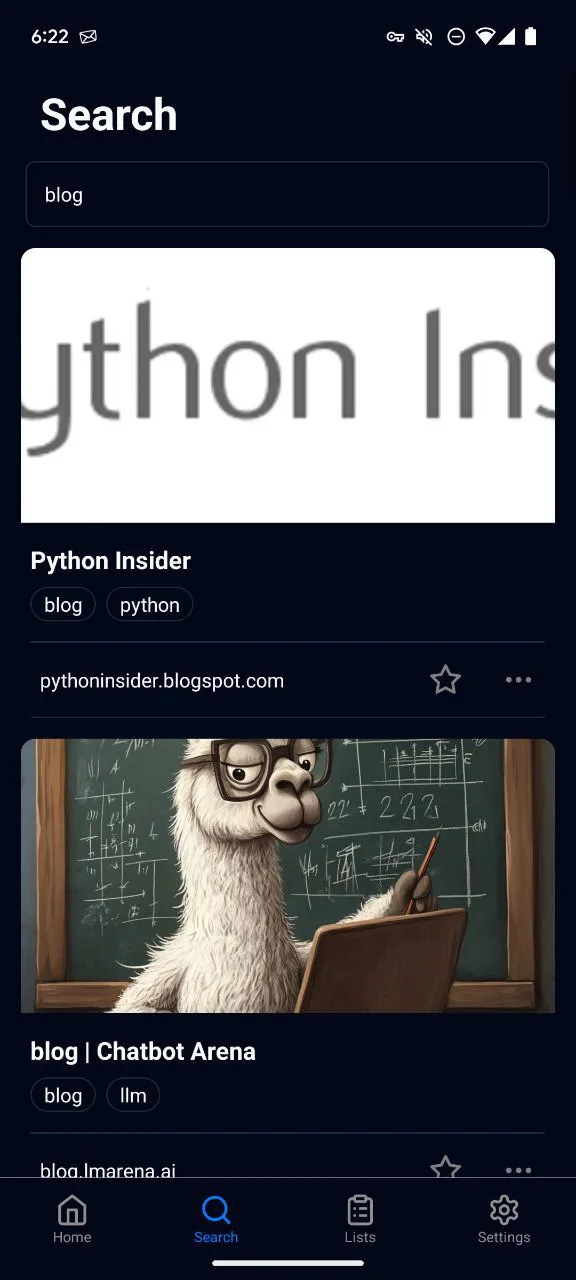
Install mobile hoarder app and browser extension for easy collecting or searching. I bound the extension to my original Raindrop extension shortcut—same workflow for bookmarking.
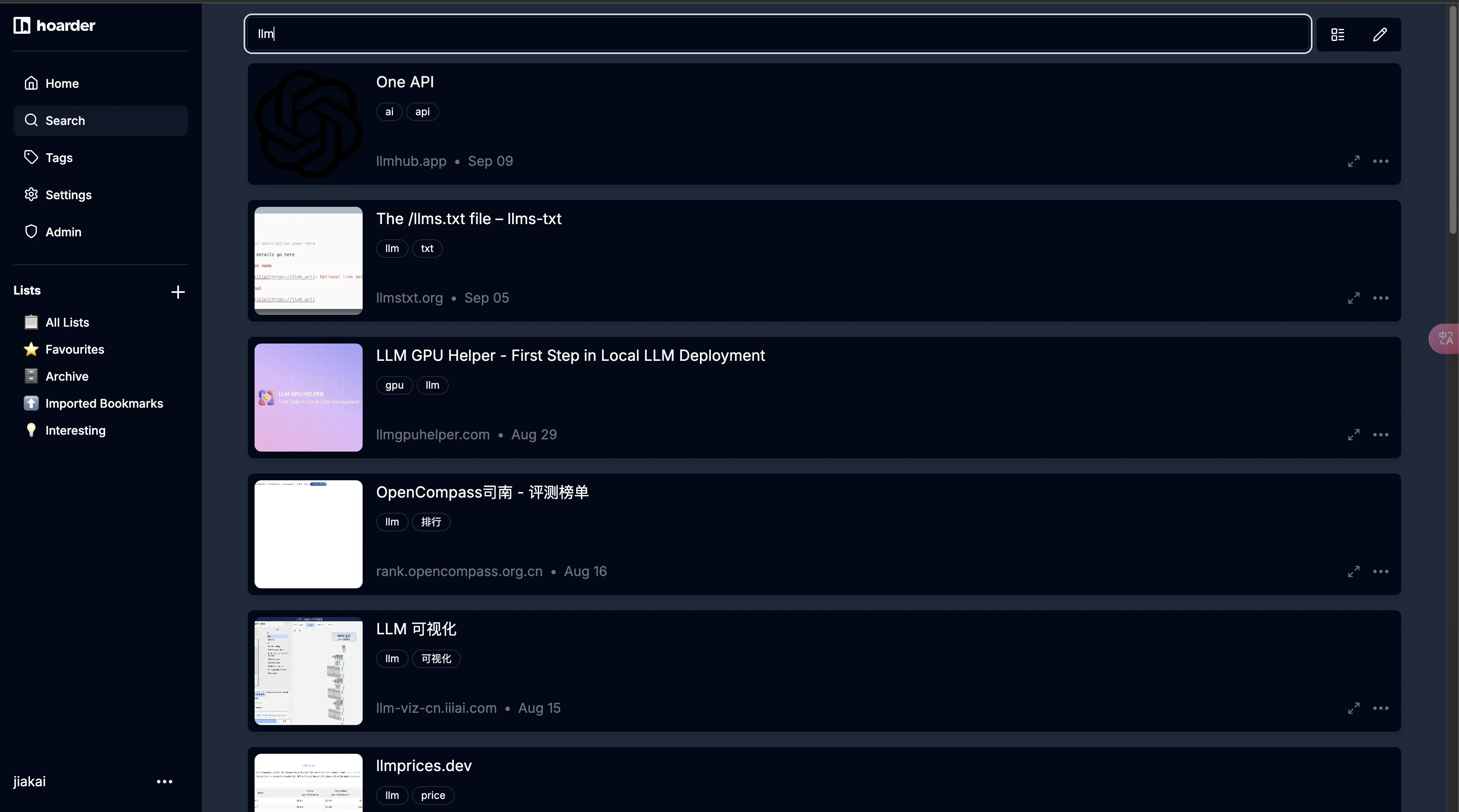
Hoarder search function is OK.
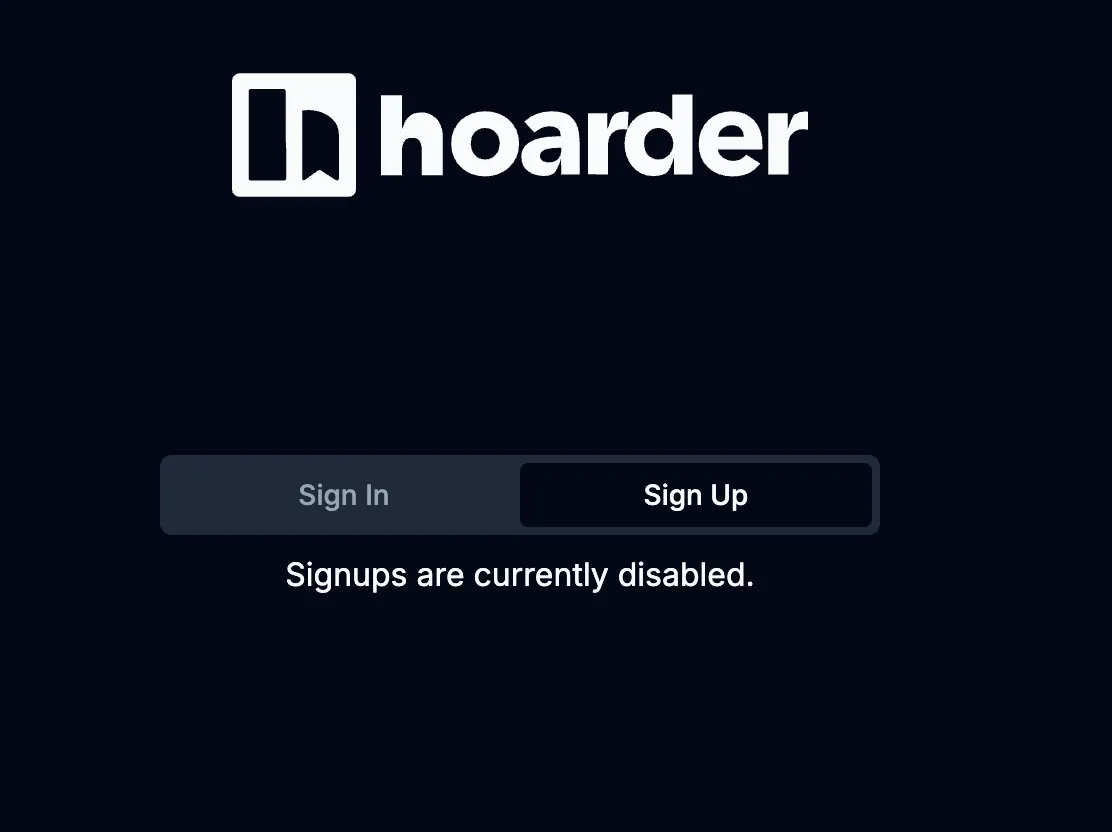
Finally close registration—enjoy hoarder solo 😁.
 1
 2
 3
 4
 5
 6
 7
 8
 9
10
11
12
13
14
15
16
17
18
19
20
21
22
23
24
25
26
27
28
29
30
31
32
33
34
35
36
37
38
39
40
41
42
43
44
45
|
# Modify docker-compose.yml file
vim docker-compose.yml

# Differences from original docker-compose.yml
# Added DISABLE_SIGNUPS environment variable
# If you need AI to tag for you, can configure AI-related environment variables
# For me, manual tags are easier to search
services:
  web:
    image: ghcr.io/hoarder-app/hoarder:${HOARDER_VERSION:-release}
    restart: unless-stopped
    volumes:
      - ./data:/data
    ports:
      - 127.0.0.1:3600:3000
    env_file:
      - .env
    environment:
      MEILI_ADDR: http://meilisearch:7700
      BROWSER_WEB_URL: http://chrome:9222
      DATA_DIR: /data
+     DISABLE_SIGNUPS: true
  chrome:
    image: gcr.io/zenika-hub/alpine-chrome:123
    restart: unless-stopped
    command:
      - --no-sandbox
      - --disable-gpu
      - --disable-dev-shm-usage
      - --remote-debugging-address=0.0.0.0
      - --remote-debugging-port=9222
      - --hide-scrollbars
  meilisearch:
    image: getmeili/meilisearch:v1.6
    restart: unless-stopped
    env_file:
      - .env
    environment:
      MEILI_NO_ANALYTICS: "true"
    volumes:
      - ./meilisearch:/meili_data

# Stop and remove all containers, networks and volumes defined by Docker Compose,
# then recreate and start all services
docker compose down && docker compose up -d
|
Summary
Sorry Raindrop—it’s not that your features are weak, but my wallet isn’t thick enough. After buying €10/month Bero Host, SaaS services were destined to go. Sigh 😑. I’m not rich.
Open-source projects aren’t unusable—just can’t beat Raindrop. App is OK too—as long as it can search, basic needs met.
That’s it. Future SaaS services like Readwise, Inoreader will continue being replaced by open-source projects.
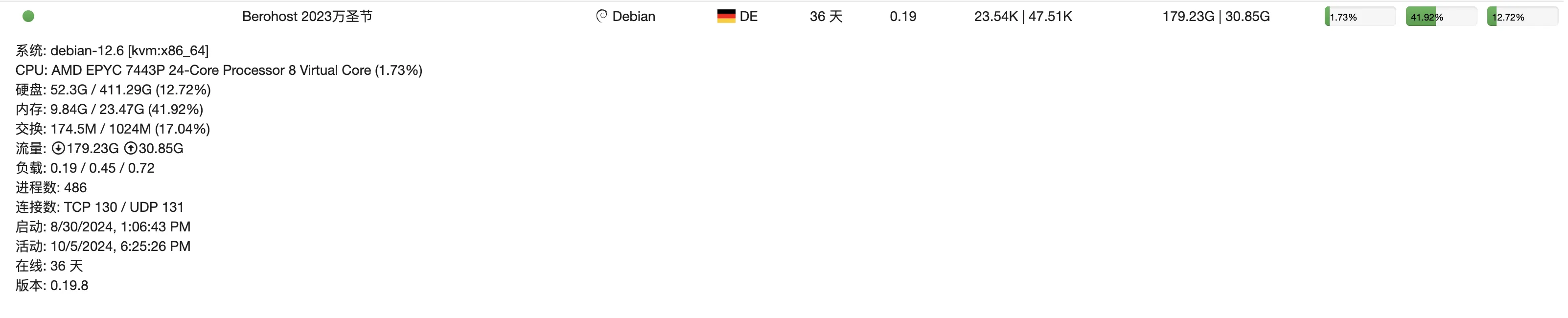
I’ve tried my best to utilize Bero Host machine, but this machine’s specs are too high—enough for me to keep tinkering.
Finally, allow me to advertise—details at via. Today DMIT restocked all products. Friends wanting to self-host nodes, grab the chance.
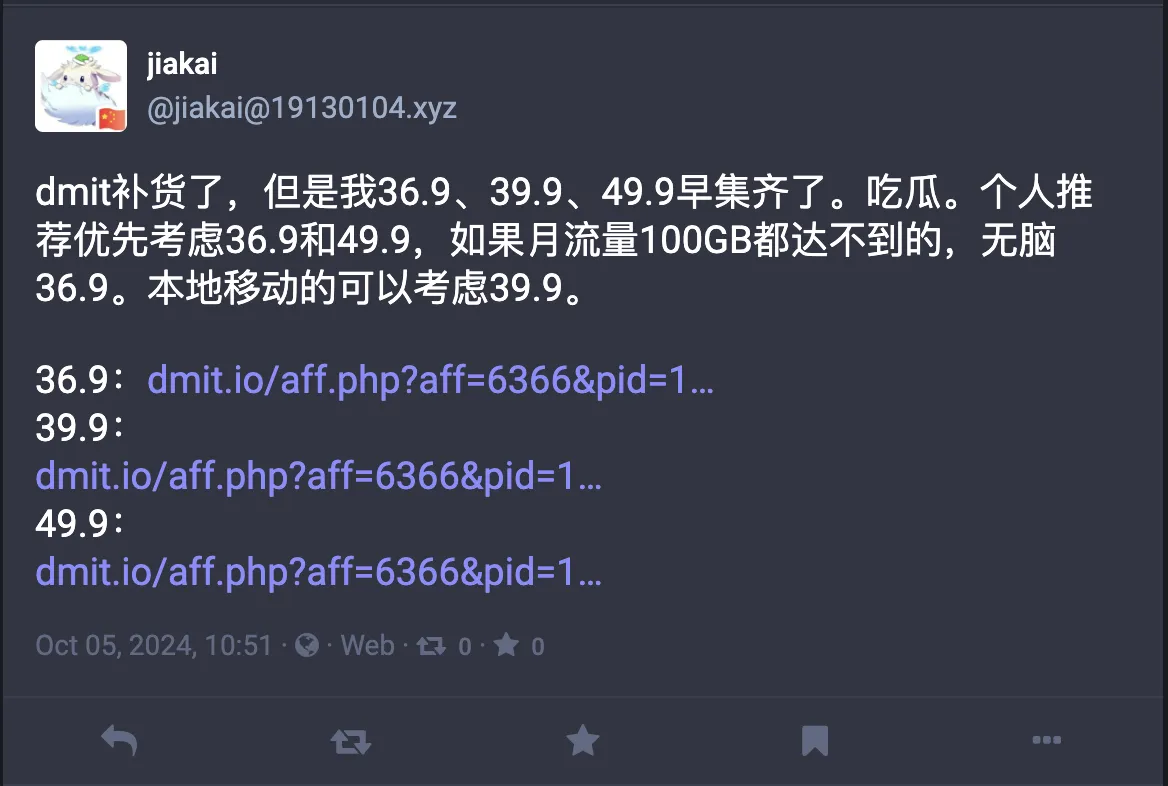
With quality optimized route US West machine plus residential landing, accessing AI services is more stable—no fear of bans. This is also next blog’s topic—my current AI service access configuration.