When LLMs Start Drawing Answers
1. Introduction
Recently noticed many AI services starting to support drawing answers. Drawing answers means AI responses are no longer pure text—supporting richly illustrated output.
In my impression, the true pioneer of visualization is ChatGPT. In the GPT-4o era, ChatGPT would sometimes embed web images in responses to user questions. This made it stand out among services—after all, other AI services’ responses were all pure text at the time.
Later found Grok 4 also embeds web images in responses. This visualization form works well for daily questions.
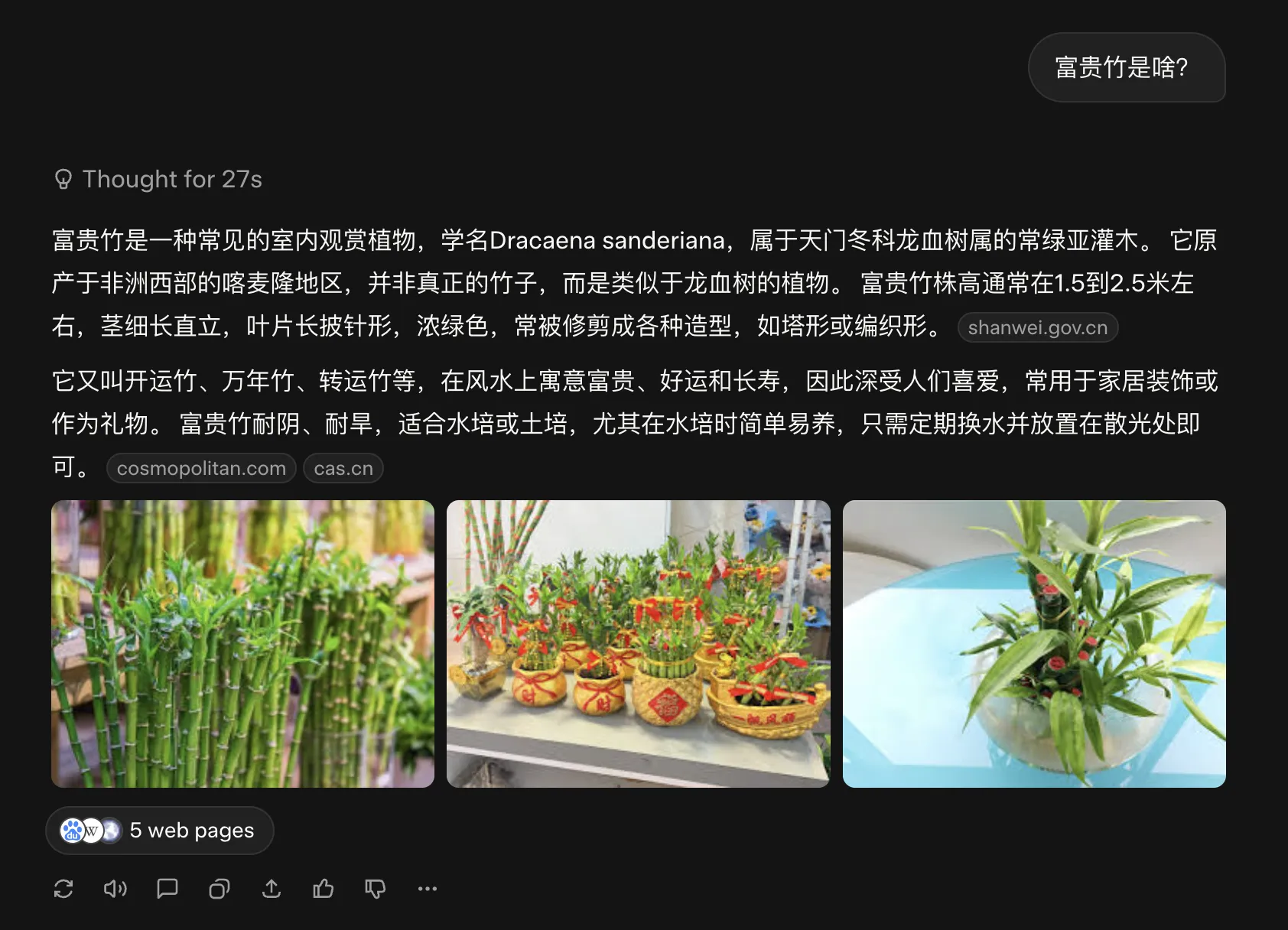
Domestic Yuanbao when explaining WeChat Official Account articles embeds article images for explanation.
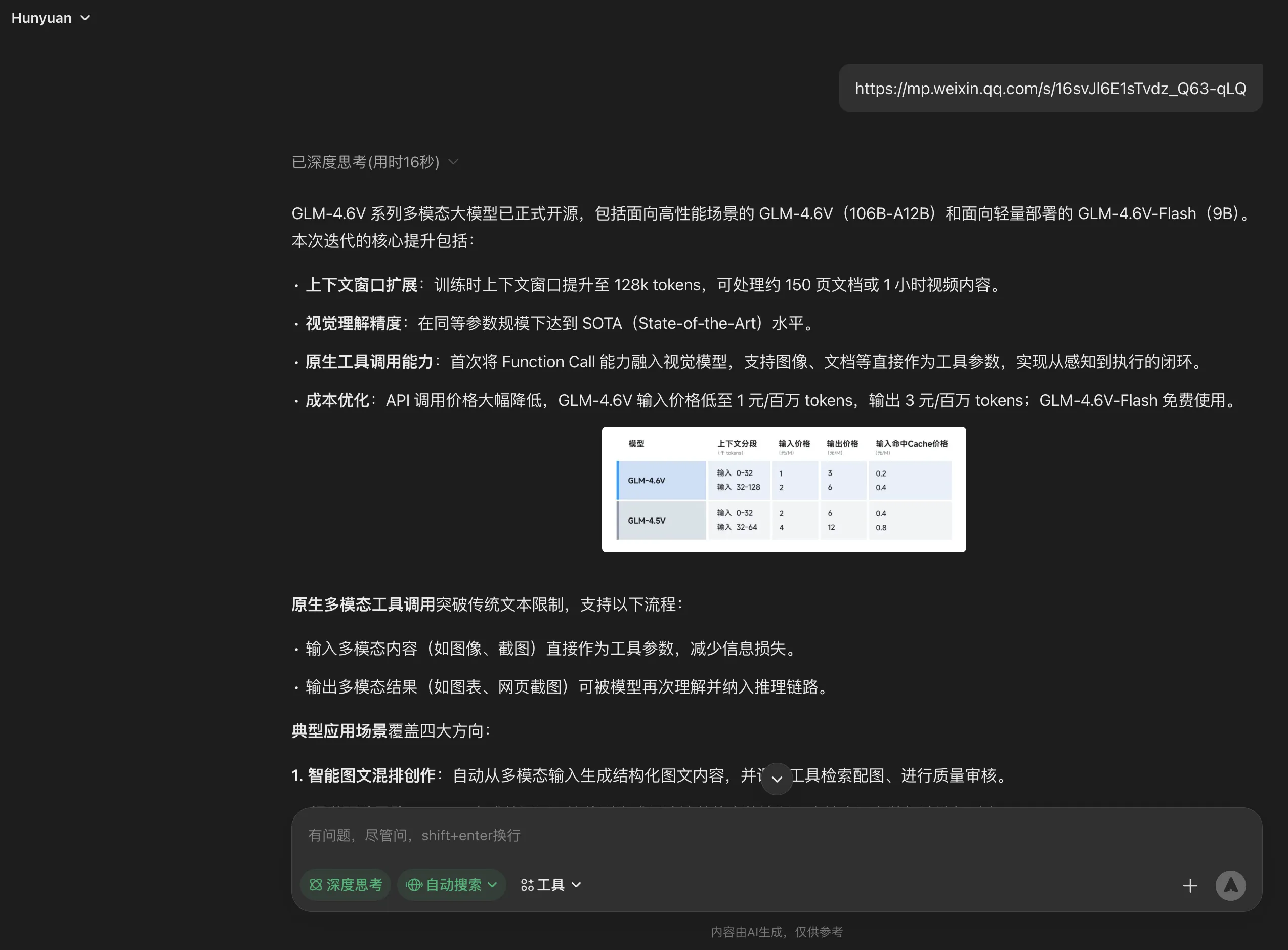
Recently Google AI Mode supports Chinese questions. It also supports embedded web images. Powered by Gemini 3 Pro, sometimes even generates a mini-program to further aid understanding.
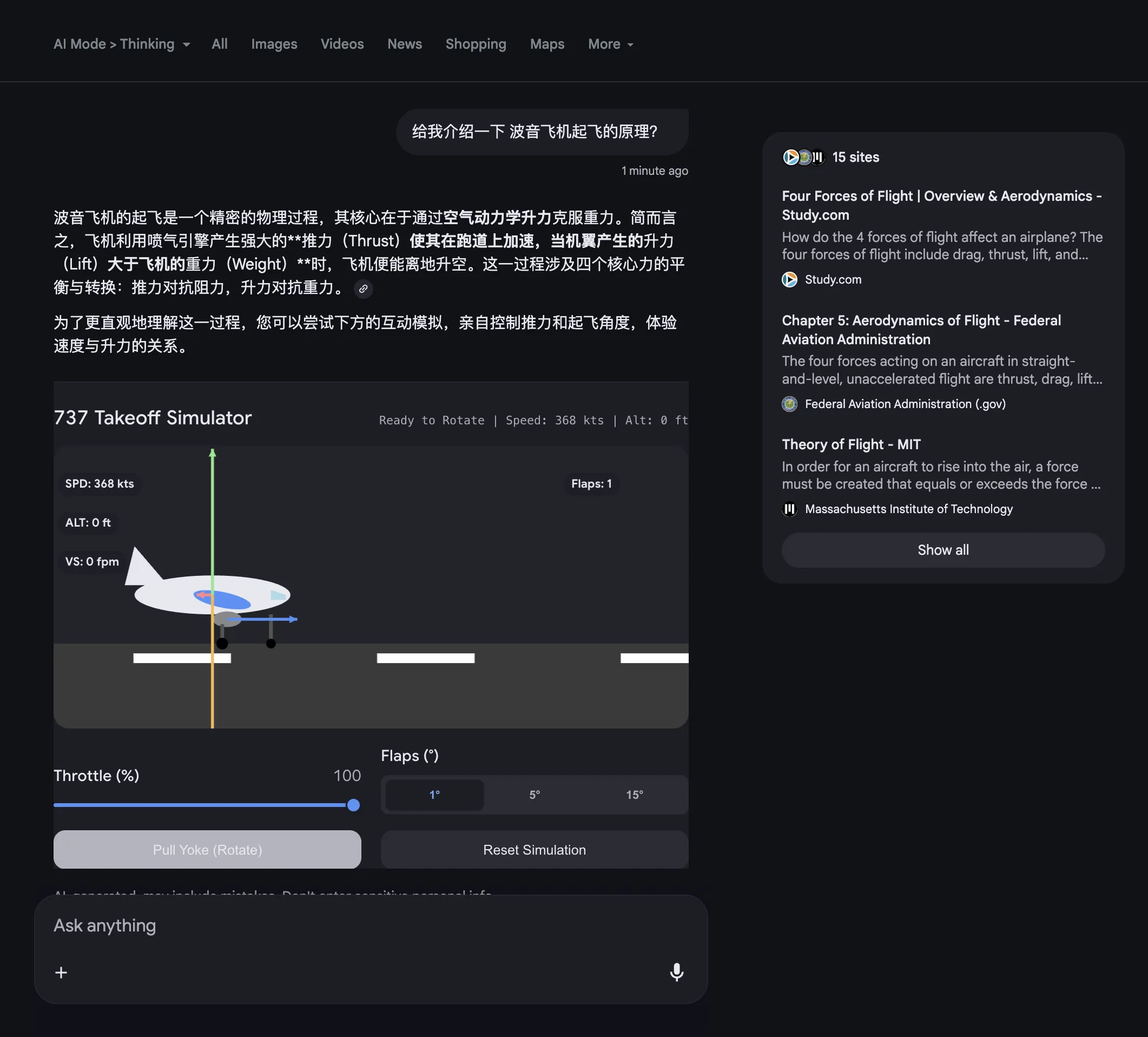
Meanwhile, Google’s Nano Banana Pro text-to-image model, with its SOTA strength, can nicely fill the gap when no suitable web images are available.
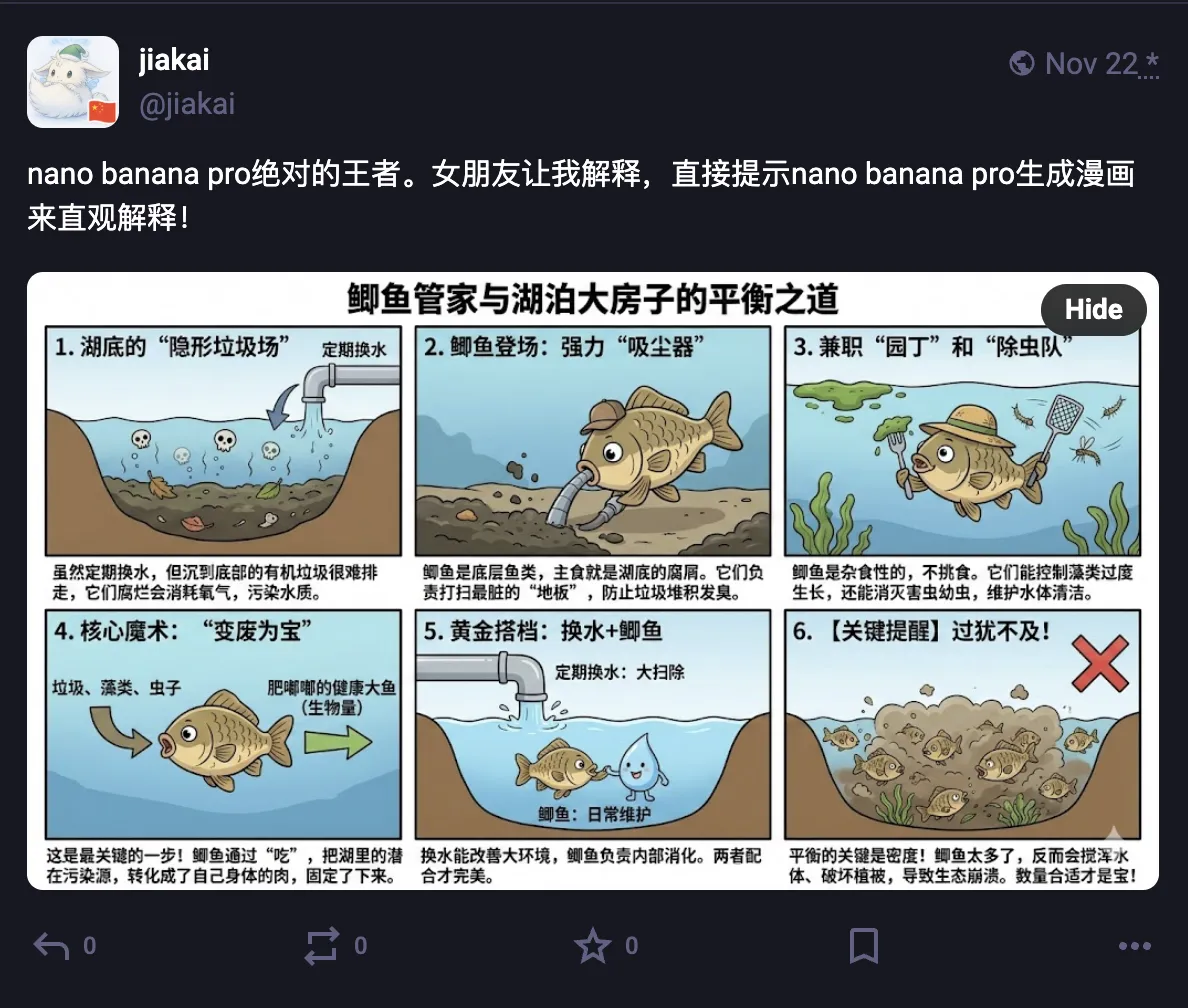
Visual Layout in Gemini App further enriches visualization content—embedding YouTube videos and other Google ecosystem content, further expanding visualization boundaries. [Personally think AI Mode experience is currently slightly better than Visual Layout]

If Google polishes products well and improves user experience, their future AI products will definitely be top-tier—after all their ecosystem is unmatched by anyone else.
Few days ago found an email from Phind 3 in Gmail—promo email. They updated to a new interface that can dynamically generate interactive UI based on questions.
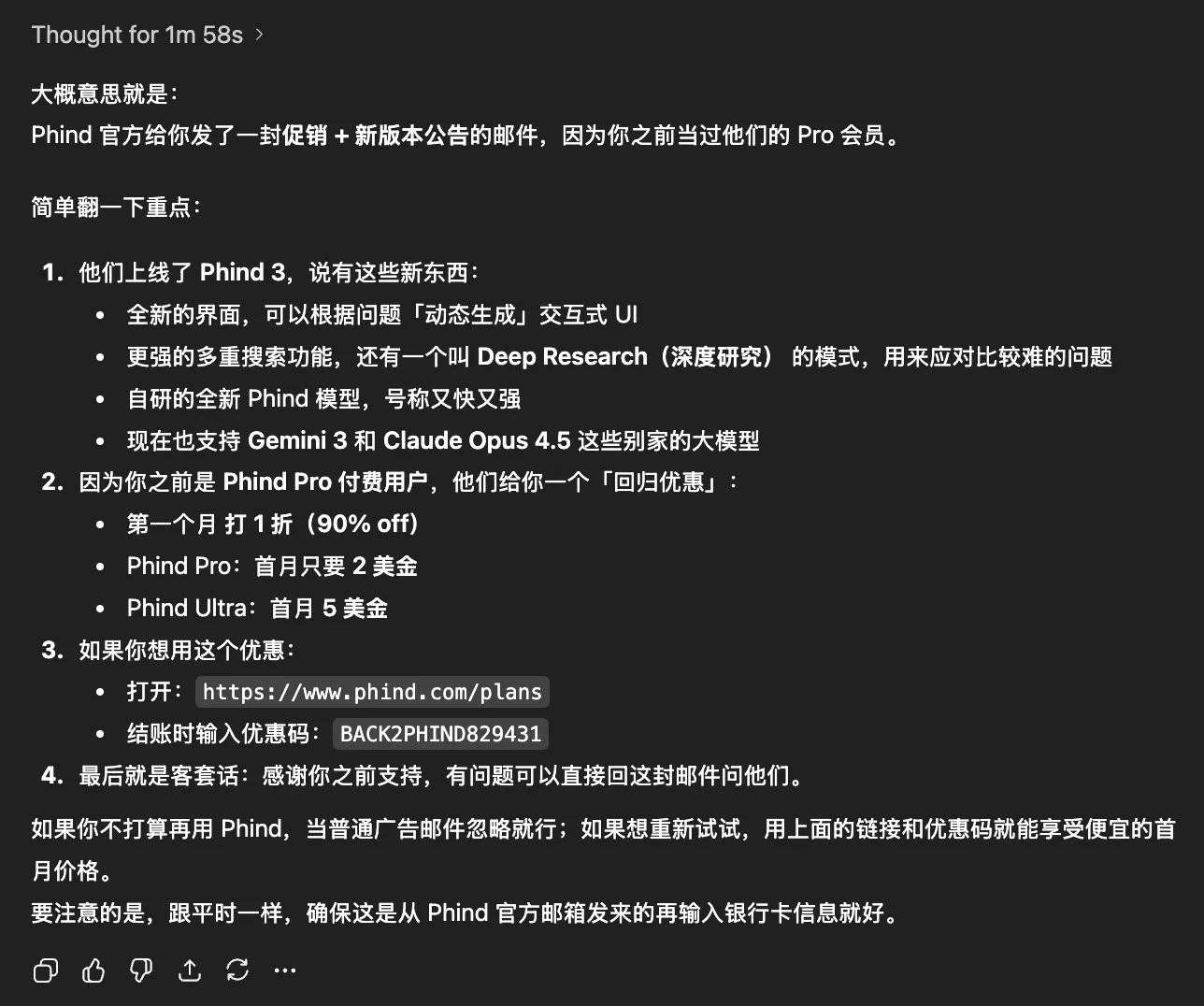
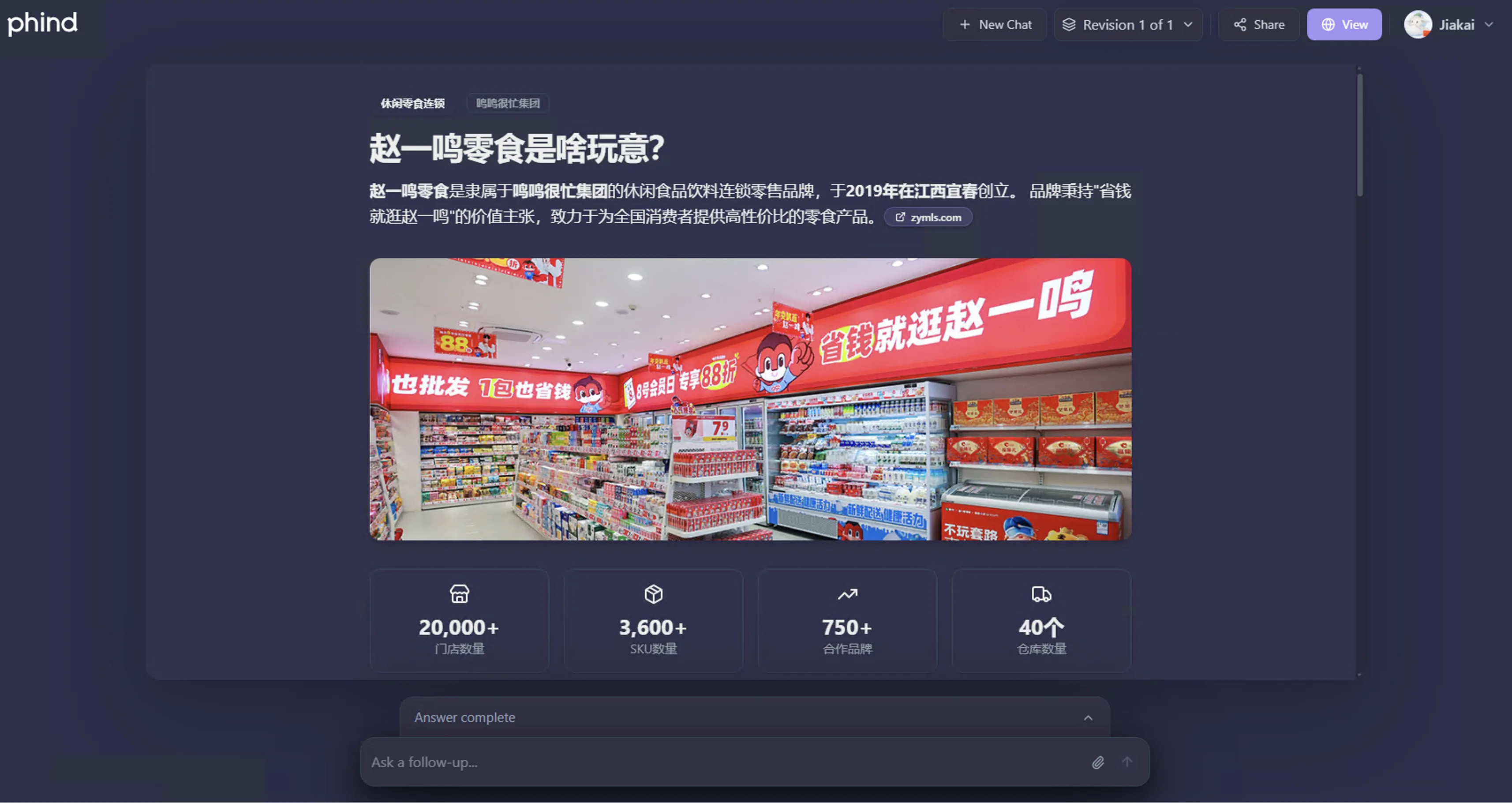
I was curious what level Phind’s visualization could reach powered by Claude Opus 4.5. So spent $5 to subscribe to Phind Ultra for experience.

Its visualization effect is similar to Visual Layout in Gemini App. Demo shown below—see this link.
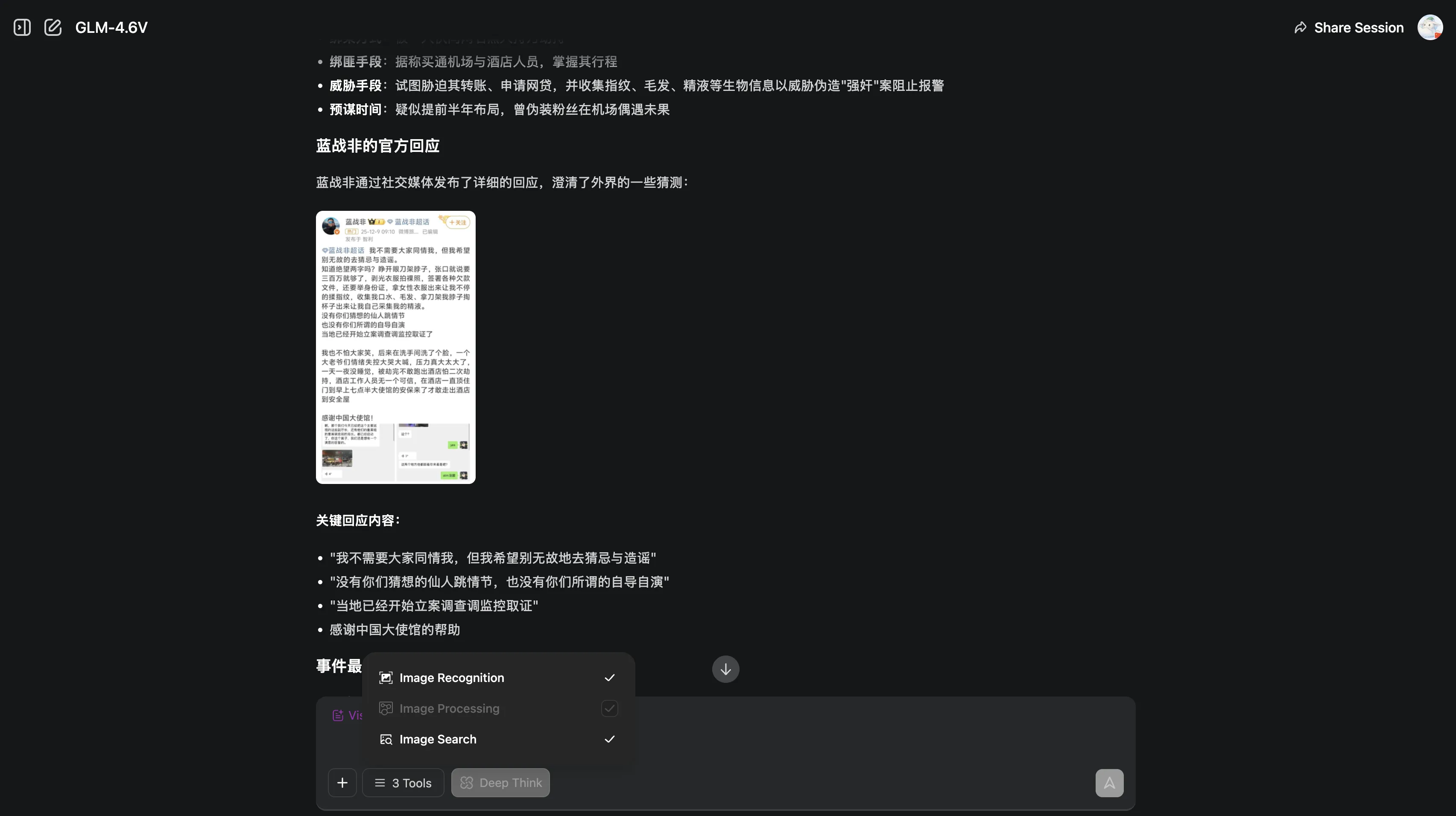
Recently found domestic GLM-4.6V powered by Image Search can also generate responses with web image references.
Domestic Metaso search is also working on visualization. Based on domestic text-to-image model created Meta-banana to enhance visual response effects. Demo shown below—see this link.

With so many examples, it’s clear AI services are pushing in the visualization direction—using richly illustrated output to enhance user experience.
Main technical approaches include:
- Timely referencing existing web images (like Grok, etc.)
- Generating appropriate images based on powerful text-to-image models (like Gemini Nano Banana Pro, etc.)
For services generating mini-program demos, also need model’s strong coding ability. Unattractive pages, poor mini-program effects will reduce user favorability.
2. Right Timing for Visualization
When is AI visual response friendly and necessary for users? Definitely when LLM output text is too dense.
Previously trying various services’ Deep Research features, I thought the biggest shortcoming was lacking visualization. Facing nearly 10,000 words of output, most people would skim or just get the gist. If appropriately interspersed with visualization images, can attract reader interest while giving readers more patience to continue reading.
But doesn’t mean all AI responses should be visualized. Visual responses with web images need to search for relevant images. Text-to-image models generating appropriate images takes time. Generating visual webpage responses needs generating webpage code—sometimes even fixing code for good presentation. These factors inevitably slow down response speed.
In online socializing, we all expect instant replies. This desire also applies to AI responses. Overcomplicating simple questions is unnecessary—unless users are willing to trade more waiting time for higher quality responses.
Recently experienced ChatGPT 5.1 Pro model with free Team plan. Sometimes found its displayed thinking time creates illusion of hard thinking for users—most time spent idle, marking time, only responding after certain time. Sometimes I lose patience waiting and hand the question to other AIs.
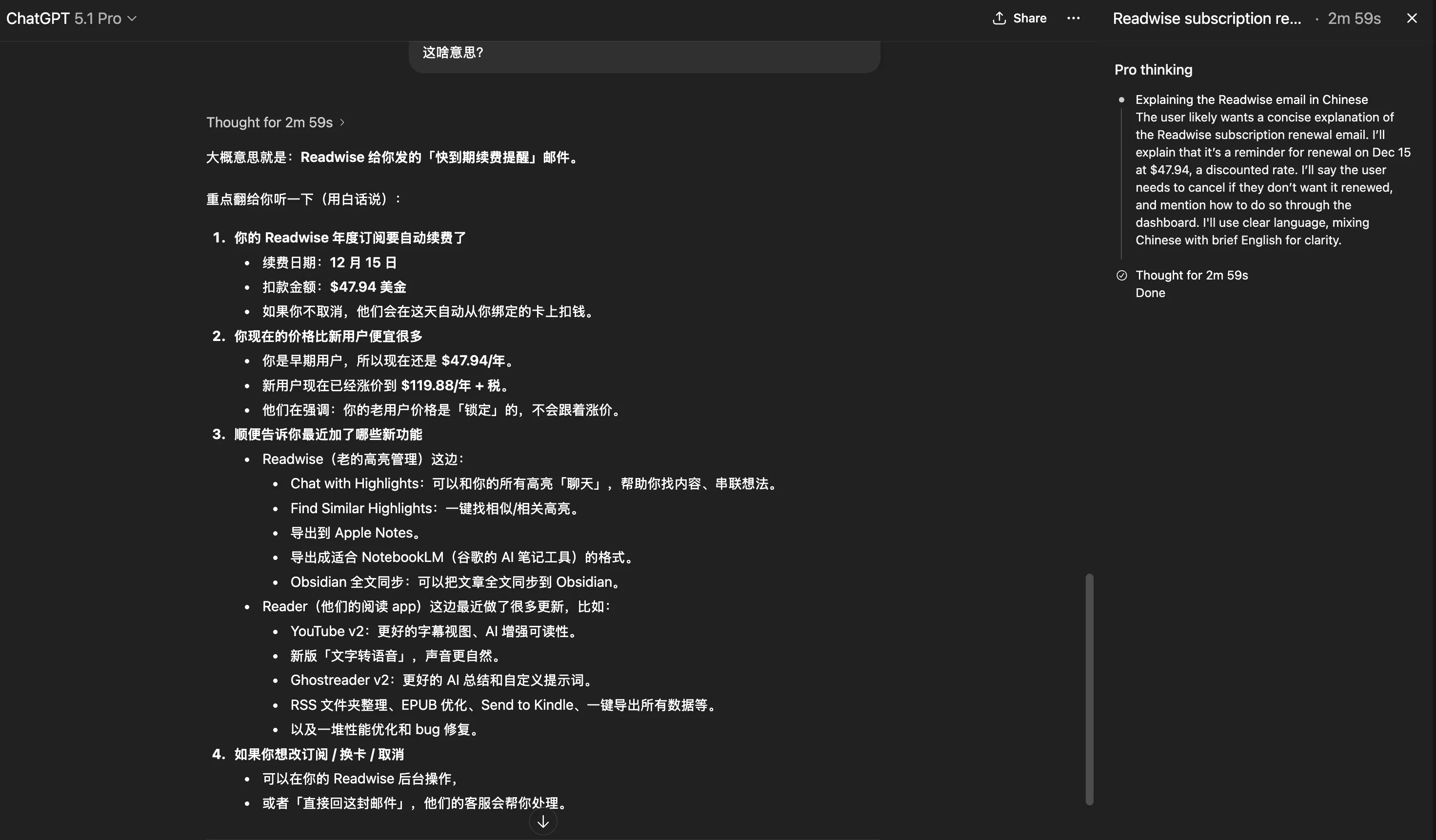
So visual output needs to balance speed and quality—can’t make users wait forever for flashy effects!
What really should be visualized are questions needing concept explanation. Scenarios like having model debug code don’t need it at all. Many other scenarios also shouldn’t be visualized…
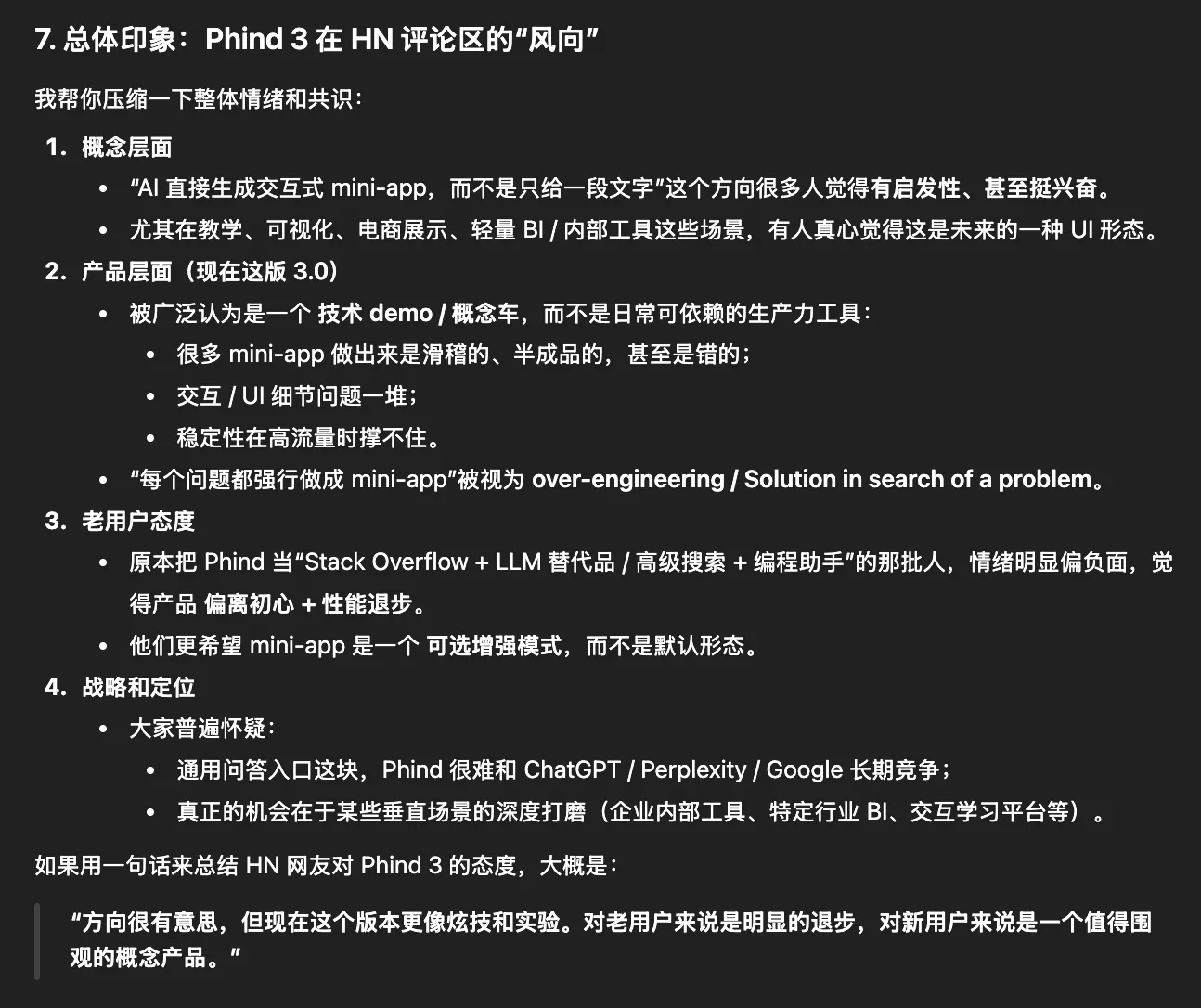
Phind 3’s visualization went to extremes—it’s like a toy, all questions generate an interactive mini-program with code. Most netizens reacted negatively to its release. See GPT 5.1 Pro’s sharp critique.
3. Case Demonstration
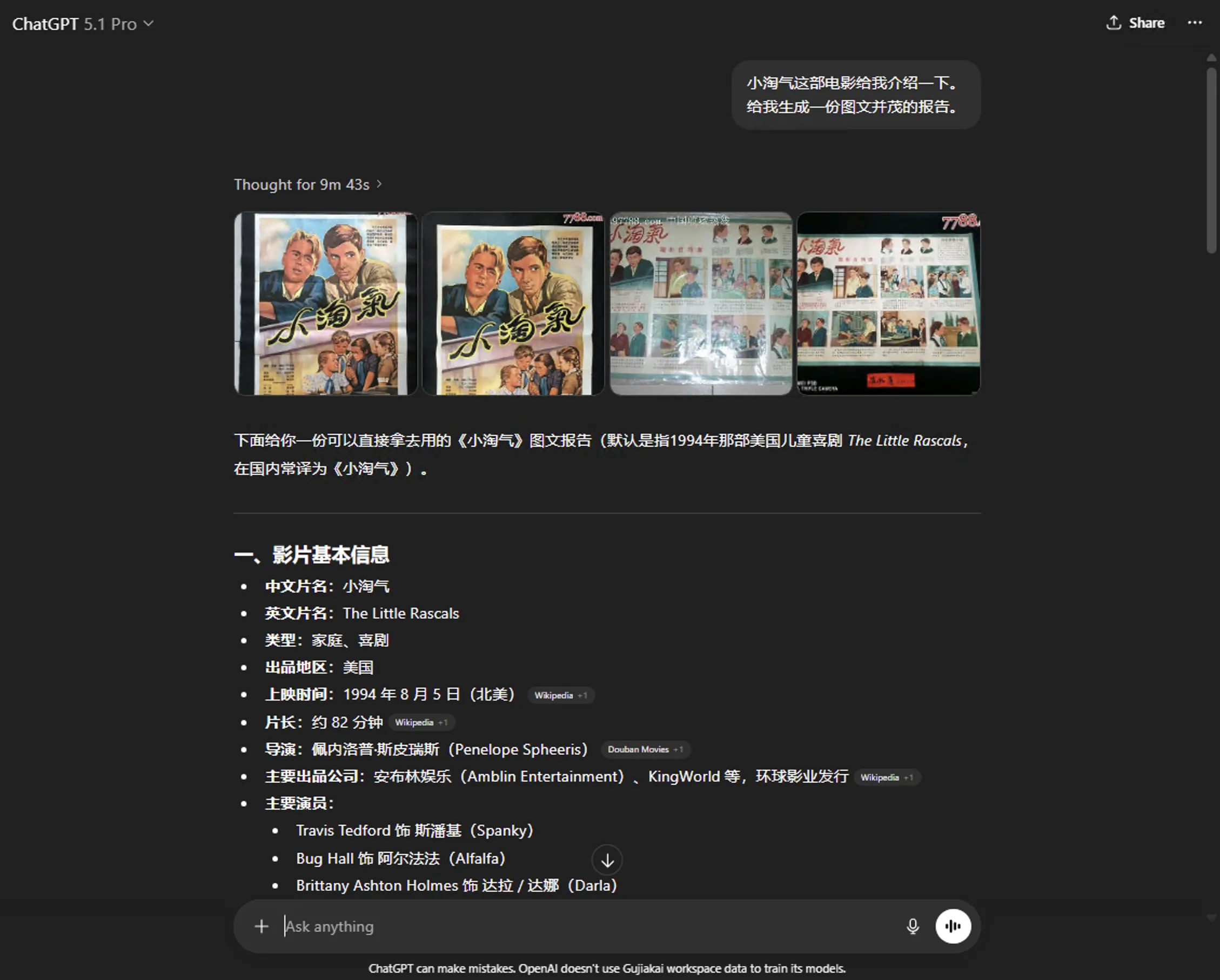
Yesterday watched a comedy film older than me—“The Little Rascals.” Had AIs introduce the film in visual form. From their visual responses can compare visualization capabilities.
ChatGPT 5.1 Pro’s response shown below—visual referenced web images placed at beginning.
Gemini App’s visualization used Nano Banana Pro tool—directly generated corresponding images. Must say these images look very realistic.

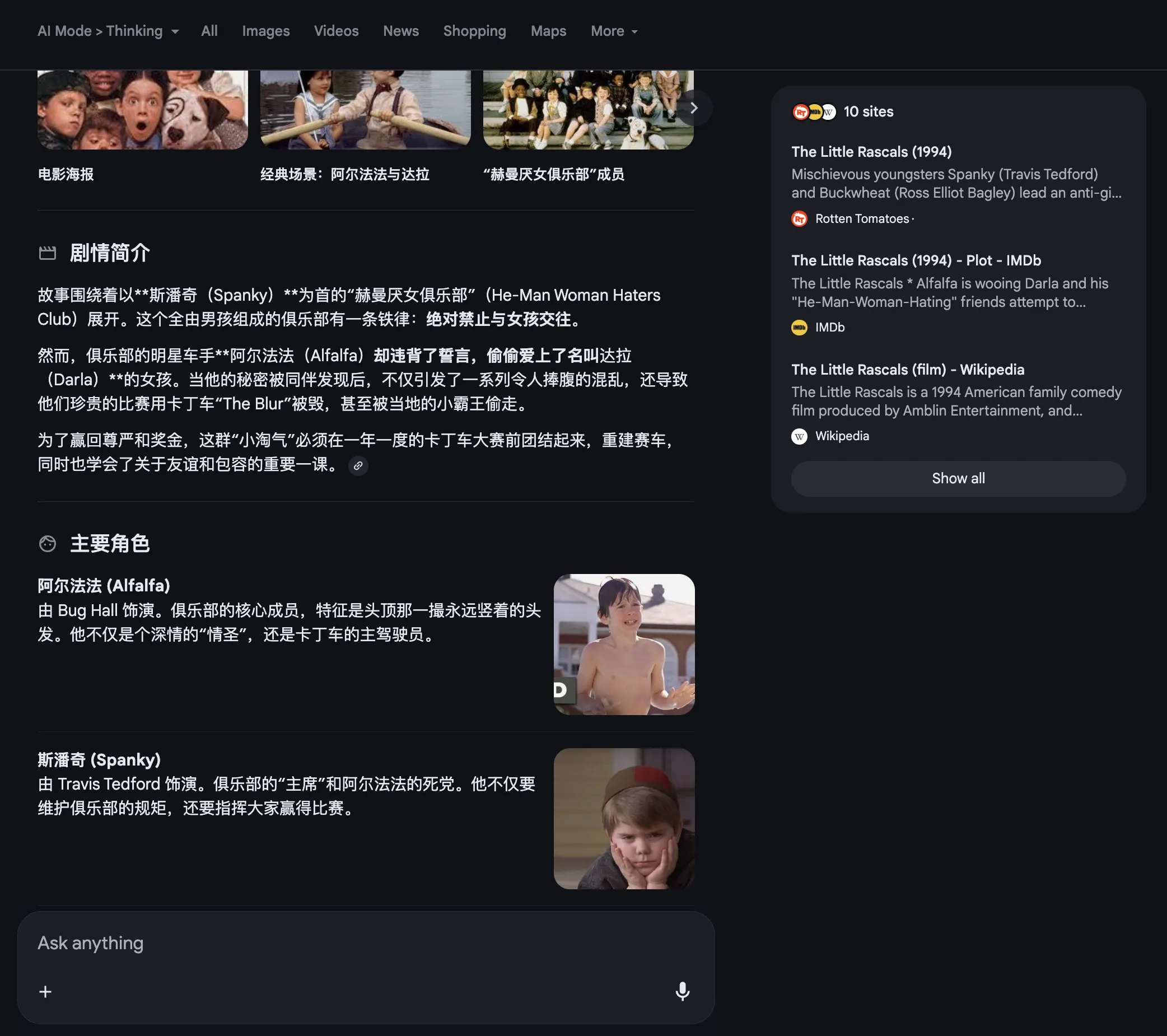
Google AI Mode’s response intersperses referenced web images—its layout deeply appeals to me.
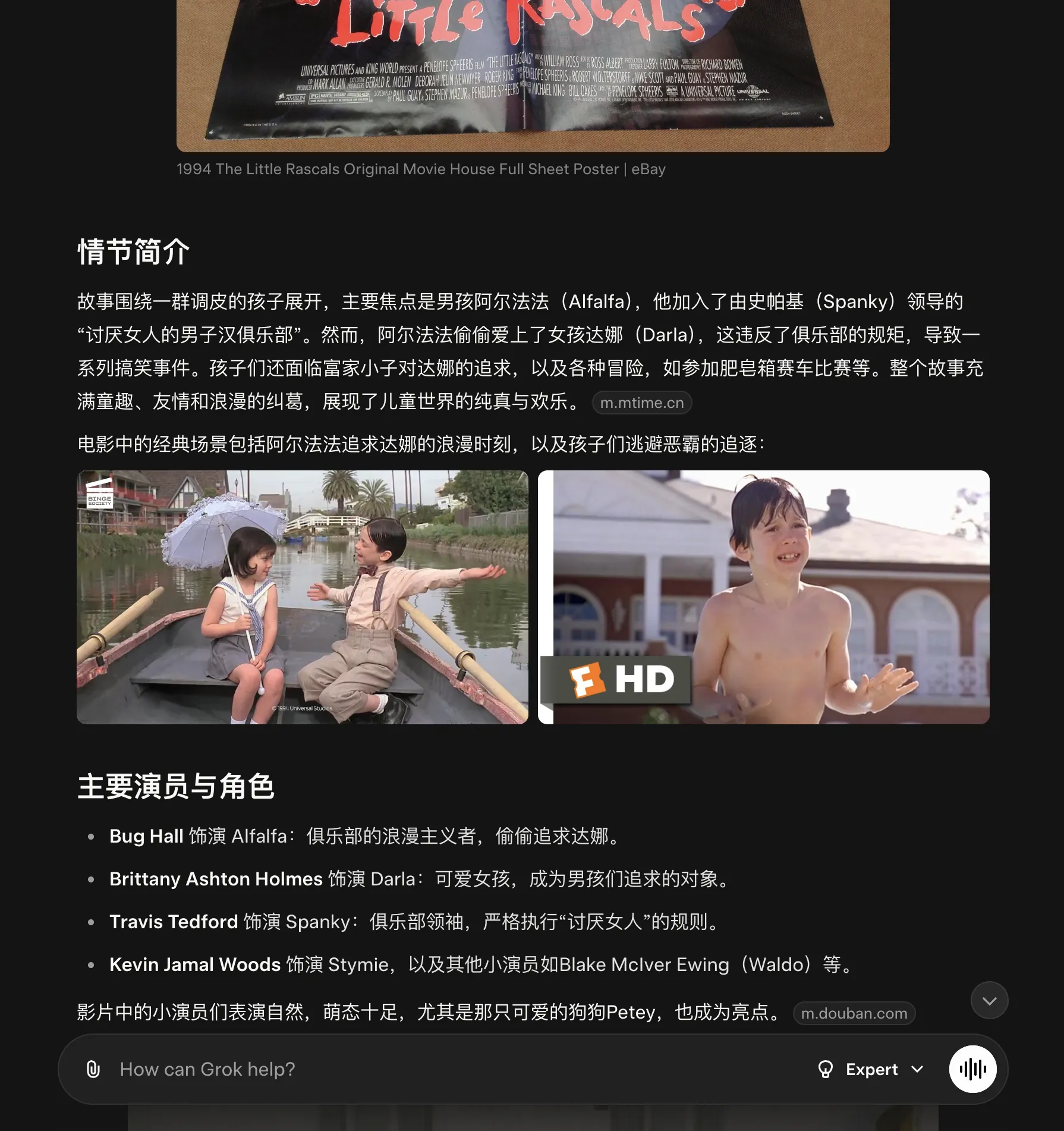
Grok’s response style is similar to Google AI Mode. Link.
Claude uses its coding ability to generate a webpage. Can see Claude sometimes isn’t suited for daily use scenarios—mainly suited for coding scenarios.

Phind 3 effect shown below—needs long wait since it generates an interactive mini-program. Link.
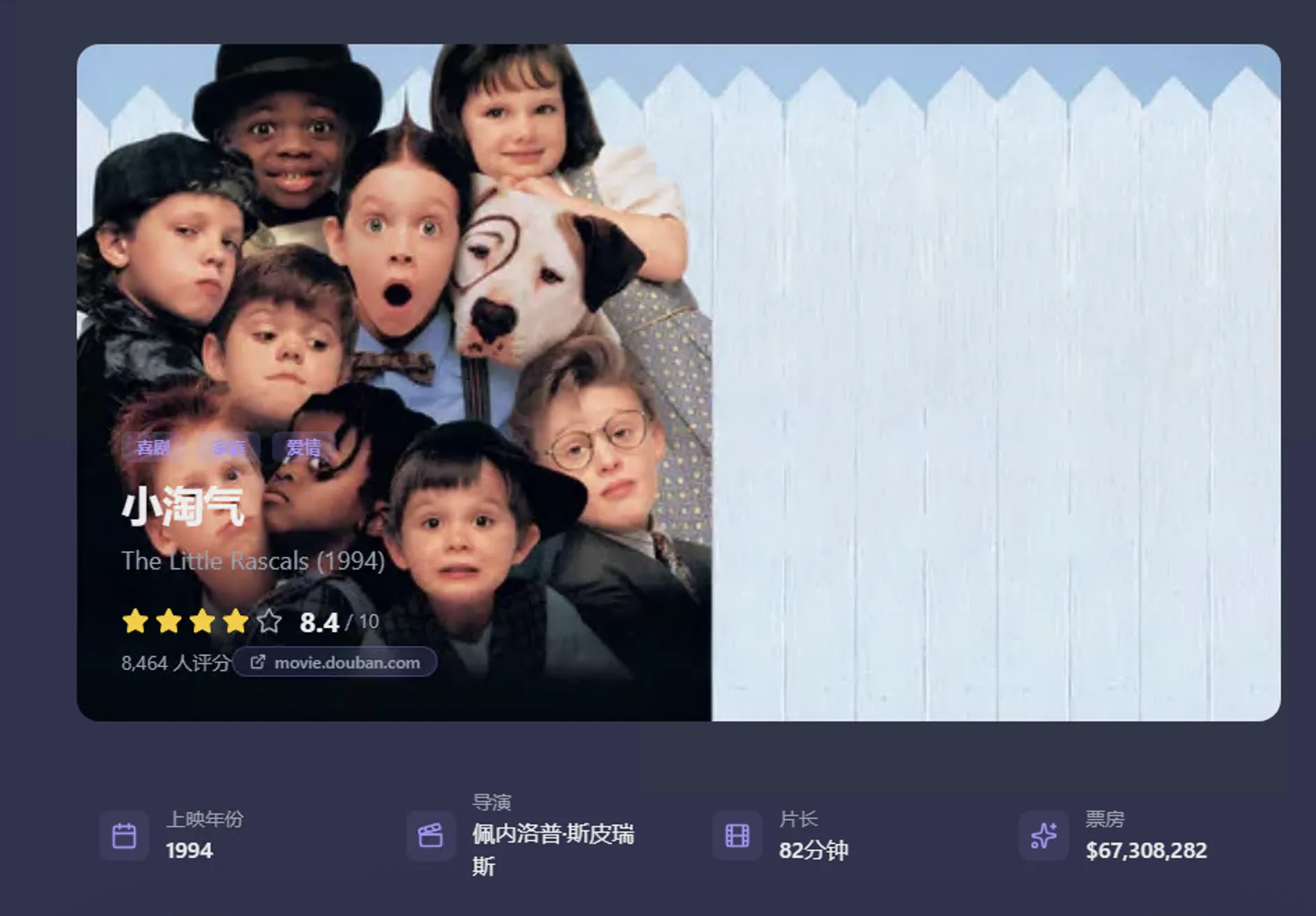
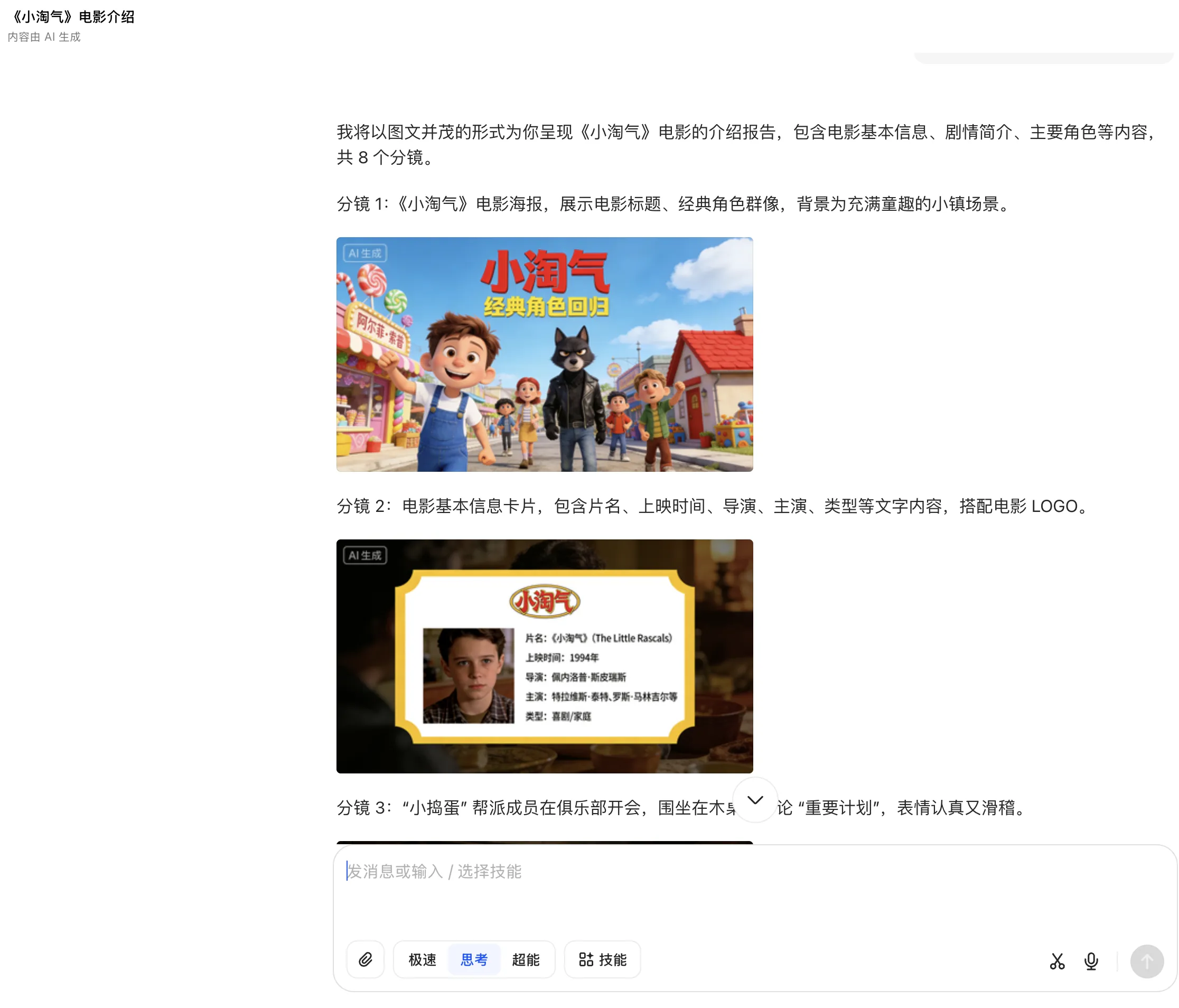
Doubao uses Seedream text-to-image ability—generated corresponding storyboard. Effect not as good as Nano Banana Pro—after all “The Little Rascals” is a foreign film.
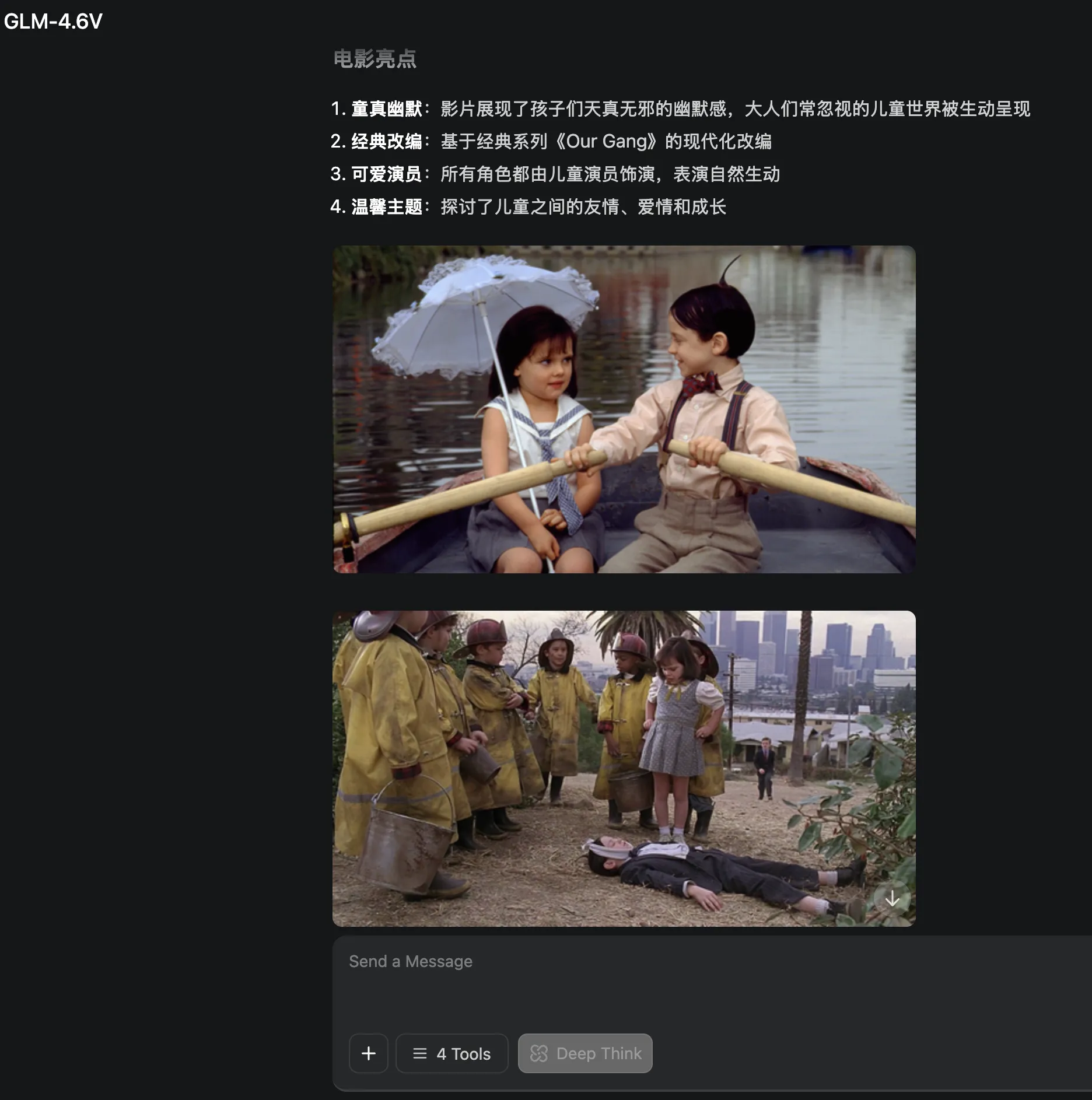
GLM-4.6V’s response is similar to Grok—text and image interspersed layout, easier to attract audience attention. Link.
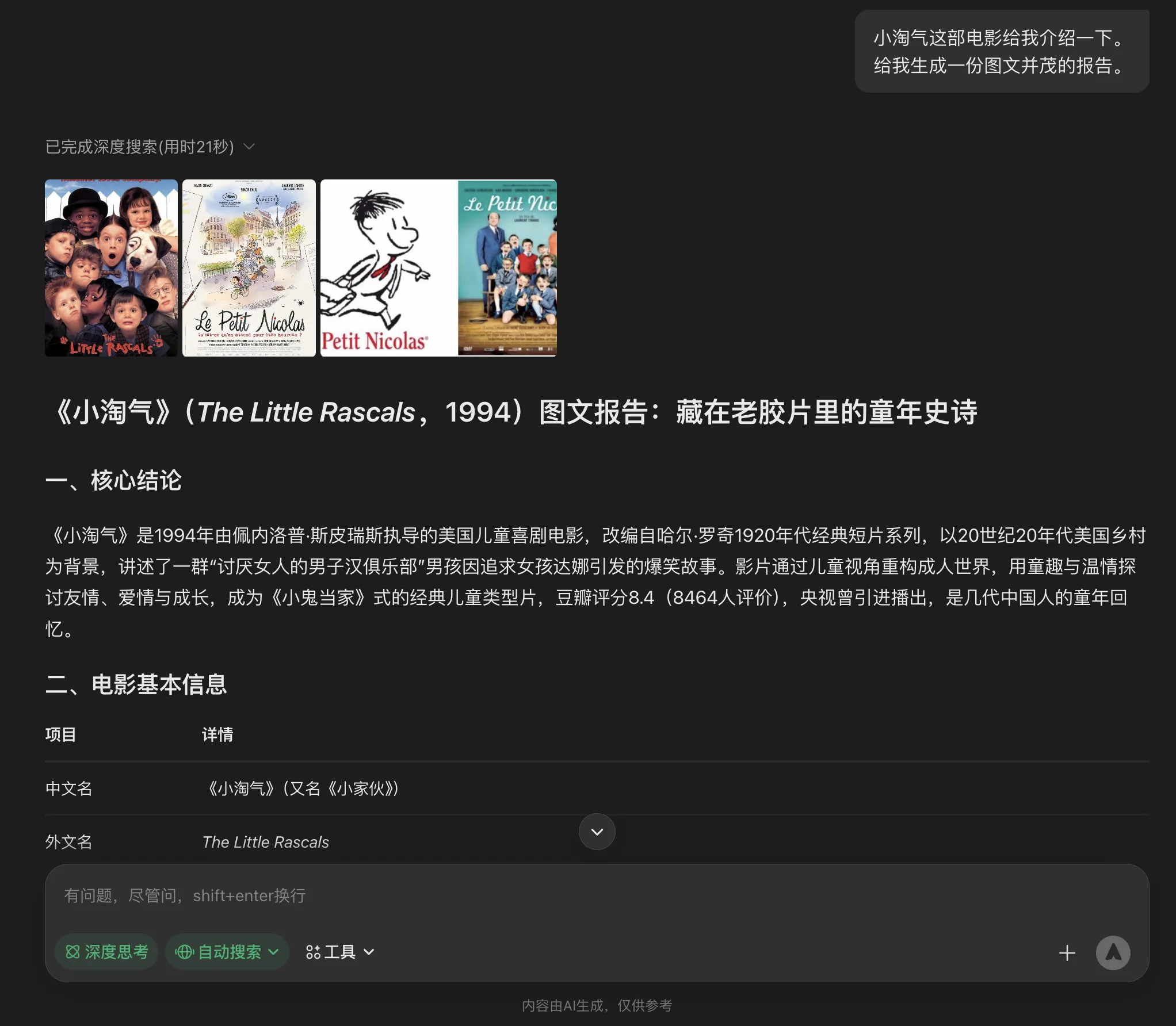
Yuanbao’s visual referenced web images also placed at beginning like ChatGPT.
4. Conclusion
LLMs drawing answers mainly relies on model capability. Poor coding ability means drawn answer interfaces are unattractive—users won’t even want to look. Drawing answers also requires accuracy, but web content varies in quality. Poor model discernment might lead to referencing low-quality content. Poor text-to-image ability means visualization has limitations when web lacks appropriate images.
Overall, current visualization effects most satisfying to me are Google AI Mode, Grok, and GLM-4.6V responses. Text and image interspersed visualization gives a narrative feeling.
Document Info
- License: Free to share - Non-commercial - No derivatives - Attribution required (CC BY-NC-ND 4.0)